
Background removing
Unbekannt
Img-Cut
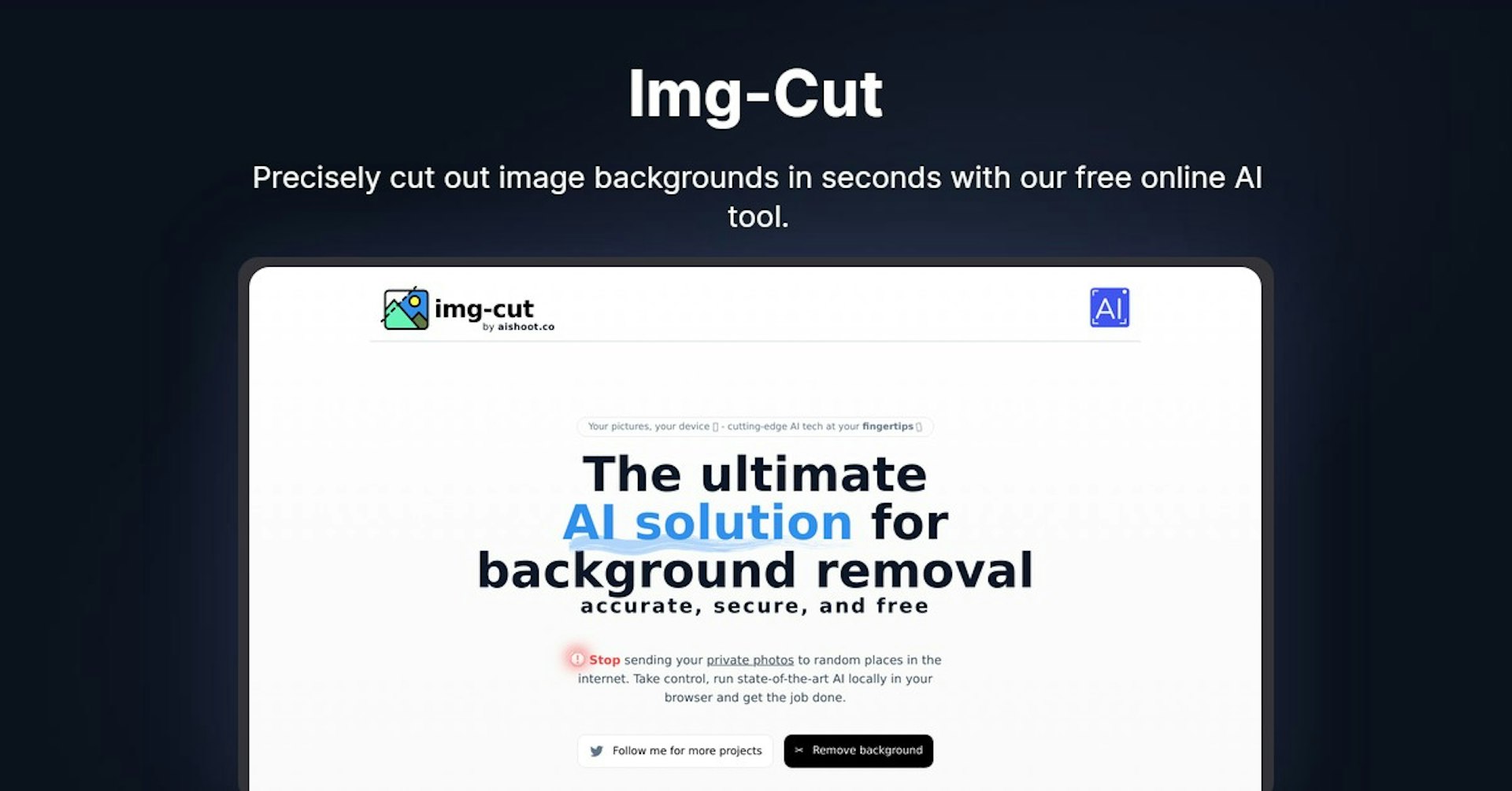
Precisely cut out image backgrounds in seconds with our free online AI tool.
4.5
(42 reviews)
Übersicht
Funktionen
Einrichtung
Why Choose Img-Cut?
KI-gestützt
Nutzt modernste KI-Technologie für überlegene Ergebnisse
Einfach zu bedienen
Intuitive Oberfläche für Benutzer aller Kenntnisstufen
Nahtlose Integration
Funktioniert perfekt mit Ihren bestehenden Tools und Workflows
About Img-Cut
Overview of Img-Cut: A Powerful yet Simple AI Background Remover
Img-Cut is an innovative AI-powered online tool by AI Shoot that allows users to easily remove backgrounds from images. It utilizes advanced deep learning algorithms to precisely cut out backgrounds while preserving important details.
How Img-Cut's Background Remover Works
Img-Cut runs locally in your web browser for speed, security and privacy. Simply upload an image and the AI model goes to work automatically detecting edges and removing the background. You can then download the cutout image or further refine it.
Key Features and Benefits
- Precise Background Removal
- Cuts out backgrounds accurately while preserving fine details
- Local Processing
- Runs in your browser so images stay private
- Instant Results
- Backgrounds removed in seconds after uploading
- Refinement Tools
- Further tune and perfect the cutout
- Download Options
- PNG, JPG, transparent PNG, etc.
Use Cases and Applications
Img-Cut can help with:
- Creative Projects
- Scrapbooking, posters, invitations, etc.
- Ecommerce
- Clean product images on white backgrounds
- Social Media
- Profile pictures and post images
- Presentations
- Clean slide images focusing attention
Its uses are endless for personal and commercial projects.
Who Is Img-Cut For?
Img-Cut is useful for:
- Creative Professionals
- Graphic designers, photographers, editors
- Small Business Owners
- Ecommerce shops, local businesses, bloggers
- Marketers
- Social media managers, digital marketers
- Students and Educators
- Creating presentations and instructional materials
- Personal Users
- Photo editing, scrapbooking, invitations
Pricing and Plans
Img-Cut is completely free to use with no limits. There are no subscriptions or upgrades.
Support Options
- FAQ Section
- Answers most common questions
- Contact Form
- Directly message the developers
- Twitter Support
- The founders are active on Twitter
Integrations and API
There are currently no integrations or API available. Img-Cut is a standalone web application.
What Users Are Saying
Img-Cut has over 500 ⭐️⭐️⭐️⭐️⭐️ reviews praising its ease of use, speed, and great results. Users love having a powerful background remover that protects privacy by running locally.
Frequently Asked Questions
Is my data safe? Yes, Img-Cut runs 100% in your browser protecting privacy.
Do I have to sign up? No sign up required. Just visit the site and start removing backgrounds.
What file types can I use? JPG, PNG, and GIF formats are supported.
What's the output quality? Cutouts can be downloaded up to 4K resolution.
More Information and Links
- Homepage: https://img-cut.aishoot.co
- Twitter: https://twitter.com/bkobos
- Github: https://github.com/bernii
Img-Cut mit Autonoly beschleunigen
Verbinden Sie Img-Cut mit über 200 Apps und automatisieren Sie Ihren gesamten Workflow
10x schnellere Workflows mit KI-Automatisierung
Kein Programmieren erforderlich – visuelles Drag & Drop
75% Einsparung bei Betriebskosten
Enterprise-Sicherheit & Zuverlässigkeit
Ähnliche KI-Tools

PortraitAI
AI generates elegant 18th century-style portraits from your photos for impressive custom art.

Kaedim
Instantly create stunning 3D models from photos with AI, no expertise needed.

Blockadelabs
Craft captivating virtual worlds from text with our magical AI skybox generator

Polycam
Transform everyday photos into stunning 3D models with this popular scanning app.
Tool-Details
- Kategorie
Background removing
- Bewertung
4.5/5 (42 Bewertungen)
- Support
Dokumentation & Community