
Code debugging
Unbekannt
Jam
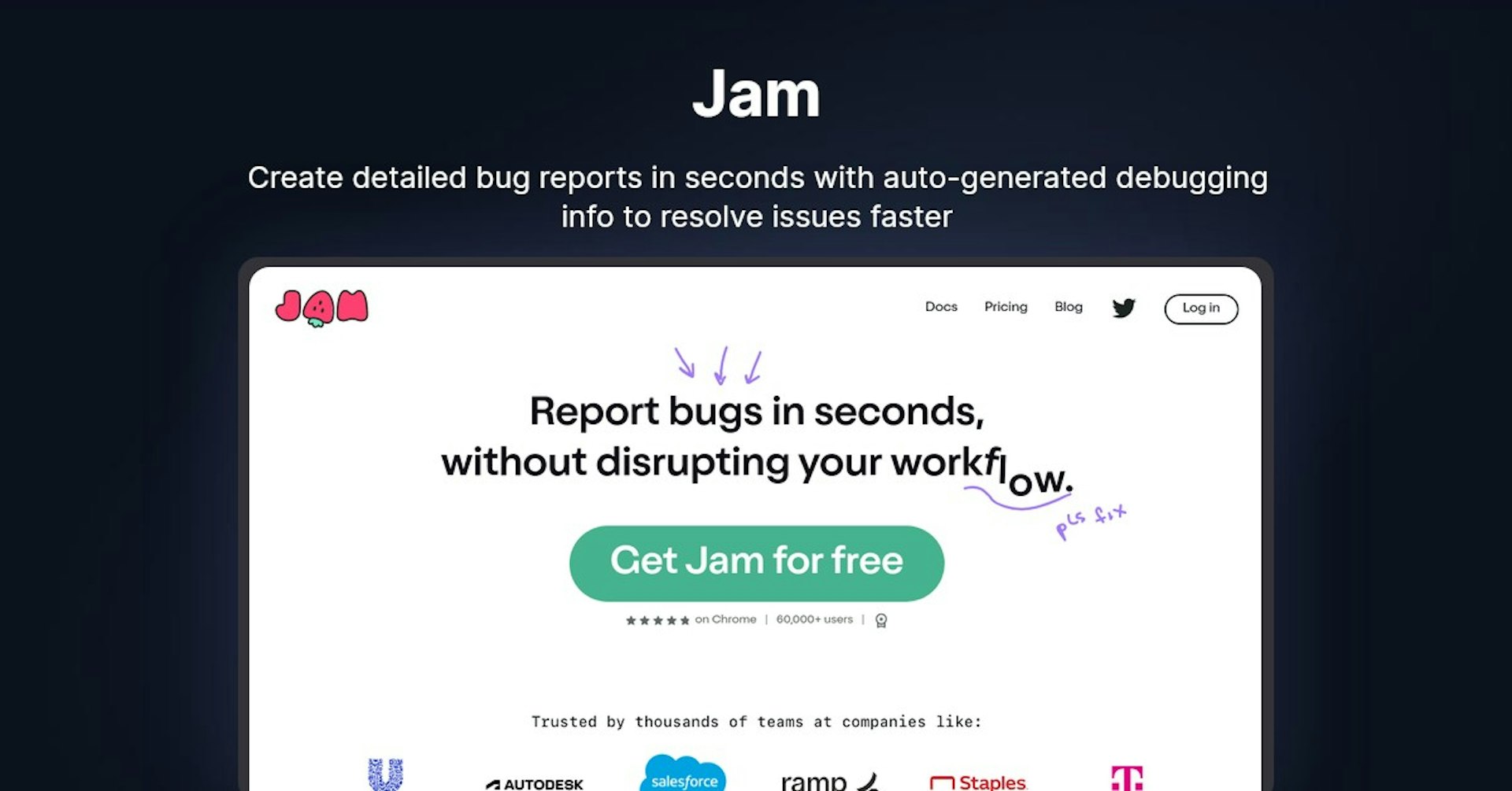
Create detailed bug reports in seconds with auto-generated debugging info to resolve issues faster
4.5
(42 reviews)
Übersicht
Funktionen
Einrichtung
Why Choose Jam?
KI-gestützt
Nutzt modernste KI-Technologie für überlegene Ergebnisse
Einfach zu bedienen
Intuitive Oberfläche für Benutzer aller Kenntnisstufen
Nahtlose Integration
Funktioniert perfekt mit Ihren bestehenden Tools und Workflows
About Jam
Overview of Jam - Effortless Bug Reporting
Jam is a powerful bug reporting and debugging solution that allows you to create detailed bug reports in seconds without disrupting your workflow. With just a screenshot or screen recording, Jam automatically captures all the information engineers need to debug, including console logs, network requests, browser details, repro steps, and more.
How Jam Works
Jam is an easy-to-use Chrome extension. To create a bug report, simply take a screenshot or screen recording of the bug happening. Jam will automatically extract important debugging information from the recording, including:
- Console logs
- Network requests
- Browser and device details
- Repro steps
- Comments
This information is compiled into a shareable bug report that can be sent directly to your team's issue tracker. The bug report contains everything needed for engineers to debug without any back and forth communication.
Key Features and Benefits
Detailed Bug Reports
- Captures console logs, network requests, browser info, device details, repro steps, comments, etc.
- Eliminates the need for follow-up questions and extra context
Integrations
- Integrates with all popular issue trackers like Jira, GitHub, GitLab, Asana, Trello, etc.
- Share links to bug reports or send them directly to tools
- Useful for teammates whether they use Jam or not
Saves Time
- Create perfect bug reports in seconds
- No need to write out repro steps or explain what happened
- Get back to work faster after reporting
Free Version
- Free version available with full functionality
- Over 30,000 users already benefiting
Use Cases and Applications
Jam is useful for:
Software Development Teams
- Streamline bug reporting for developers and testers
- Integrate seamlessly with existing tools like Jira or GitHub
- Reduce back and forth when reporting bugs
Designers and Creatives
- Easily report issues in designs, website builds, or prototypes
- Share links to bug reports rather than screenshots
- Ensure developers have all relevant context
Customer Support Teams
- Quickly log bugs from customer complaints
- Automatically capture relevant data like browser details
- Reduce duplicate tickets for same issues
Individual Users
- Report issues on websites or applications as an end user
- Submit feedback to companies and developers
- Help improve your favorite sites and apps
Plans and Pricing
Jam offers a free and paid version:
Free Version
- Available as a Chrome extension
- Full functionality and unlimited reports
- Over 30,000 users
Paid Team Plans
- Starts at $16 per user per month
- Billed annually
- 14-day free trial
See Jam's pricing page for more details.
Support
Jam offers email support. Customers can contact the Jam support team directly from the app.
Integrations
Popular issue tracker integrations include:
- Jira
- GitHub
- GitLab
- Asana
- Trello
- ClickUp
- Linear
- And more
Jam also offers a REST API for building custom integrations.
Reviews and Reputation
Jam is trusted by over 60,000 users and companies like PLEXUSS, Blend Marketing, and Makelog. Here are some reviews from customers:
"With Jam you don’t need separate resources focusing just on bugs. You can get more done with less people." - Nic Nuyten, Head of Product @ PLEXUSS
"QA used to be the worst part of our website build process, but you guys made it faster and better." - Lucas Kostecki, Web Developer @ Blend Marketing
"Jam is my new favorite tool! It felt so much better than what it was before that you can't believe anyone's doing it in any other way." - JJ Nguyen, CEO @ Makelog
Frequently Asked Questions
Is there a free version?
Yes, Jam's free version is available as a Chrome extension with full functionality.
What integrations are available?
Jam integrates with all popular issue trackers like Jira, GitHub, GitLab, Asana, Trello, and more. It also offers a REST API.
What information is captured in a bug report?
Jam captures console logs, network requests, browser details, device info, repro steps, screenshots, comments, and more.
Does Jam work for mobile app testing?
Jam currently only works for reporting issues on websites. Mobile app integration is on the roadmap.
Useful Links
Jam mit Autonoly beschleunigen
Verbinden Sie Jam mit über 200 Apps und automatisieren Sie Ihren gesamten Workflow
10x schnellere Workflows mit KI-Automatisierung
Kein Programmieren erforderlich – visuelles Drag & Drop
75% Einsparung bei Betriebskosten
Enterprise-Sicherheit & Zuverlässigkeit
Ähnliche KI-Tools

PortraitAI
AI generates elegant 18th century-style portraits from your photos for impressive custom art.

Kaedim
Instantly create stunning 3D models from photos with AI, no expertise needed.

Blockadelabs
Craft captivating virtual worlds from text with our magical AI skybox generator

Polycam
Transform everyday photos into stunning 3D models with this popular scanning app.
Tool-Details
- Kategorie
Code debugging
- Bewertung
4.5/5 (42 Bewertungen)
- Support
Dokumentation & Community