
Image editing
Unbekannt
restorePhotos
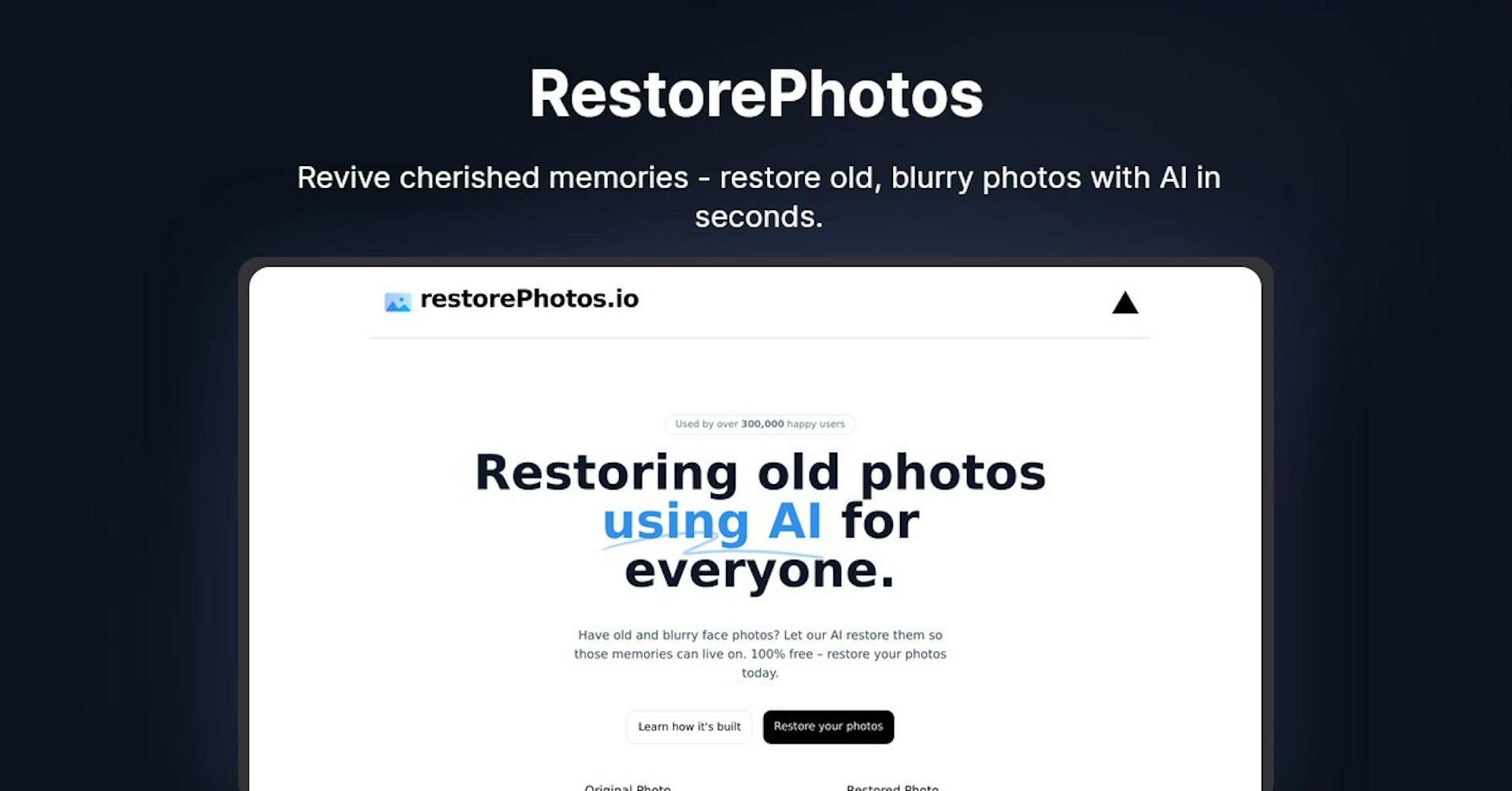
Revive cherished memories - restore old, blurry photos with AI in seconds.
4.5
(42 reviews)
Übersicht
Funktionen
Einrichtung
Why Choose restorePhotos?
KI-gestützt
Nutzt modernste KI-Technologie für überlegene Ergebnisse
Einfach zu bedienen
Intuitive Oberfläche für Benutzer aller Kenntnisstufen
Nahtlose Integration
Funktioniert perfekt mit Ihren bestehenden Tools und Workflows
About restorePhotos
Overview of restorePhotos.io - AI Powered Photo Restoration
restorePhotos.io is a free online service that uses artificial intelligence (AI) to restore and enhance old, blurry photos. It has been used by over 300,000 happy customers to bring old memories back to life by sharpening faces and cleaning up damage in photos.
How Does restorePhotos.io Work?
The restorePhotos.io service is powered by deep learning algorithms that have been trained on millions of photos to identify faces and objects. When you upload a photo, it analyzes the image and uses the AI to:
- Sharpen and upscale the resolution of the photo
- Remove noise, dust, scratches and other damage
- Enhance facial details like eyes, nose, mouth to make them clearer
- Adjust colors and lighting to make the photo more vivid
The result is a restored version of your photo that looks like it was taken with a modern camera! The advanced AI can breathe new life into old, blurry photos in just a few seconds.
Key Features and Benefits
- 100% Free - Anyone can restore their old photos at no cost
- Fast Processing - Results delivered in 5-10 seconds
- No Account Needed - No signup required to use the service
- Easy to Use - Just upload your photo and download the enhanced version
- Mobile Friendly - Works great on phones and tablets
- State of the Art AI - Uses the latest machine learning algorithms
- Sharpen Faces - Focus on enhancing facial details
- Remove Imperfections - Get rid of dust, scratches and damage
- Color Correction - Adjusts lighting and colors
- High Resolution - Upscales images for crisp details
Use Cases and Applications
restorePhotos.io is useful for anyone who wants to restore and preserve their old or damaged photos. Here are some of the most common use cases:
- Old Family Photos - Bring ancestors and relatives back to life
- Childhood Memories - Relive your childhood photos in better quality
- Photo Gifts - Print restored photos as gifts for loved ones
- Scanning Old Prints - Enhance scans of old printed photos
- Low Quality Photos - Improve blurry and pixelated old photos
- Photo Projects - Enhance old photos for crafts, albums, social media
Who is restorePhotos.io For?
restorePhotos.io can be used by anyone but is especially useful for:
- Families - Restore faded photos of parents, grandparents, children
- Historians - Enhance old photos for documentaries, books, websites
- Genealogists - Improve details in photos for ancestry research
- Photographers - Upscale old film photos and portrait shots
- Crafters - Print enhanced photos for DIY projects and gifts
- Social Media Users - Prepare old photos to share online
Pricing and Plans
The restorePhotos.io service is completely free to use for restoring photos. There are no paid plans or limits on usage.
You can restore an unlimited number of photos of any size and download the full-resolution enhanced images.
Support and Help
The source code is also available on GitHub for developers.
Integrations and API
Currently restorePhotos.io does not have any integrations with third-party platforms or an API for developers. It is a standalone web application.
What Are Users Saying?
restorePhotos.io has received widespread praise online for its ability to magically restore old photos using AI:
- "It worked like magic, I can't believe the quality!"
- "This brought tears of joy, my old photos look new again."
- "The restored photos look incredible. It's like a time machine!"
- "I love that it's free and so easy to use. Great for restoring old family photos."
- "This is amazing. My blurry old photos are now sharp and clear."
Online reviews highlight ease of use, fast processing speed, and incredible results from the AI photo restoration.
Frequently Asked Questions
Is this service really free? Yes, restorePhotos.io is completely free to use without any limits.
Do I need to create an account?
No account is needed. You can use it anonymously.
How long does it take? Photo restoration takes 5-10 seconds. You just need to upload your photo and wait a few moments.
Is the processed photo saved or cached somewhere? No, the service does not store or cache the photos. They are processed locally in your browser.
What file types are supported? It works with JPG, PNG, WebP, and other standard image formats.
Can I restore multiple photos at once?
Currently it only processes one photo at a time. You need to upload each photo separately.
What should I do if it doesn't work well on a photo? The results can vary based on the photo quality. You can try adjusting the brightness, contrast, and cropping before uploading to get better results.
More Resources
restorePhotos mit Autonoly beschleunigen
Verbinden Sie restorePhotos mit über 200 Apps und automatisieren Sie Ihren gesamten Workflow
10x schnellere Workflows mit KI-Automatisierung
Kein Programmieren erforderlich – visuelles Drag & Drop
75% Einsparung bei Betriebskosten
Enterprise-Sicherheit & Zuverlässigkeit
Ähnliche KI-Tools

PortraitAI
AI generates elegant 18th century-style portraits from your photos for impressive custom art.

Kaedim
Instantly create stunning 3D models from photos with AI, no expertise needed.

Blockadelabs
Craft captivating virtual worlds from text with our magical AI skybox generator

Polycam
Transform everyday photos into stunning 3D models with this popular scanning app.
Tool-Details
- Kategorie
Image editing
- Bewertung
4.5/5 (42 Bewertungen)
- Support
Dokumentation & Community