
Data visualization
Tidak diketahui
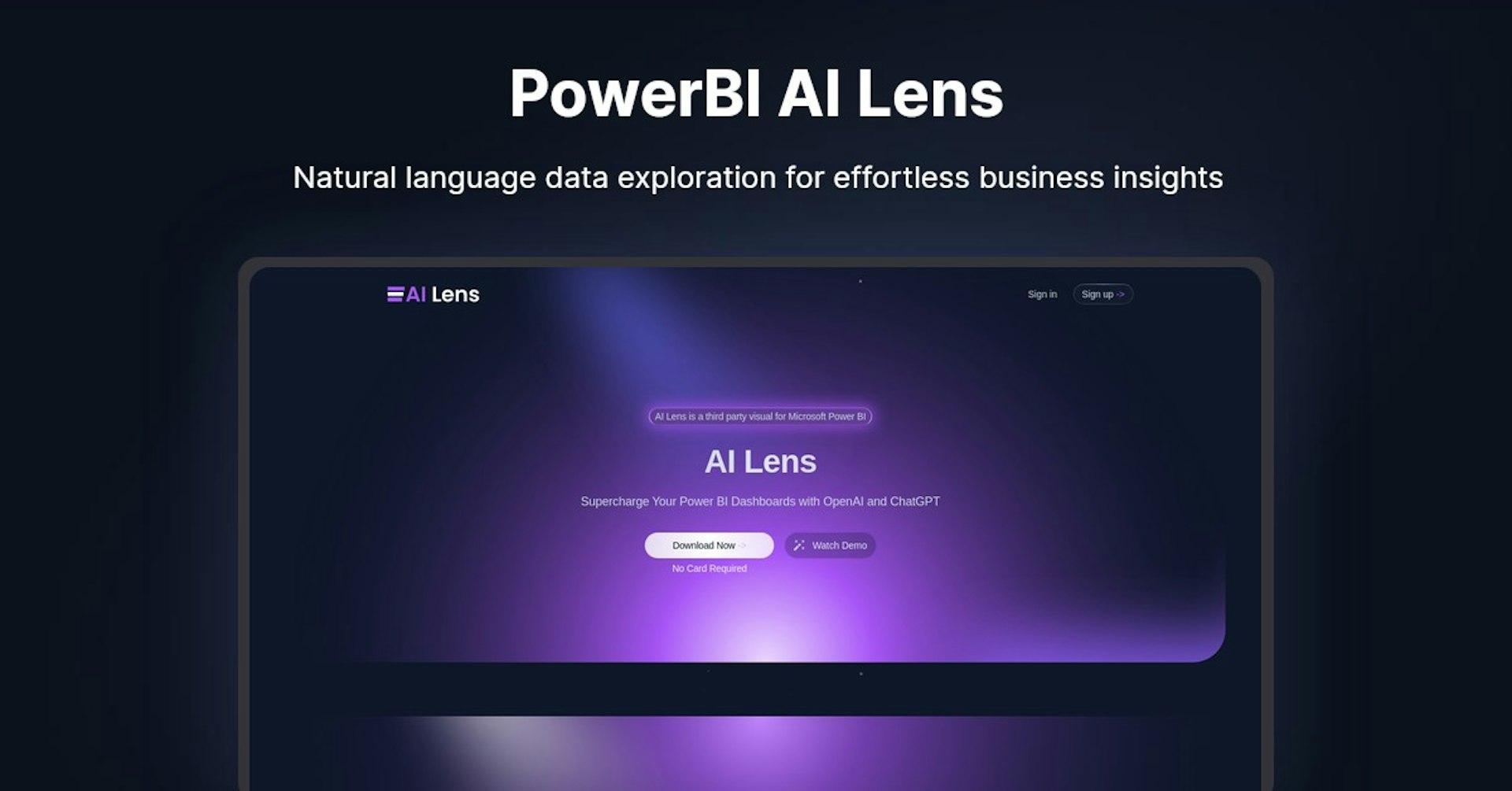
PowerBI AI Lens
Natural language data exploration for effortless business insights
4.5
(42 reviews)
Ringkasan
Fitur
Pengaturan
Why Choose PowerBI AI Lens?
Berbasis AI
Memanfaatkan teknologi AI terdepan untuk hasil yang unggul
Mudah Digunakan
Antarmuka intuitif yang dirancang untuk pengguna dari semua tingkat keahlian
Integrasi Mulus
Bekerja sempurna dengan alat dan alur kerja Anda yang sudah ada
About PowerBI AI Lens
Overview of AI Lens - The AI-Powered Visual for Power BI Dashboards
AI Lens is a third-party visual for Microsoft Power BI that brings the power of AI and natural language conversations to your dashboards. With AI Lens, users can ask questions of their data in plain English and receive clear, data-driven answers and insights directly within Power BI.
- Developed by Stellar BI
- Integrates OpenAI and ChatGPT into Power BI reports
- Allows natural language conversations with your data
- Provides insights, analysis and answers from your data
How Does AI Lens Work?
AI Lens works by integrating OpenAI's natural language AI models into Power BI as a custom visual. Here's how it works:
- Users install the AI Lens visual into their Power BI report
- The visual connects to the data sources in that report
- Users can then ask questions about their data by typing into the AI Lens visual
- The question is sent to OpenAI's API to generate an answer
- OpenAI analyzes the question and the connected data sources to provide an insightful answer
- The answer is displayed visually and conversationally within the AI Lens visual
This allows users to have natural conversations with their data, asking complex questions and getting clear, data-driven answers directly within their Power BI dashboards.
Key Features and Benefits
AI Lens unlocks the following features and benefits:
- Natural language queries - Ask questions about your data in plain conversational English
- Data-driven insights - Get clear, visually engaging answers powered by your data
- Dashboard integration - Converse with your data directly within Power BI dashboards
- Ad-hoc analysis - Conduct on-the-fly data analysis without complex queries
- Easy installation - Seamlessly integrate the visual into Power BI reports
- Full control over data - Data remains within Power BI and is not stored externally
- Customizable interface - Match visuals to your brand with custom themes
- Scalable - Handle small to extremely large datasets with ease
Use Cases and Applications
AI Lens has a wide range of use cases and applications:
Business Intelligence
- Enable business users without technical skills to analyze data and get insights through natural conversation
- Democratize data analysis throughout the organization
- Quickly answer ad-hoc questions during meetings and presentations
Data Analysis
- Conduct rapid what-if analysis through conversational queries
- Explore new perspectives and uncover insights you may have missed
Data Storytelling
- Make reports and dashboards interactive by letting consumers ask questions of the underlying data
- Bring data to life in presentations, without switching contexts
Client Services
- Allow clients direct access to data analysis through intuitive conversational interfaces
- Field client questions and provide data-driven answers on the fly during meetings
Sales Enablement
- Empower sales teams to understand key customer data at a glance through natural language
- Provide on-demand insights into sales metrics and KPIs
Who is AI Lens For?
AI Lens is designed for:
- Business analysts - instantly analyze data without complex queries or coding
- Data scientists - augment analysis with conversational AI-powered insights
- Report users - intuitively explore and understand reports by asking questions
- Sales professionals - get on-demand insights into key metrics using natural language
- Executives - conduct rapid what-if analysis during meetings without context switching
- Clients - enable self-service data analysis through intuitive conversational interfaces
Plans and Pricing
AI Lens offers flexible plans to meet different needs:
-
Free Plan
-
100K token limit
-
7 messages per session
-
Basic support
-
Monthly updates
-
Plus Plan - $15/mo
-
Unlimited token limit
-
Unlimited messages
-
Priority support
-
Custom design
-
Access to new features
-
Monthly updates
-
Enterprise Plan - $49/mo
-
Unlimited token and message limit
-
Priority support
-
Custom design
-
Access to new features
-
Monthly updates
-
Faster request speeds
-
Coming soon: GPT-4 model support
Support and Resources
- Knowledge Base: Get help, FAQs and view tutorials in the AI Lens Help Center
- Forums: Join the community to discuss best practices and chat with other users
- Webinars: View on-demand webinars covering AI Lens features, use cases and more
- Contact Support: Get in touch with our customer support team through email or live chat
Conclusion
AI Lens brings the power of AI conversations directly into Power BI, providing natural language data analysis capabilities for business users. With flexible pricing plans, robust features, and a range of applications, AI Lens unlocks new possibilities for data exploration and insights within Power BI dashboards.
Tingkatkan PowerBI AI Lens dengan Autonoly
Hubungkan PowerBI AI Lens ke 200+ aplikasi dan otomatiskan seluruh alur kerja Anda
Alur kerja 10x lebih cepat dengan otomatisasi AI
Tanpa perlu koding - seret dan lepas secara visual
Hemat 75% biaya operasional
Keamanan & keandalan tingkat enterprise
Alat AI Serupa

PortraitAI
AI generates elegant 18th century-style portraits from your photos for impressive custom art.

Kaedim
Instantly create stunning 3D models from photos with AI, no expertise needed.

Blockadelabs
Craft captivating virtual worlds from text with our magical AI skybox generator

Polycam
Transform everyday photos into stunning 3D models with this popular scanning app.
Detail Alat
- Kategori
Data visualization
- Penilaian
4.5/5 (42 ulasan)
- Dukungan
Dokumentasi & Komunitas