
Image editing
Sconosciuto
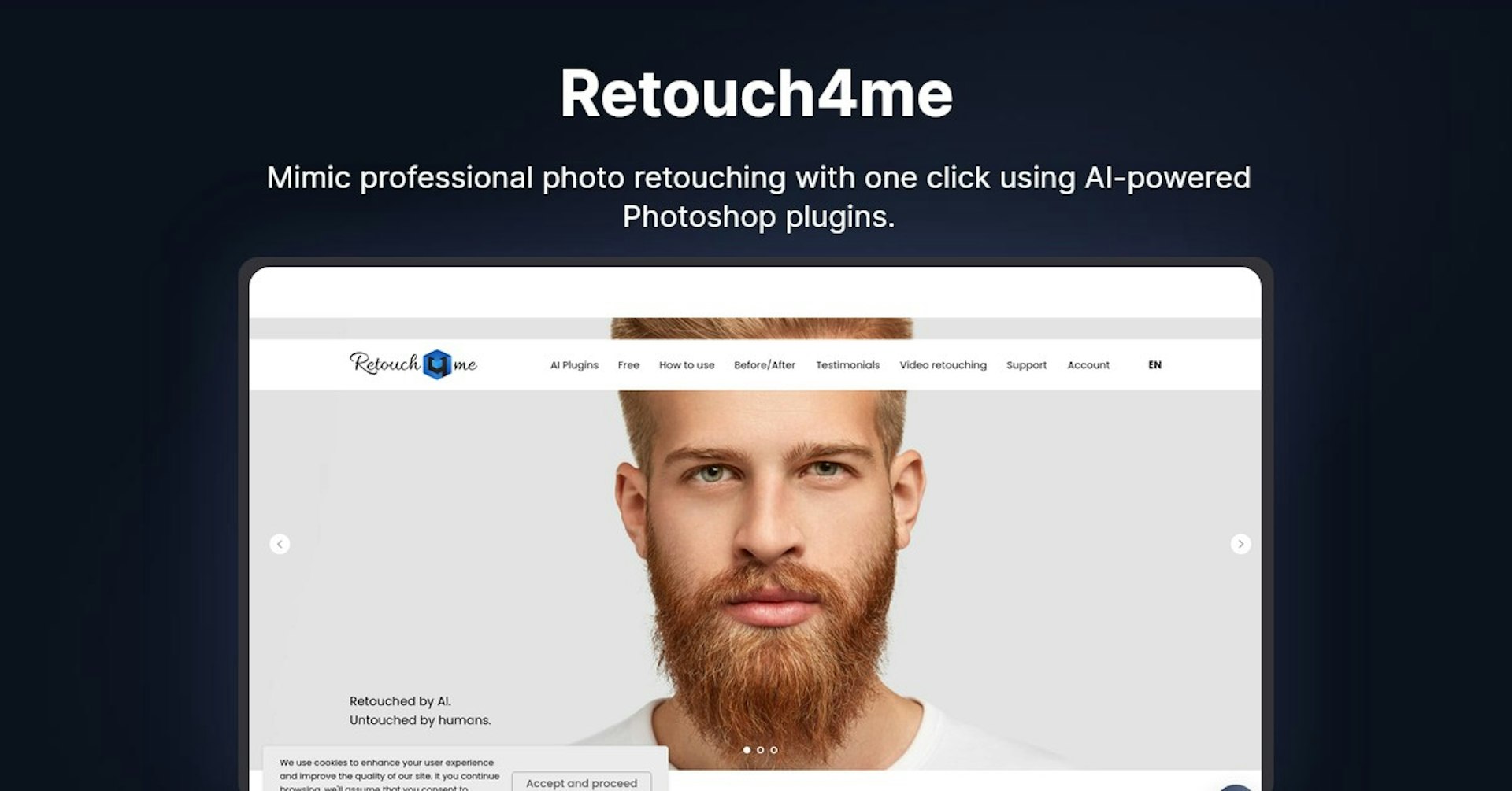
Retouch4me
Mimic professional photo retouching with one click using AI-powered Photoshop plugins.
4.5
(42 reviews)
Panoramica
Funzionalita
Configurazione
Why Choose Retouch4me?
Basato su IA
Sfrutta la tecnologia IA all'avanguardia per risultati superiori
Facile da usare
Interfaccia intuitiva progettata per utenti di tutti i livelli
Integrazione perfetta
Funziona perfettamente con i tuoi strumenti e flussi di lavoro esistenti
About Retouch4me
Overview of Retouch4me - AI Photo Retouching Plugins
Retouch4me offers AI-powered Photoshop plugins for portrait retouching. The plugins use deep learning to retouch photos with one click, mimicking the work of professional retouchers.
Examples
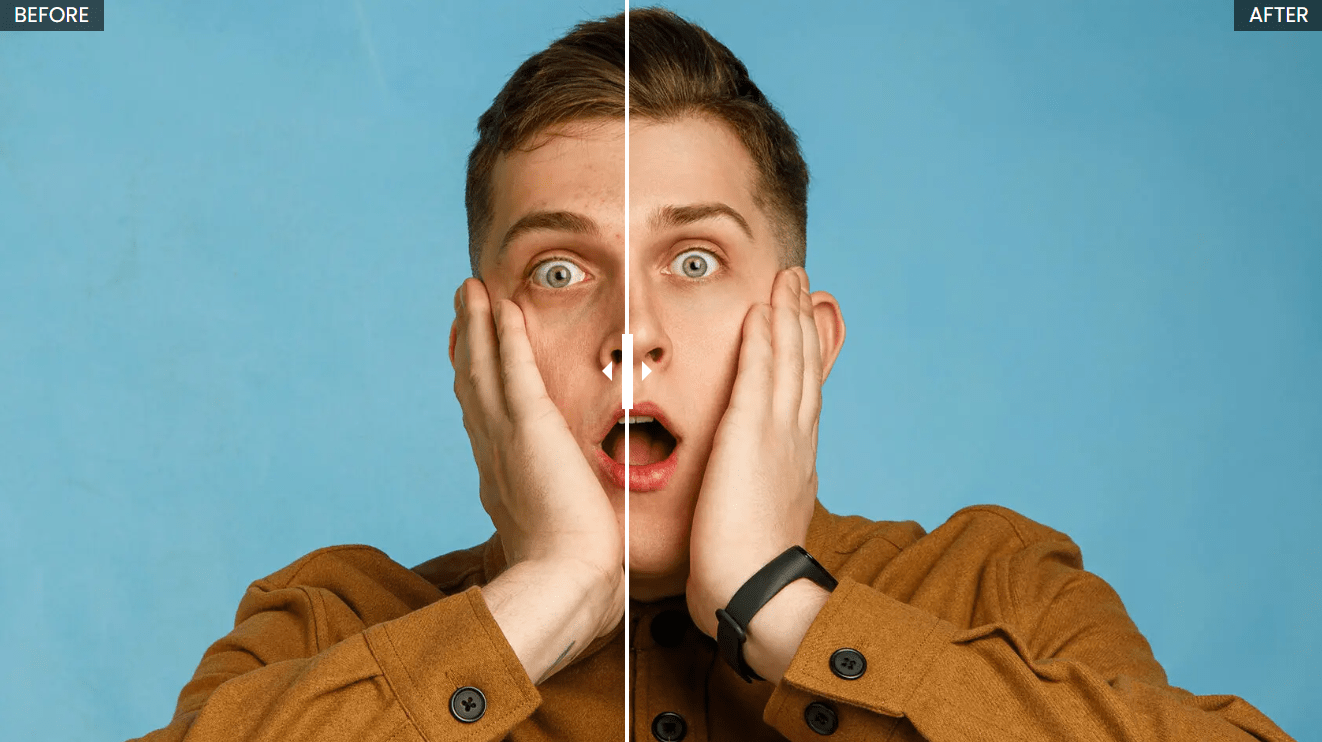
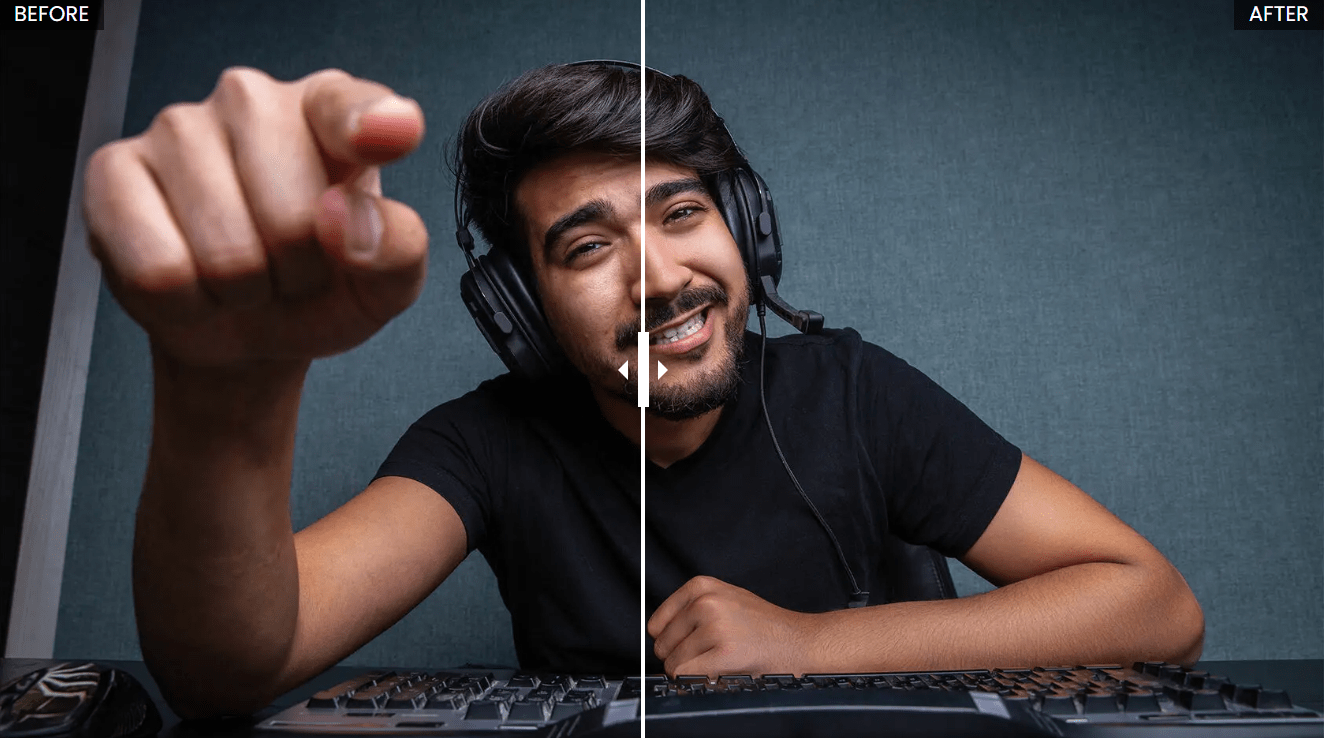
Want to see Retouch4me do its magic? Here are some examples from the Retouch4me website:

How Does Retouch4me Work?
The Retouch4me plugins are designed to work the way professional retouchers do. They offer flexible settings and a user-friendly interface for maximum efficiency.
The plugins work as layers within Photoshop, allowing you to keep your original image intact. You can go back and adjust settings or revert to the original photo at any time without losing image data.
The AI analyzes portraits and makes subtle enhancements while preserving original skin texture. The results look natural as if retouched by a human.
Retouch4me Plugin Features and Benefits
- One-click retouching
- Batch processing capability
- Preserves original skin texture
- Mimics work of human retouchers
- Easy to use interface
- Works as Photoshop layers
- Saves time compared to manual retouching
List of Retouch4me Plugins:
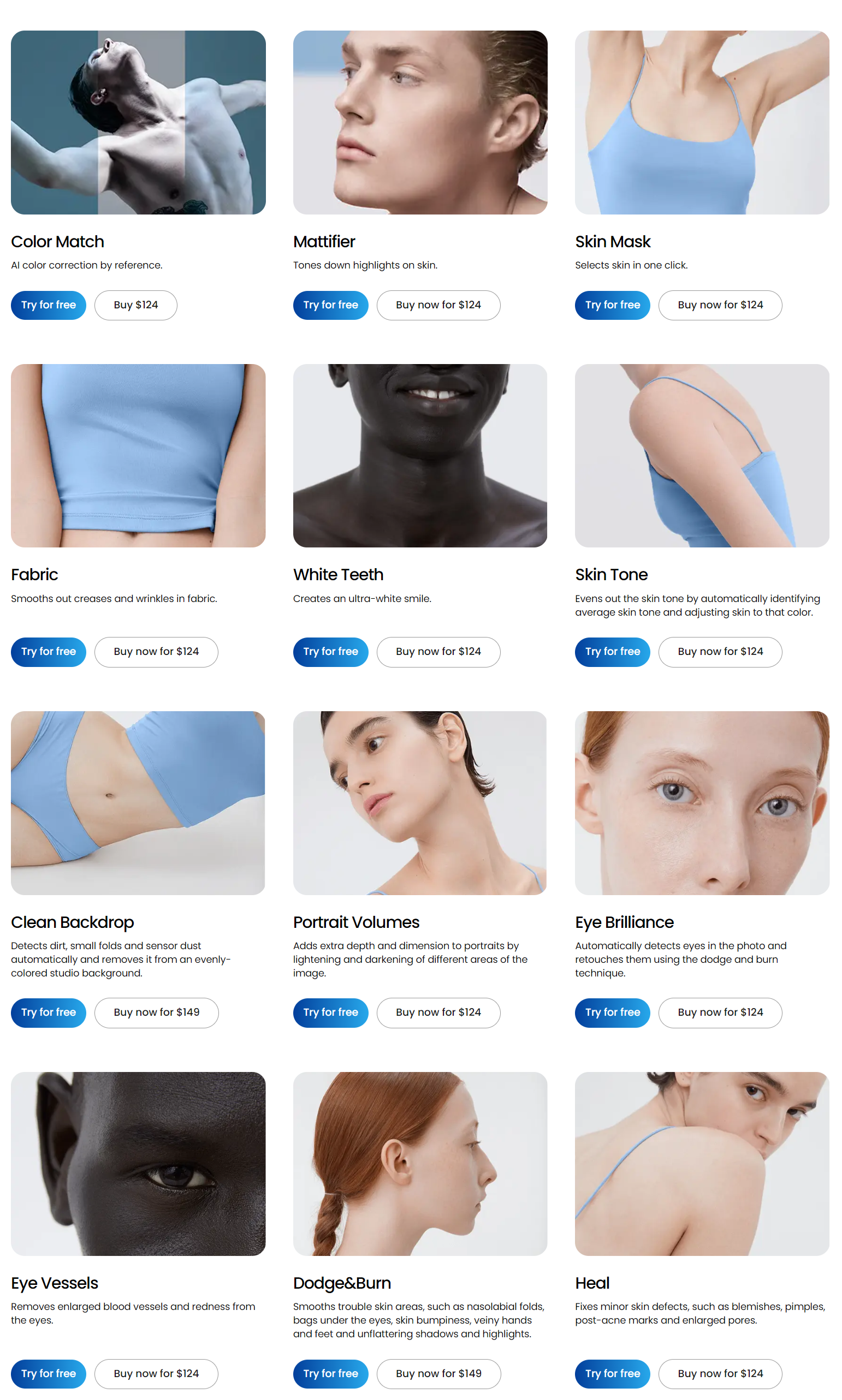
- Heal - Fixes blemishes, acne, pores
- Dodge & Burn - Smooths wrinkles and skin imperfections
- Eye Vessels - Removes redness in eyes
- Eye Brilliance - Brightens and enhances eyes
- Portrait Volumes - Adds depth and dimension to portraits
- Clean Backdrop - Removes studio background imperfections
- Skin Tone - Evens out skin tone
- White Teeth - Whitens teeth
- Fabric - Smooths fabric wrinkles and creases
- Skin Mask - Instantly selects skin
- Mattifier - Reduces shiny skin
- Color Match - Matches color between images
Who is Retouch4me For?
Retouch4me is designed for:
-
Photographers - Saves time retouching portraits without learning complex skills. Get professional results in less time.
-
Retouchers - Speeds up workflow by reducing manual retouching time. Process more images in less time.
-
Beginners - Easy to use plugins teach you professional retouching techniques. Get great results without expertise.
Retouch4me Pricing and Plans
Retouch4me offers license options starting from $124.
Here is the full list of Retouch4me plugins, along with their respective prices:
 Source:Retouch4Me
Is Retouch4me Free?
Free plugins offered:
- Photoshop Panel - Improves workflow
- Frequency Separation - Retouching technique
Free demos available for all plugins.
Retouch4me Support
- Email support
- Tutorials & documentation
- FAQ section
Retouch4me Integrations
- Works as a plugin within Photoshop
- Photoshop CC 2014 or newer
- Mac or Windows
Retouch4me API
No API currently available. Plugins work standalone.
What Retouch4me Customers Are Saying
"I save 3-4 hours per wedding shoot using Retouch4me. It's incredibly fast and easy to use."
"The plugins have improved my retouching quality and cut my editing time in half."
"Now I can retouch images to a professional standard in minutes with the click of a button."
Frequently Asked Questions
-
How do I install the plugins? Download and run the installer for your operating system. Restart Photoshop and find plugins under Window > Extensions.
-
Do I need an internet connection? No, the plugins work locally on your machine without an internet connection required.
-
What are the system requirements? Photoshop CC 2014 or newer. 4GB RAM minimum. Mac or Windows.
Useful Retouch4me Resources
- Retouch4me Website - Plugin details, pricing, free trials
- Tutorials - Learn how to use the plugins
- Before/After Examples - See retouching results
- Contact Support - Get help with any issues
Potenzia Retouch4me con Autonoly
Collega Retouch4me a oltre 200 app e automatizza il tuo intero flusso di lavoro
Flussi di lavoro 10 volte piu veloci con l'automazione IA
Nessuna programmazione richiesta - trascina e rilascia visualmente
Risparmia il 75% sui costi operativi
Sicurezza e affidabilita di livello enterprise
Strumenti IA simili

PortraitAI
AI generates elegant 18th century-style portraits from your photos for impressive custom art.

Kaedim
Instantly create stunning 3D models from photos with AI, no expertise needed.

Blockadelabs
Craft captivating virtual worlds from text with our magical AI skybox generator

Polycam
Transform everyday photos into stunning 3D models with this popular scanning app.
Dettagli dello strumento
- Categoria
Image editing
- Valutazione
4.5/5 (42 recensioni)
- Supporto
Documentazione e comunita