
Image editing
Sconosciuto
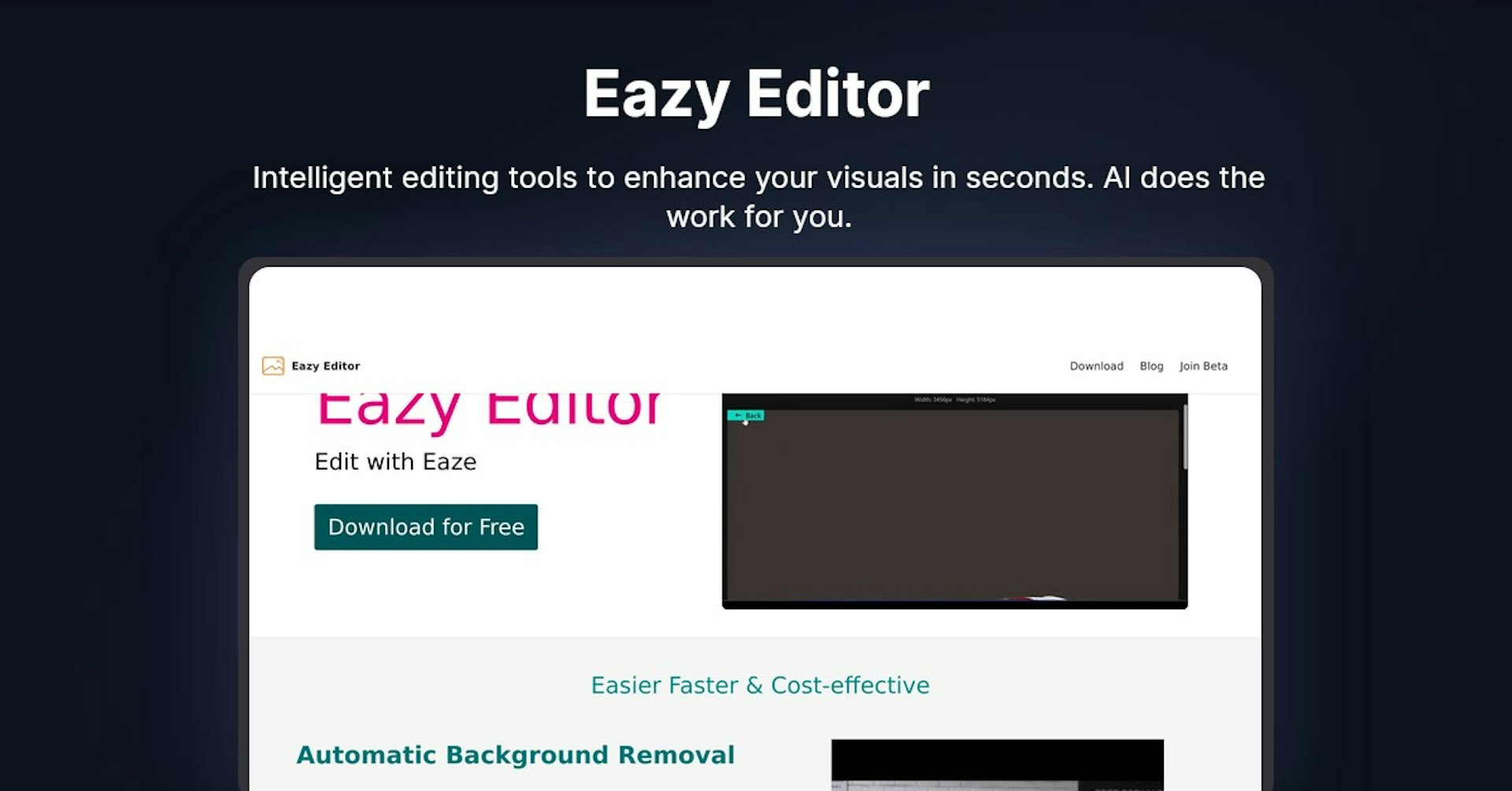
Eazy Editor
Intelligent editing tools to enhance your visuals in seconds. AI does the work for you.
4.5
(42 reviews)
Panoramica
Funzionalita
Configurazione
Why Choose Eazy Editor?
Basato su IA
Sfrutta la tecnologia IA all'avanguardia per risultati superiori
Facile da usare
Interfaccia intuitiva progettata per utenti di tutti i livelli
Integrazione perfetta
Funziona perfettamente con i tuoi strumenti e flussi di lavoro esistenti
About Eazy Editor
Overview of Eazy Editor - AI-Powered Image and Video Editor
Eazy Editor is an AI-powered image and video editing software that makes editing easier, faster and more cost-effective. It provides powerful yet easy-to-use tools for background removal, object removal, shadow editing, text removal, resizing, and batch editing.
How Does It Work?
Eazy Editor utilizes advanced AI technology to automatically detect and edit elements in images and videos with just one click. For example, the background remover can instantly remove backgrounds, the object eraser can delete unwanted objects, and the text eraser can automatically remove text. No more tedious manual editing.
Key Features and Benefits
Automatic Background Remover
Easily change backgrounds or add new elements to images and videos. The AI detects and removes backgrounds with one click.
Object Eraser
Quickly erase unwanted objects from images and videos, saving time and effort.
Add or Remove Shadows
Easily add or remove shadows to create depth and dimension. The AI shadow eraser detects and erases shadows automatically.
Automatic Text Eraser
Instantly remove text from images with a single click, avoiding manual work.
Resize Images
Optimized images for social media, ecommerce or any other needed dimensions.
Batch Editing
Apply edits like resizing, cropping and color changes to multiple images at once.
User-Friendly Interface
Clean, intuitive interface makes editing easy for beginners and professionals.
Cost-Effective
Provides powerful tools at a reasonable price point. Great value.
Use Cases and Applications
Eazy Editor is useful for:
- Ecommerce sellers - Enhance product images quickly and easily
- Social media marketers - Create optimized images and videos
- Bloggers - Improve blog imagery and graphics
- Photographers - Refine photos by removing backgrounds and objects
- Videographers - Edit videos faster by removing unwanted elements
- Designers - Streamline creative workflows and batch process images
- Students and educators - Edit images and videos for presentations and projects
Who is Eazy Editor For?
- Photographers - Save time on complex edits
- Graphic designers - Speed up creative workflows
- Marketers - Produce optimized visual assets
- Ecommerce sellers - Improve product images
- Bloggers - Enhance blog photos and graphics
- Social media managers - Create engaging social content
- Students and teachers - Edit images and videos for school projects
- Small business owners - DIY image and video editing
Support Options
Eazy Editor provides the following support channels:
- Email support - Send queries to [email protected]
- FAQ knowledge base - Answers to common questions
- Facebook community - Join for tips from other users
- Twitter support - Tweet questions to @eazyeditor
Integrations
Eazy Editor integrates with:
- Google Drive - Seamlessly edit images stored in Google Drive
- Dropbox - Access and edit Dropbox files
- Facebook - Directly post edited images to Facebook
API
Eazy Editor provides a powerful API that allows other apps and software to integrate its editing capabilities. The API enables custom integration solutions.
Customer Reviews
Here are some examples of customer reviews:
"Eazy Editor saved me so much time editing product photos for my ecommerce store. The batch editing features are invaluable!"
"As a social media manager, I love being able to resize and optimize images for multiple platforms with one click."
"The automatic background and object removal tools are magical! My graphics and videos look so much more professional now."
Frequently Asked Questions
Q: Is Eazy Editor free to use?
A: There is a free version with limited features. Paid plans start at $9.99/month. There is a free 7-day trial of paid plans.
Q: What file types does Eazy Editor support?
A: It supports JPG, PNG, BMP, GIF for images and MP4, AVI, MOV for videos.
Q: Can I use Eazy Editor on mobile?
A: Yes, Eazy Editor is fully compatible with Android and iOS mobile devices.
Q: Does Eazy Editor offer any collaboration tools?
A: The Business plan supports team members and collaboration capabilities.
Useful Links and Resources
- Eazy Editor Website
- Download Eazy Editor
- Eazy Editor Tutorials - YouTube video tutorials
- Eazy Editor Facebook Community - Join community
Potenzia Eazy Editor con Autonoly
Collega Eazy Editor a oltre 200 app e automatizza il tuo intero flusso di lavoro
Flussi di lavoro 10 volte piu veloci con l'automazione IA
Nessuna programmazione richiesta - trascina e rilascia visualmente
Risparmia il 75% sui costi operativi
Sicurezza e affidabilita di livello enterprise
Strumenti IA simili

PortraitAI
AI generates elegant 18th century-style portraits from your photos for impressive custom art.

Kaedim
Instantly create stunning 3D models from photos with AI, no expertise needed.

Blockadelabs
Craft captivating virtual worlds from text with our magical AI skybox generator

Polycam
Transform everyday photos into stunning 3D models with this popular scanning app.
Dettagli dello strumento
- Categoria
Image editing
- Valutazione
4.5/5 (42 recensioni)
- Supporto
Documentazione e comunita