
Book writing
不明
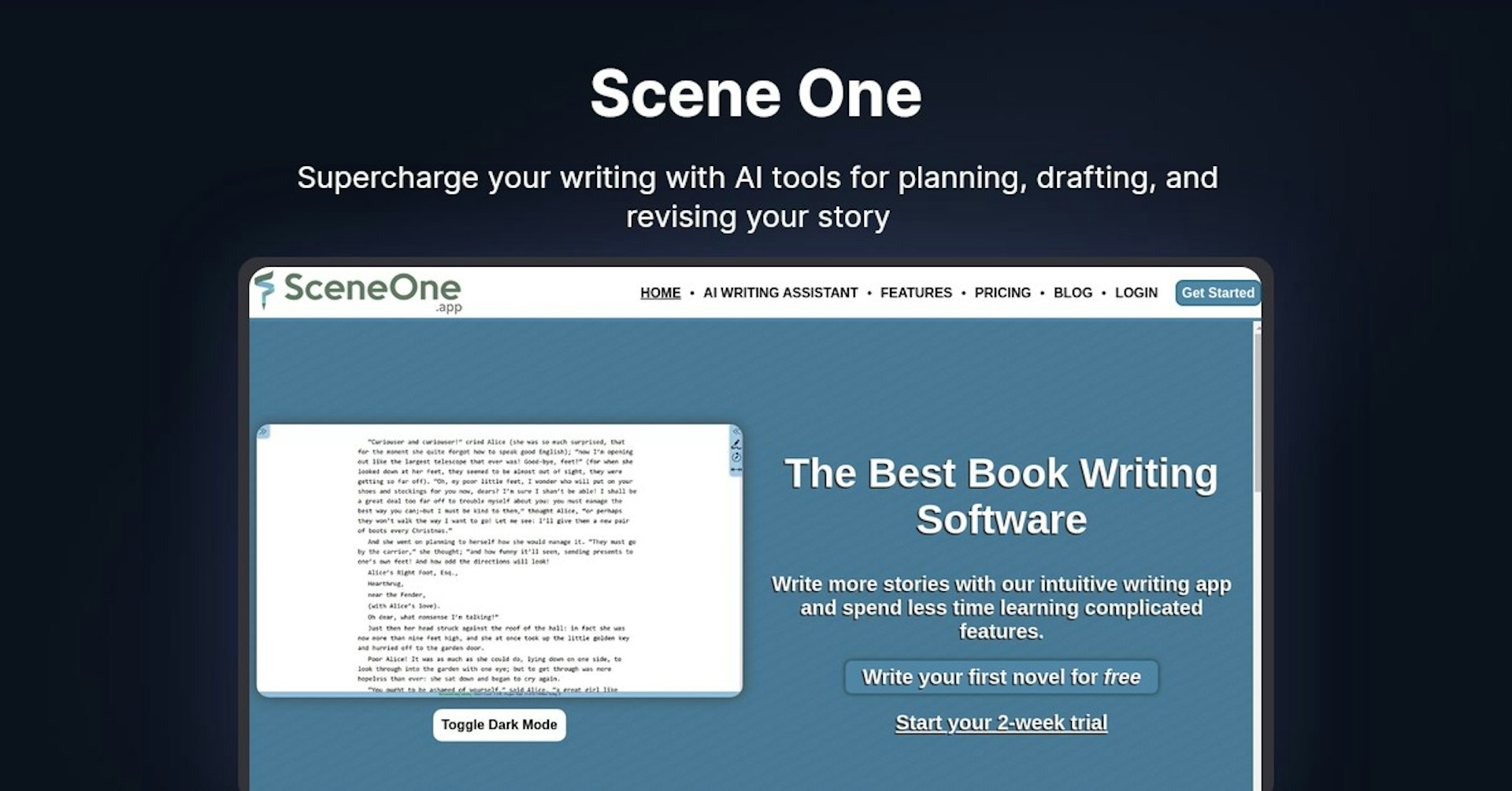
Scene One
Supercharge your writing with AI tools for planning, drafting, and revising your story
4.5
(42 reviews)
概要
機能
セットアップ
Why Choose Scene One?
AI搭載
最先端のAI技術を活用した優れた成果
使いやすい
あらゆるスキルレベルのユーザー向けに設計された直感的なインターフェース
シームレスな連携
既存のツールやワークフローと完璧に連携
About Scene One
Overview of SceneOne.app - The Best Book Writing Software
SceneOne.app is an online book writing software designed to help authors write their stories easily. It provides tools for planning, writing, organizing, and editing books. Key features include a text editor, automatic wiki linking, worldbuilding tools, story planning templates, revision tracking, analytics, and more.
How It Works
SceneOne is a cloud-based writing app that runs in any modern web browser. This allows authors to write from any device. All writing is saved online, so progress synchronizes across devices.
The editor focuses on the writing experience with minimal distractions. Tools like word count tracking, dark mode, and focus mode help authors stay productive.
Built-in analytics provide insights on writing habits. The wiki links mentions of characters and places for easy navigation. Templates like Save the Cat beat sheets facilitate plotting.
Key Features and Benefits
- Intuitive editor - Write books online with a clean, distraction-free interface
- Multi-device support - Write on any laptop, desktop, tablet or mobile phone device
- Automatic wiki linking - Automatically track all character and location mentions, with clickable links to Wiki entries
- Worldbuilding tools - Build character profiles, item descriptions, location details, etc in the integrated Wiki Manager
- Story planning templates - Use Save the Cat beat sheets and Story Circle templates to plan plot beats
- Revision tracking - Log notes and reminders to revise specific scenes later
- Analytics and insights - View stats on character usage, frequently used words, writing pace etc.
- Exporters - Compile manuscripts as PDFs or Word DocX documents
Use Cases and Applications
SceneOne.app helps authors with:
- Writing novels - Plan out plots, track details about characters/places, write scenes
- Organizing ideas - Use the wiki to catalog characters, places, items, lore etc.
- Tracking progress - View graphs showing daily word count goals and writing pace
- Revising drafts - Log reminders on scenes to review later
- Collaborating with other writers - Share projects to get feedback from writing partners
- Formatting manuscripts - Export completed drafts as polished PDFs or Word documents
Ideal Users
SceneOne.app is built for:
- Fiction authors - Novelists, sci-fi/fantasy writers, fanfic authors etc.
- Screenwriters - Film scripts, television episodes, animated shows
- Aspiring writers - Those working on their first book
- Creative writing students - High school or college students/teachers
Pricing Plans
There are four pricing tiers:
- Free Plan - Write 1 story up to 100k words. 2-week free trial of Standard features.
- Standard Plan ($9/month) - Unlimited stories and words. Full standard features.
- Advanced AI Plan ($16/month) - 50k AI words/month. Rewrite assist.
- Professional AI Plan ($25/month) - 150k AI words/month. Maximum rewrite assist.
More details on features per tier available on pricing page.
Support Options
SceneOne.app offers email support through their contact page. Responses are typically provided within 1-2 business days.
Integrations and API
No third-party integrations or API currently available. Feature requests can be made through contact page.
What Customers Are Saying
No customer reviews available yet since product is new to market. However, SceneOne.app created by writers for writers. Their own experiences as authors shaped the tools they built.
AutonolyでScene Oneをパワーアップ
Scene Oneを200以上のアプリに接続してワークフロー全体を自動化
AI自動化でワークフローを10倍高速化
コーディング不要 - ビジュアルドラッグ&ドロップ
運用コストを75%削減
エンタープライズグレードのセキュリティと信頼性
類似のAIツール

PortraitAI
AI generates elegant 18th century-style portraits from your photos for impressive custom art.

Kaedim
Instantly create stunning 3D models from photos with AI, no expertise needed.

Blockadelabs
Craft captivating virtual worlds from text with our magical AI skybox generator

Polycam
Transform everyday photos into stunning 3D models with this popular scanning app.