
3D images
미정
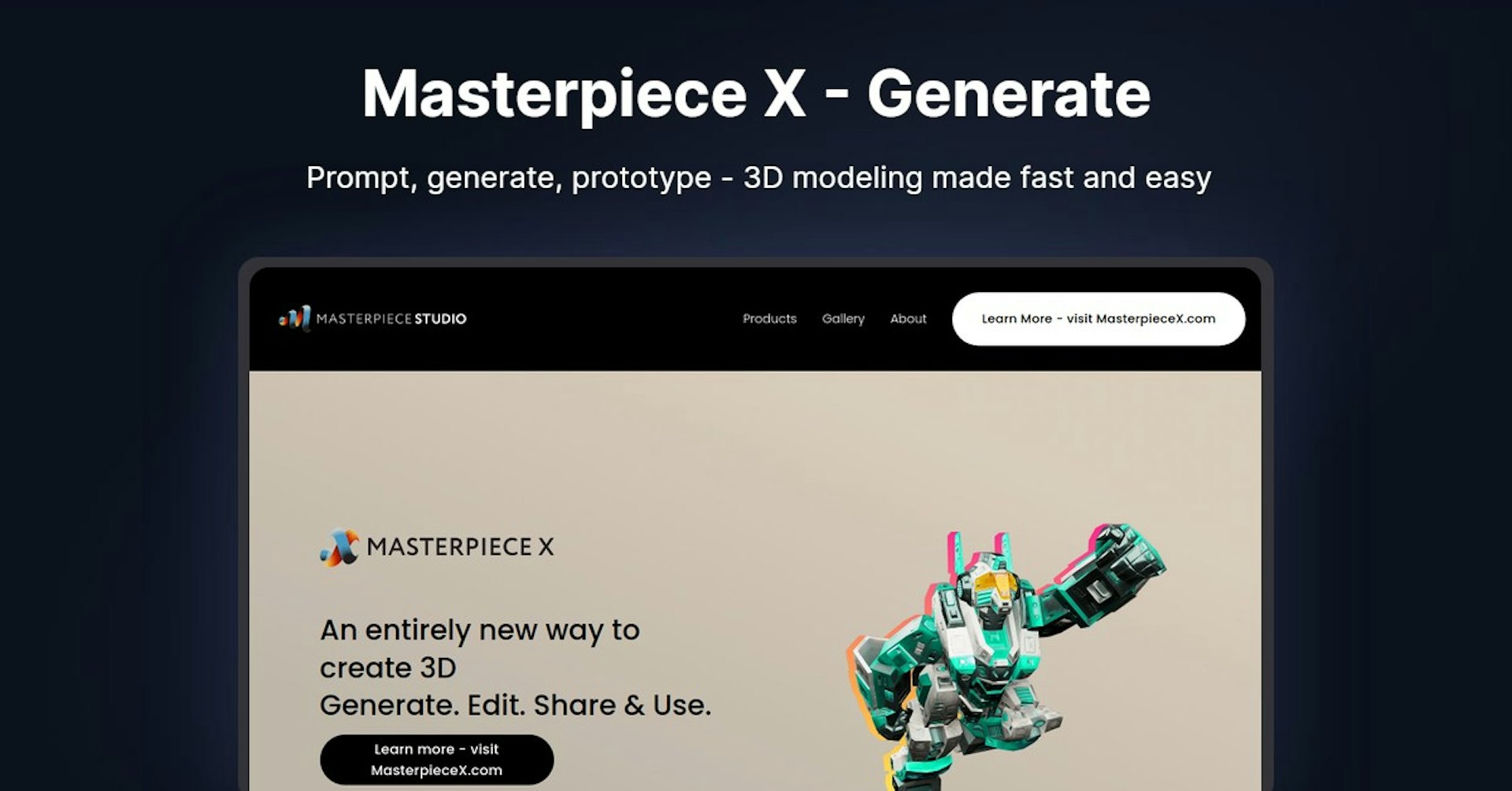
Masterpiece X - Generate
Prompt, generate, prototype - 3D modeling made fast and easy
4.5
(42 reviews)
개요
기능
설정
Why Choose Masterpiece X - Generate?
AI 기반
최첨단 AI 기술을 활용하여 우수한 결과를 제공합니다
간편한 사용
모든 수준의 사용자를 위해 설계된 직관적인 인터페이스
원활한 통합
기존 도구 및 워크플로우와 완벽하게 작동합니다
About Masterpiece X - Generate
Overview of Masterpiece X - Generate - Unlocking Creativity in 3D Art
Masterpiece X - Generate is a leading 3D creation tool that aims to make 3D art accessible and effortless for everyone. With over 8 years of experience, their team of experts has been pushing the boundaries of 3D technology.
How It Works
Masterpiece Studio offers a range of products and solutions for 3D creation:
-
Masterpiece X - Their newest product that allows anyone to generate, edit, and share 3D art easily.
-
Masterpiece Studio Pro - Advanced 3D creation tools for professionals.
-
Custom Solutions - Tailored 3D products and services for enterprise clients.
The key functionality across Masterpiece Studio's products is the ability to quickly and easily create high-quality 3D art, with little to no prior experience required.
Key Features and Benefits
Masterpiece Studio products offer the following main features and benefits:
-
Intuitive and Easy-to-Use - Made for anyone to pick up, no complex workflows or advanced skills required.
-
Cutting-Edge 3D Technology - Powered by AI and other innovations for stunning, photorealistic 3D art.
-
Share and Collaborate - Export to all standard 3D file formats or share instantly with others.
-
Professional-Grade Capabilities - Advanced customization and controls suited for pros.
-
Accessible from Any Device - Create using Mac, Windows, iOS and Android devices.
Use Cases and Applications
Masterpiece Studio can be used across many different industries and applications:
-
3D Artists - Enables faster workflow and higher quality art.
-
Graphic Designers - Quickly generate 3D assets for projects.
-
Educators - Engage students by making 3D creation easy.
-
Engineers - Rapid prototypes and proof of concepts.
-
Gamers - Design custom gaming assets and virtual worlds.
-
Social Media Creators - Viral 3D effects and filters.
Target Audience
Masterpiece Studio products cater to both professional 3D artists as well as casual creators:
-
Beginners - Intuitive tools allow anyone to start creating in 3D.
-
Hobbyists - Great for exploring a new creative hobby in 3D art.
-
Students - Used in over 500 educational institutions to teach 3D skills.
-
Professionals - Advanced capabilities rival industry-standard tools.
Pricing and Plans
Masterpiece Studio offers flexible pricing plans:
-
Masterpiece X - Free version available. Paid plans start from $9 per month.
-
Masterpiece Studio Pro - Personal plan for $16 per month. Team plans also available.
-
Enterprise Solutions - Custom pricing based on needs.
View detailed pricing
Support Options
Masterpiece Studio offers the following support channels:
-
Knowledge Base - Searchable database of help articles.
-
Community Forum - Get help from other users.
-
Email & Chat Support - Directly contact their support team.
-
Onboarding Assistance - 1-on-1 help for new users.
Integrations
Seamlessly use Masterpiece Studio alongside other apps:
-
Export to all major 3D formats like OBJ, GLTF, USDz.
-
Plug-ins for Blender, Maya, Rhino and more.
-
Integrates with popular creative tools like Adobe CC.
-
Open API for custom integrations.
What Users Are Saying
With over 500,000 users, Masterpiece Studio maintains an average rating of 4.8/5 stars. Users praise the easy-to-use interface, stunning visuals, and helpful community. Many beginners are now able to explore 3D creation for the first time thanks to the intuitive tools.
Frequently Asked Questions
What devices can I use Masterpiece Studio on?
Masterpiece Studio works on Mac, Windows, Android and iOS devices. You can create 3D art on a laptop or even your phone!
Do I need any 3D experience to start?
No prior experience is required. Masterpiece Studio is designed specifically for beginners through to advanced users.
Can I export my 3D art?
Yes, you can export your creations to standard file formats like OBJ, GLTF or USDz.
Useful Links and Resources
Autonoly로 Masterpiece X - Generate을 더 강력하게
Masterpiece X - Generate을 200개 이상의 앱과 연결하고 전체 워크플로우를 자동화하세요
AI 자동화로 10배 빠른 워크플로우
코딩 불필요 - 비주얼 드래그 앤 드롭
운영 비용 75% 절감
엔터프라이즈급 보안 및 안정성
유사한 AI 도구

PortraitAI
AI generates elegant 18th century-style portraits from your photos for impressive custom art.

Kaedim
Instantly create stunning 3D models from photos with AI, no expertise needed.

Blockadelabs
Craft captivating virtual worlds from text with our magical AI skybox generator

Polycam
Transform everyday photos into stunning 3D models with this popular scanning app.