
App styling
미정
Vivid
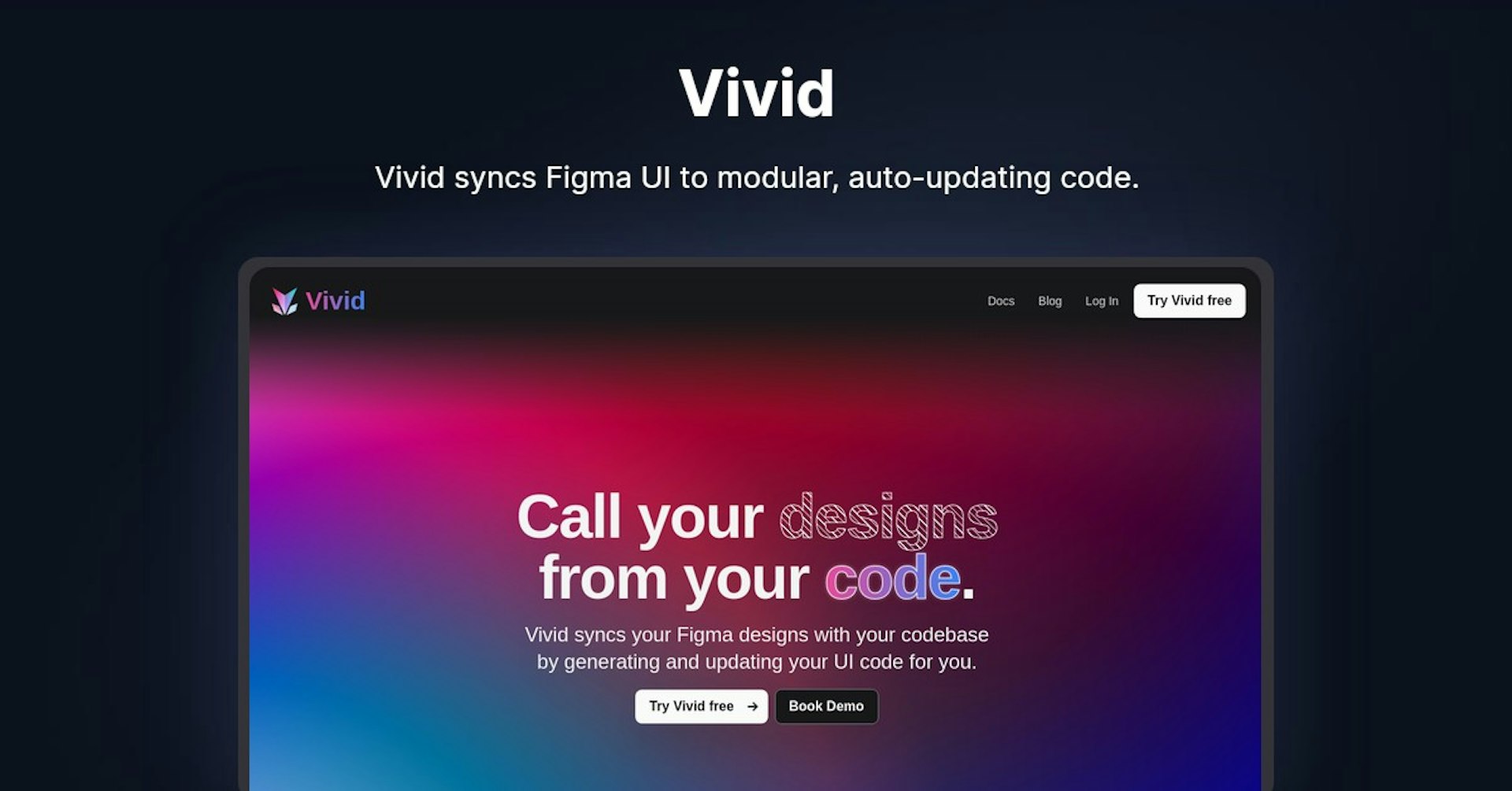
Vivid syncs Figma UI to modular, auto-updating code.
4.5
(42 reviews)
개요
기능
설정
Why Choose Vivid?
AI 기반
최첨단 AI 기술을 활용하여 우수한 결과를 제공합니다
간편한 사용
모든 수준의 사용자를 위해 설계된 직관적인 인터페이스
원활한 통합
기존 도구 및 워크플로우와 완벽하게 작동합니다
About Vivid
Overview
Vivid is a design and development workflow automation platform that connects Figma designs with codebases. It allows designers to turn Figma UI components into modular, auto-updating code that developers can integrate. This streamlines collaboration between designers and developers.
How Vivid Works
Designers Create Components in Figma
- Designers build UI components in Figma as normal
- Components can have variants that update properties/styles based on props
- Designers submit finalized designs to Vivid to extract code
Vivid Generates Modular Code
- Vivid scans Figma files and generates modular code for each component
- Code contains separated CSS for styles and HTML structure
- Variant-aware code updates dynamically based on property changes
Developers Integrate Code
- Vivid outputs code as PR that developers merge into their codebase
- Developers can now render UIs using generated component names/props
- As designers update Figma, code auto-updates via regenerated PRs
Key Features and Benefits
For Designers
- Publish production-ready UIs from Figma
- No need to manually document or handoff designs
- Auto-syncing code means designs always up to date
For Developers
- No need to manually implement design specs
- Focus on app logic instead of UI code
- Auto-updating code reduces maintenance burden
For Teams
- Streamlined collaboration between designers and developers
- Single source of truth for design and code
- Faster iteration between design changes and implementation
Use Cases and Applications
Vivid is useful for:
- UI-heavy web/mobile applications
- Design system creation and documentation
- Independent product teams with dedicated designers
- Startups wanting to prototype UIs faster
It can be used to accelerate development workflows for:
- Websites
- Web/mobile apps
- Design systems
- Prototyping flows
Who is Vivid For?
Vivid serves both designers and developers:
Designers
- Want to ship production UIs from Figma
- Struggle to keep design specs and code in sync
- Want variants and auto-updating functionality
Developers
- Want to eliminate redundant UI implementation work
- Find copying designs manually error-prone
- Want auto-updating code tied to central design source
Plans and Pricing
Vivid is currently in Alpha (free). A paid version is coming soon.
Free Trial
Vivid is currently in Alpha with a free plan available.
Support
As an Alpha product, Vivid offers:
- In-app messaging
- Email support
- Slack community for designers/developers
Integrations
Vivid integrates directly with Figma, allowing:
- Component submission from Figma UI
- Auto-regeneration of code on Figma file updates
It provides developers with pull requests that can integrate into:
- GitHub
- GitLab
- BitBucket
API
Vivid currently does not have a public API available.
Reviews
As an early stage startup, no formal product reviews are available yet. Initial user feedback has been positive regarding increased efficiency.
Frequently Asked Questions
What code does Vivid output?
Vivid outputs HTML, CSS/SCSS, React, and TypeScript code.
What integrations work with Vivid?
Vivid is built on Figma and outputs code to Github, GitLab, or BitBucket.
How do permissions/roles work?
Vivid follows Figma's permission model. Designers must have edit access to publish components.
Useful Links
Autonoly로 Vivid을 더 강력하게
Vivid을 200개 이상의 앱과 연결하고 전체 워크플로우를 자동화하세요
AI 자동화로 10배 빠른 워크플로우
코딩 불필요 - 비주얼 드래그 앤 드롭
운영 비용 75% 절감
엔터프라이즈급 보안 및 안정성
유사한 AI 도구

PortraitAI
AI generates elegant 18th century-style portraits from your photos for impressive custom art.

Kaedim
Instantly create stunning 3D models from photos with AI, no expertise needed.

Blockadelabs
Craft captivating virtual worlds from text with our magical AI skybox generator

Polycam
Transform everyday photos into stunning 3D models with this popular scanning app.