
Background removing
미정
Retoucher
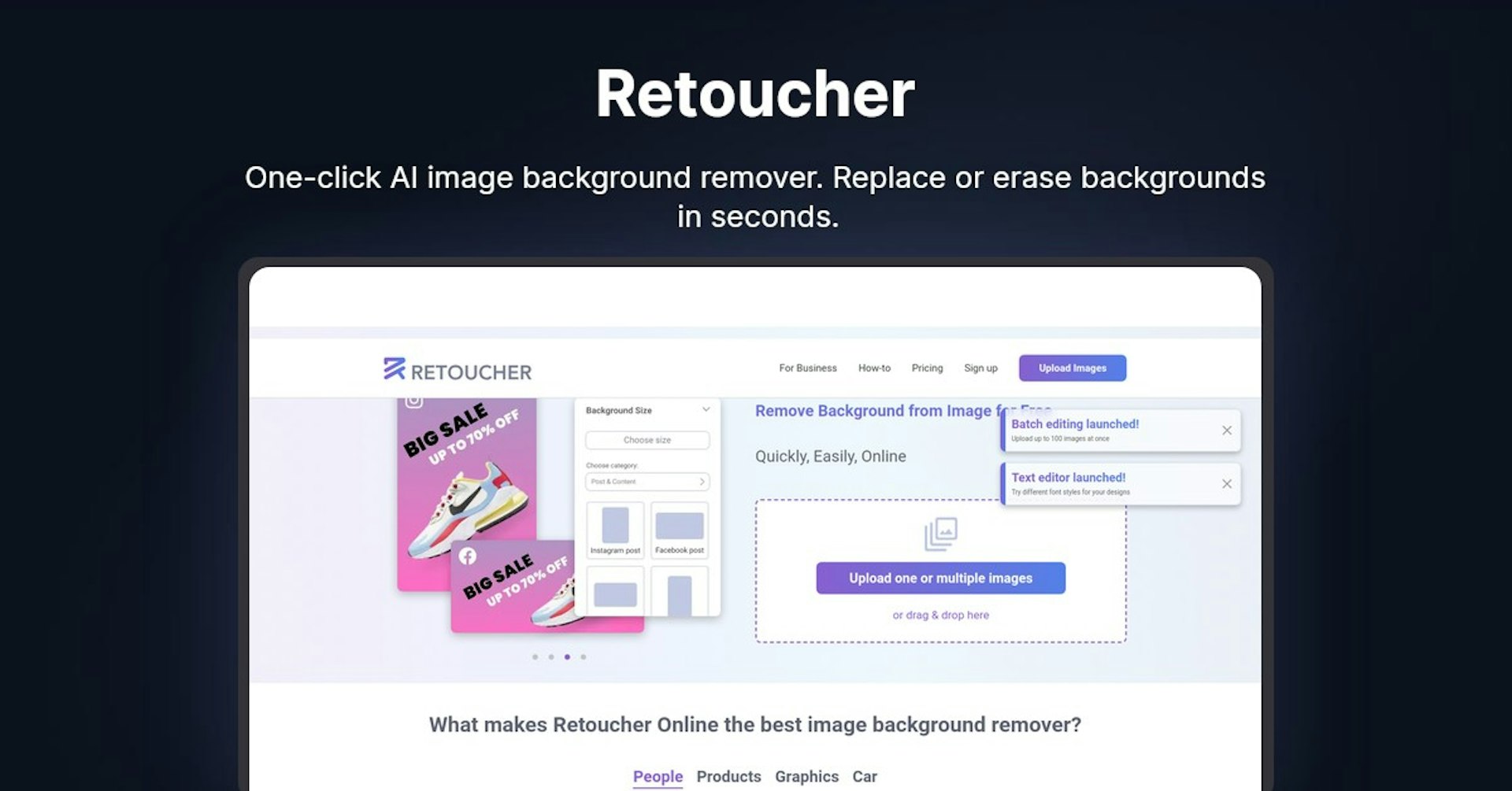
One-click AI image background remover. Replace or erase backgrounds in seconds.
4.5
(42 reviews)
개요
기능
설정
Why Choose Retoucher?
AI 기반
최첨단 AI 기술을 활용하여 우수한 결과를 제공합니다
간편한 사용
모든 수준의 사용자를 위해 설계된 직관적인 인터페이스
원활한 통합
기존 도구 및 워크플로우와 완벽하게 작동합니다
About Retoucher
Overview
Retoucher Online is an online image background remover that allows users to remove or replace backgrounds from images quickly and easily.
Key Features and Benefits
Retoucher Online offers several key features and benefits:
-
Automatic background removal - The tool uses AI to automatically remove backgrounds with one click. It works for photos of people, products, graphics, cars, etc.
-
Image editing - After removing backgrounds, users can edit images by adding shadows, changing color, cropping, adjusting image format, etc.
-
Custom backgrounds - In addition to transparent backgrounds, custom image backgrounds can be added.
-
Batch editing - Up to 100 images can be uploaded and edited at once.
-
Free to use - The background remover is free with no signup required. There are no limits.
-
Fast processing - Edited images are ready in seconds.
-
High image quality - The AI tool provides high quality results.
-
Downloadable - Images can be downloaded in any format (PNG, JPG) after editing.
Use Cases and Applications
The background remover has many potential use cases and applications:
-
Personal use - Creating images for social media profiles, passport photos, etc.
-
eCommerce - Preparing product photos to meet marketplace requirements (Amazon, eBay, Etsy etc). Some examples:
-
Uploading product images, removing backgrounds automatically, downloading images ready for your online store
-
Testing product images in bulk and iterating quickly
-
-
Marketing & Advertising - Creating custom graphics and visuals for campaigns by removing backgrounds and adding your own tailored backgrounds
-
Selling Vehicles/Real Estate - Removing backgrounds from photos of cars, houses, etc. to showcase them better online
Instructions for Best Results
Follow these tips:
-
Take photos against high-contrast backgrounds under good lighting
-
Upload images to the tool and choose editing options
-
Use the manual eraser for tricky areas like hair if needed
-
Download final edited images
Autonoly로 Retoucher을 더 강력하게
Retoucher을 200개 이상의 앱과 연결하고 전체 워크플로우를 자동화하세요
AI 자동화로 10배 빠른 워크플로우
코딩 불필요 - 비주얼 드래그 앤 드롭
운영 비용 75% 절감
엔터프라이즈급 보안 및 안정성
유사한 AI 도구

PortraitAI
AI generates elegant 18th century-style portraits from your photos for impressive custom art.

Kaedim
Instantly create stunning 3D models from photos with AI, no expertise needed.

Blockadelabs
Craft captivating virtual worlds from text with our magical AI skybox generator

Polycam
Transform everyday photos into stunning 3D models with this popular scanning app.