
ChatGPT extension
미정
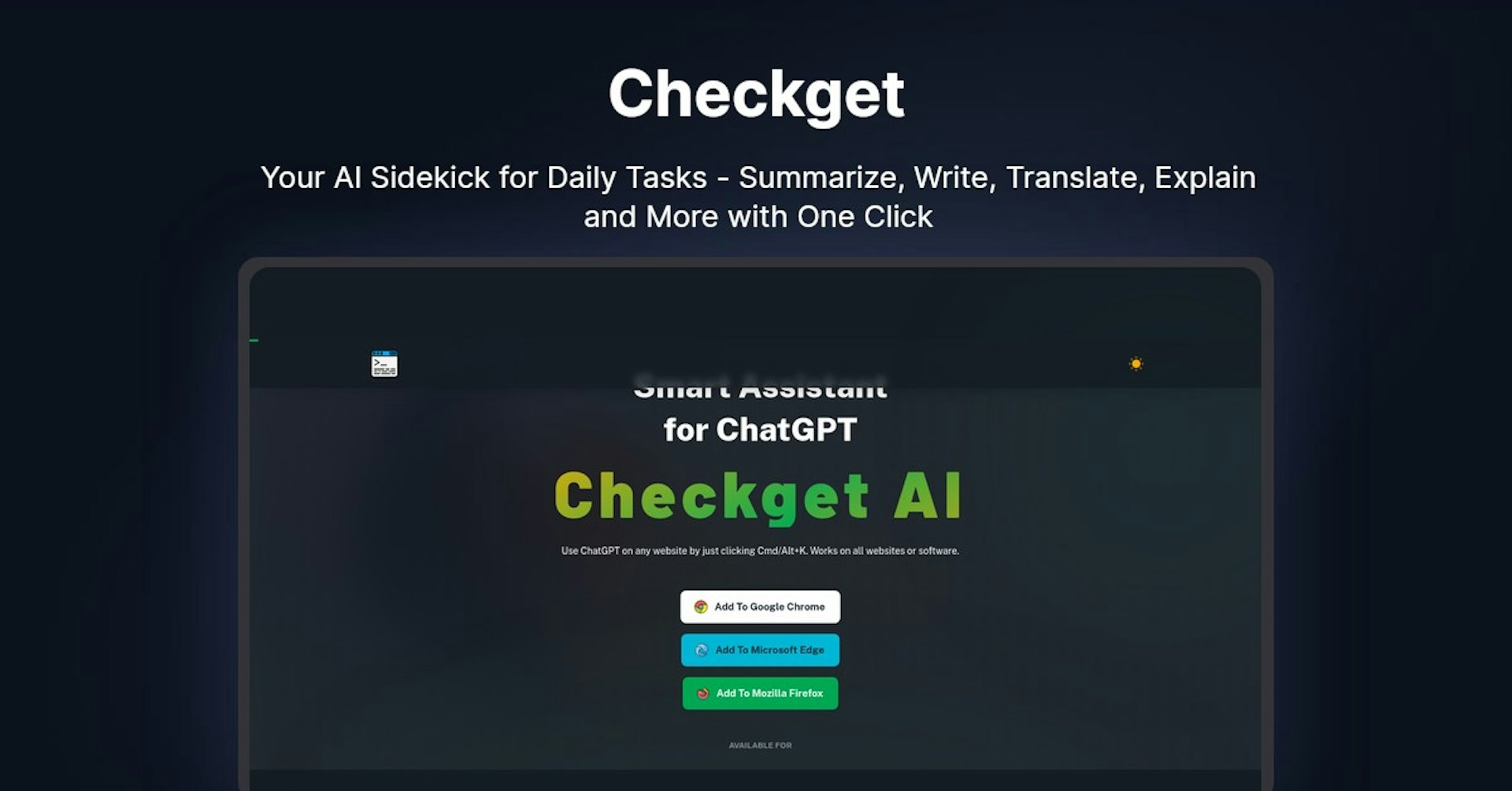
Checkget
Your AI Sidekick for Daily Tasks - Summarize, Write, Translate, Explain and More with One Click
4.5
(42 reviews)
개요
기능
설정
Why Choose Checkget?
AI 기반
최첨단 AI 기술을 활용하여 우수한 결과를 제공합니다
간편한 사용
모든 수준의 사용자를 위해 설계된 직관적인 인터페이스
원활한 통합
기존 도구 및 워크플로우와 완벽하게 작동합니다
About Checkget
Overview of Checkget AI - Smart Assistant for ChatGPT
Checkget AI is a browser extension that allows you to use ChatGPT on any website with just a quick keyboard shortcut (Cmd/Alt+K). It works on all websites and software to give you access to ChatGPT's AI capabilities for generating content, answering questions, and more.
How Does It Work?
Checkget AI integrates directly into your browser. Once installed, all you need to do is highlight text on any webpage and press Cmd/Alt+K. This will open up a ChatGPT window where you can get AI-generated responses to the selected text.
Some key features and functionality:
- Works on any website or software by just pressing the keyboard shortcut
- Automatically recognizes different scenarios like replying to emails or explaining code
- Lets you easily switch between different styles and tones of voice
- Encrypts everything you send for privacy and security
- Has a local mode that communicates directly with ChatGPT after setting an API key
Key Features and Benefits
- Access anytime, anywhere - No need to copy/paste, open ChatGPT instantly with a keyboard shortcut
- Smart assistance - Automatically recognizes scenarios and contexts like emails or code
- Powerful AI - Can summarize, translate, rephrase, fix grammar, expand text, and more
- Dark mode - Easy on the eyes dark theme
- Privacy - End-to-end encryption for security
- Local mode - Communicate directly with ChatGPT using your own API key
Use Cases and Applications
Checkget AI can be used for a wide variety of applications:
Content Creation
- Get AI-generated drafts, ideas, and outlines for blogs, articles, stories, etc.
- Rephrase or expand on existing text
- Fix spelling/grammar errors
- Summarize long pieces of text
Coding and Programming
- Explain code samples line-by-line
- Generate code examples for specific tasks
- Translate code snippets between programming languages
Research and Learning
- Ask questions on any topic and get detailed, human-like explanations
- Get definitions of terms and concepts
- Have it explain and summarize research papers or long texts
Email and Communication
- Get suggestions for email replies based on selected text
- Rephrase sentences or paragraphs to improve clarity
- Check for spelling/grammar errors
Who is Checkget AI For?
Checkget AI is useful for:
- Bloggers - Generate content ideas, outlines, and drafts
- Students - Ask questions and get explanations on homework or research topics
- Programmers - Get code examples and explanations for learning or debugging
- Writers - Rephrase, expand, or summarize text for stories and articles
- Researchers - Summarize long research papers, generate ideas for projects
- Anyone - Access a powerful AI assistant for any task involving text
Plans and Pricing
Checkget AI offers various pricing plans:
- Free - 20 requests/day, 5 conversation rounds, access to GPT-3.5
- Pro - $9.99/month, 100 requests/day, 10 conversation rounds
- Premium - $19.99/month, 200 requests/day, 15 conversation rounds
- Ultimate - $59.99/month, 1000 requests/day, 30 conversation rounds, access to GPT-4
Support and Integrations
Checkget AI offers community support for free users and priority email support for paying users.
It currently integrates directly into Chrome, Edge, and Firefox as a browser extension. It does not currently offer an API for third-party integrations.
Reviews and Reputation
Checkget AI is a new product but early reviews highlight its ease of use, power, and accessibility compared to other ChatGPT tools. Users mention how seamlessly it integrates ChatGPT into any browser with just a quick keyboard shortcut.
Frequently Asked Questions
Is there a free version?
Yes, the free version provides 20 requests per day and access to GPT-3.5.
Does it work offline?
No, an internet connection is required to use Checkget AI.
What browsers are supported?
Checkget AI has direct extensions for Chrome, Edge, and Firefox.
Is my data secure?
All data is encrypted end-to-end for privacy. You can also use local mode to communicate directly with ChatGPT.
Can I get access to GPT-4?
GPT-4 access is currently only available on the Ultimate pricing plan.
Useful Links
Autonoly로 Checkget을 더 강력하게
Checkget을 200개 이상의 앱과 연결하고 전체 워크플로우를 자동화하세요
AI 자동화로 10배 빠른 워크플로우
코딩 불필요 - 비주얼 드래그 앤 드롭
운영 비용 75% 절감
엔터프라이즈급 보안 및 안정성
유사한 AI 도구

PortraitAI
AI generates elegant 18th century-style portraits from your photos for impressive custom art.

Kaedim
Instantly create stunning 3D models from photos with AI, no expertise needed.

Blockadelabs
Craft captivating virtual worlds from text with our magical AI skybox generator

Polycam
Transform everyday photos into stunning 3D models with this popular scanning app.