
ChatGPT for Workspace
미정
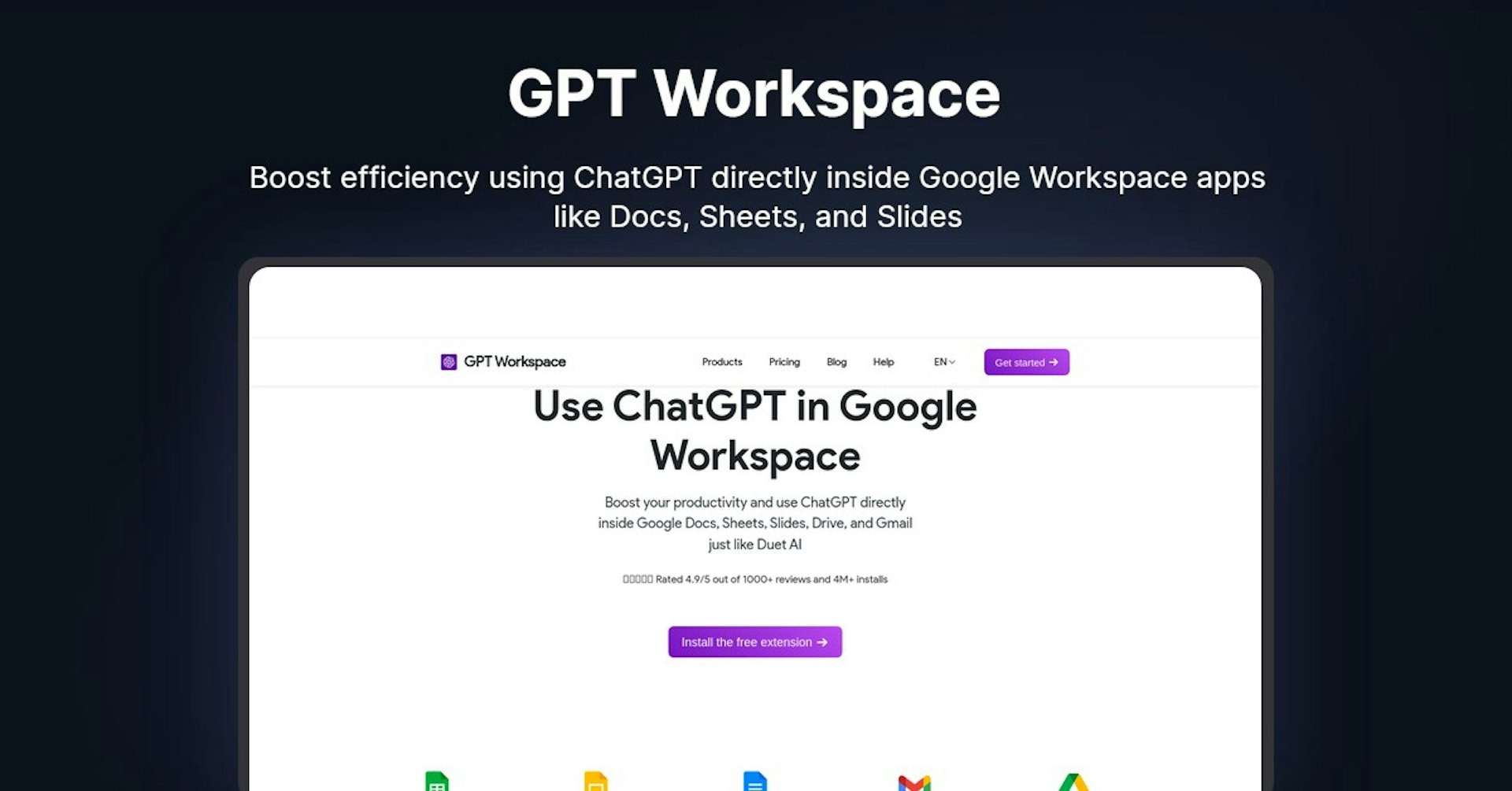
GPT Workspace
Boost efficiency using ChatGPT directly inside Google Workspace apps like Docs, Sheets, and Slides
4.5
(42 reviews)
개요
기능
설정
Why Choose GPT Workspace?
AI 기반
최첨단 AI 기술을 활용하여 우수한 결과를 제공합니다
간편한 사용
모든 수준의 사용자를 위해 설계된 직관적인 인터페이스
원활한 통합
기존 도구 및 워크플로우와 완벽하게 작동합니다
About GPT Workspace
Overview of GPT Workspace: AI-Powered Google Workspace Productivity Booster
GPT Workspace seamlessly integrates ChatGPT into Google Workspace apps. Key features and benefits include:
- Generate content, slides decks, spreadsheets faster
- Summarize, analyze data and documents
- Suggest replies for emails
- Fix grammar mistakes automatically
- Works directly inside Google Workspace apps (no copy-pasting needed)
How Does GPT Workspace Work?
GPT Workspace enables users to access AI directly within Google Workspace products:
- Google Sheets: Get AI-generated data, lists, and analysis
- Google Slides : Create stunning slide decks in seconds
- Google Docs: Improve writing quality and correct grammar
- Gmail: Get AI-powered suggestions for email replies
- Google Drive: Summarize PDFs and documents stored in Drive
The add-on uses ChatGPT in the background to power the AI features. No machine learning runs inside Google Workspace.
Key Features and Benefits
GPT Workspace offers many useful features:
Google Sheets
- Generate tables, arrays, lists
- Summarize, categorize and analyze spreadsheet data
- Extract insights from datasets
Google Slides
- Create visually appealing slide decks fast
- Add high-quality images to slides automatically
- Generate detailed slide content
Google Docs
- Rewrite and enhance written content
- Check grammar and spelling
- Translate documents into over 30 languages
Gmail
- Understand email conversations
- Suggest thoughtful, relevant email replies
Google Drive
- Summarize PDFs and Office documents
- Run custom ChatGPT prompts on files
Use Cases and Applications
GPT Workspace has many business and personal applications:
Business Use Cases
- Market Research: Gather consumer insights from surveys
- Presentations: Create stunning sales decks quickly
- Email Marketing: Send more personalized emails at scale
- Reporting: Summarize financial reports into executive summaries
Personal Use Cases
- Writing Help: Fix grammar mistakes in essays and articles
- Language Learning: Translate documents to study new languages
- Task Automation: Generate to-do lists, calendars, recipes etc.
Who is GPT Workspace For?
GPT Workspace is useful for:
- Businesses: Marketing, Sales, HR, Finance teams
- Students and teachers: Writing, research, language learning
- Bloggers and writers: Content creation and editing
- Enterpreneurs: Research, presentations, task automation
Plans and Pricing
GPT Workspace has free and paid plans:
- Free: Limited monthly prompts
- Pro ($8/month): 2,500 prompts/month
- Team ($20/month): 7,500 prompts/month
View detailed pricing.
Support and Integrations
- Support: Email [email protected]
- Integrations: Works inside Google Workspace apps
- API: No public API currently available
Reviews From Users
GPT Workspace is rated 4.9/5 based on 1,000+ reviews. Users praise its easy workflow integration, AI-generated content quality, and positive impact on productivity.
Useful Links and Resources
- GPT Workspace Website: https://gpt.space
- Install Chrome Extension: https://chrome.google.com/webstore/detail/gpt-workspace
- Pricing Plans: https://app.gpt.space/pricing
- Help Articles: https://support.gpt.space
Autonoly로 GPT Workspace을 더 강력하게
GPT Workspace을 200개 이상의 앱과 연결하고 전체 워크플로우를 자동화하세요
AI 자동화로 10배 빠른 워크플로우
코딩 불필요 - 비주얼 드래그 앤 드롭
운영 비용 75% 절감
엔터프라이즈급 보안 및 안정성
유사한 AI 도구

PortraitAI
AI generates elegant 18th century-style portraits from your photos for impressive custom art.

Kaedim
Instantly create stunning 3D models from photos with AI, no expertise needed.

Blockadelabs
Craft captivating virtual worlds from text with our magical AI skybox generator

Polycam
Transform everyday photos into stunning 3D models with this popular scanning app.