
Coding
미정
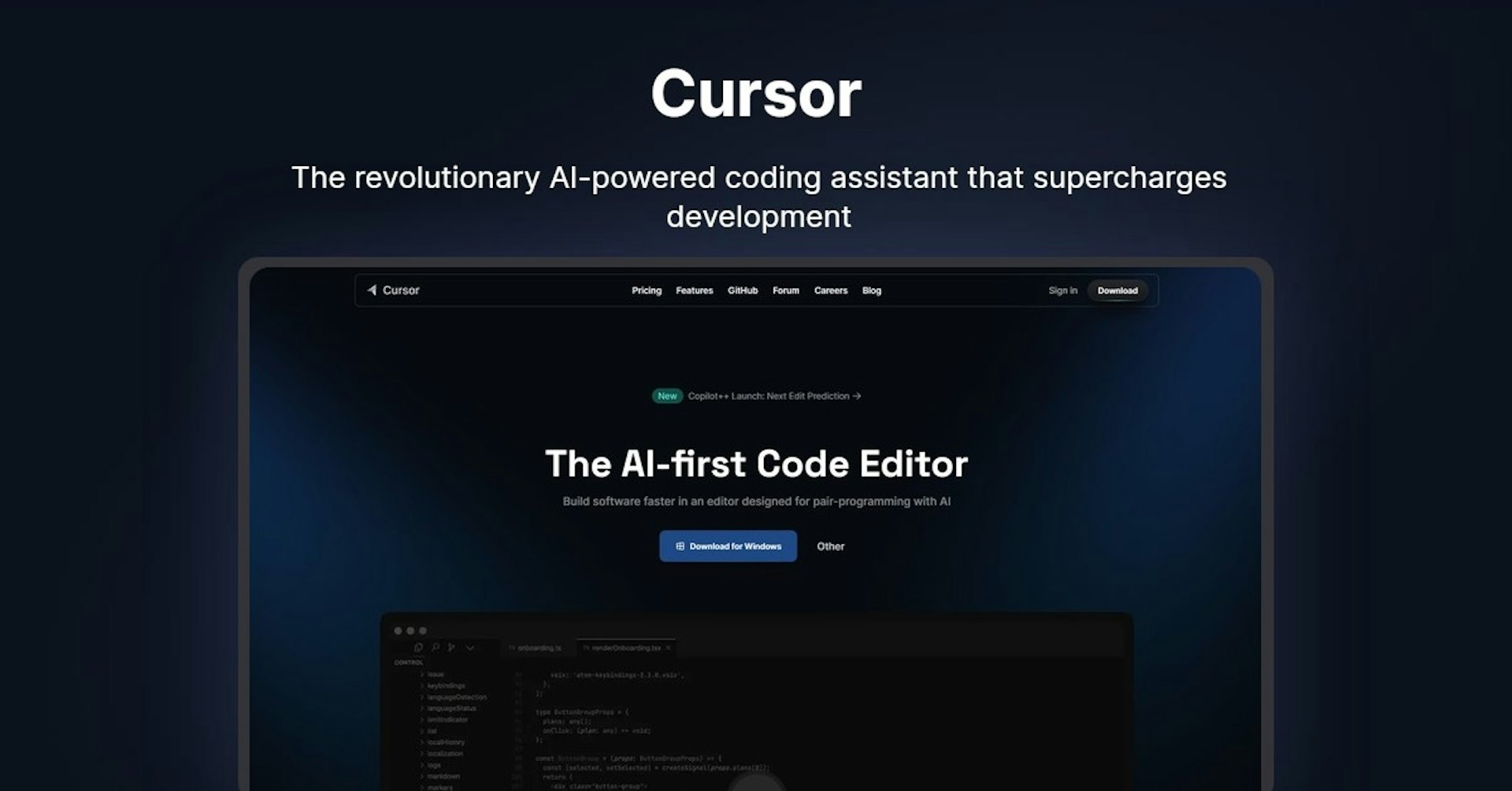
Cursor
The revolutionary AI-powered coding assistant that supercharges development
4.5
(42 reviews)
개요
기능
설정
Why Choose Cursor?
AI 기반
최첨단 AI 기술을 활용하여 우수한 결과를 제공합니다
간편한 사용
모든 수준의 사용자를 위해 설계된 직관적인 인터페이스
원활한 통합
기존 도구 및 워크플로우와 완벽하게 작동합니다
About Cursor
Overview of Cursor: The AI-First Code Editor
In the rapidly evolving world of software development, efficiency and productivity are paramount. That's where Cursor comes into play—a revolutionary AI-first code editor that is changing the game for developers worldwide. Unlike traditional Integrated Development Environments (IDEs), Cursor leverages the power of artificial intelligence to provide an unparalleled coding experience. It’s designed to act as a pair-programming partner, offering support throughout the coding process. Trusted by tens of thousands of engineers globally, Cursor helps in building software faster and more efficiently. This tool isn't just about coding; it's about staying in the flow and focusing on what truly matters in your project.
How Does Cursor Work?
Cursor integrates AI into the coding process, acting as a silent partner that understands your project's context. Here’s how it enhances the coding experience:
- Contextual Understanding : Cursor understands the specifics of your repository, allowing you to ask questions or get suggestions relevant to your project.
- Speed and Efficiency : By aiding in documentation browsing, code changes, bug fixes, and even generating code from scratch, Cursor significantly speeds up the development process.
This AI-driven approach ensures that developers can maintain their flow, reducing the time spent on searching for code or debugging.
Features, Functionalities, and Benefits
Cursor stands out for its innovative features and functionalities that offer numerous benefits to developers:
- Intelligent Pair-Programming : Acts as a virtual coding partner, providing assistance tailored to your project needs.
- Massive Speedups : Unlock rapid development cycles by quickly navigating code, spotting and fixing bugs, and generating new code.
- Seamless Integration : Easily import your favorite VSCode extensions, themes, and keybindings with just one click.
- Privacy Options : Offers privacy settings to ensure your code remains secure.
These features not only enhance productivity but also ensure a smooth and customizable coding environment.
Use Cases and Potential Applications
The versatility of Cursor makes it suitable for a wide range of applications:
- Software Development : From startups to large enterprises, developers can leverage Cursor to streamline their coding process.
- Educational Purposes : Educators and students can use Cursor to teach and learn coding more effectively.
- Rapid Prototyping : Quickly generate code for prototypes, speeding up the development cycle.
Each of these use cases benefits from Cursor’s AI capabilities, making coding more accessible and efficient.
Who is Cursor For?
Cursor is designed for a broad spectrum of users:
- Software Engineers : Professionals looking to enhance their productivity and coding efficiency.
- Students and Educators : Those in educational settings can benefit from its intuitive interface and AI assistance.
- Project Managers : Individuals overseeing development projects can utilize Cursor to streamline workflows.
Frequently Asked Questions
- Is Cursor suitable for beginners? Yes, its intuitive interface and AI assistance make it accessible for newcomers.
- Can Cursor be customized? Absolutely, with support for VSCode extensions and themes, you can tailor the environment to your liking.
Important Links and Resources
In summary, Cursor represents a significant leap forward in the evolution of code editors. By harnessing the power of AI, it offers developers of all levels a more efficient, customizable, and intelligent coding experience. Whether you're a seasoned engineer, a student, or somewhere in between, Cursor has the potential to transform the way you code.
Autonoly로 Cursor을 더 강력하게
Cursor을 200개 이상의 앱과 연결하고 전체 워크플로우를 자동화하세요
AI 자동화로 10배 빠른 워크플로우
코딩 불필요 - 비주얼 드래그 앤 드롭
운영 비용 75% 절감
엔터프라이즈급 보안 및 안정성
유사한 AI 도구

PortraitAI
AI generates elegant 18th century-style portraits from your photos for impressive custom art.

Kaedim
Instantly create stunning 3D models from photos with AI, no expertise needed.

Blockadelabs
Craft captivating virtual worlds from text with our magical AI skybox generator

Polycam
Transform everyday photos into stunning 3D models with this popular scanning app.