
Coding
미정
Maverick
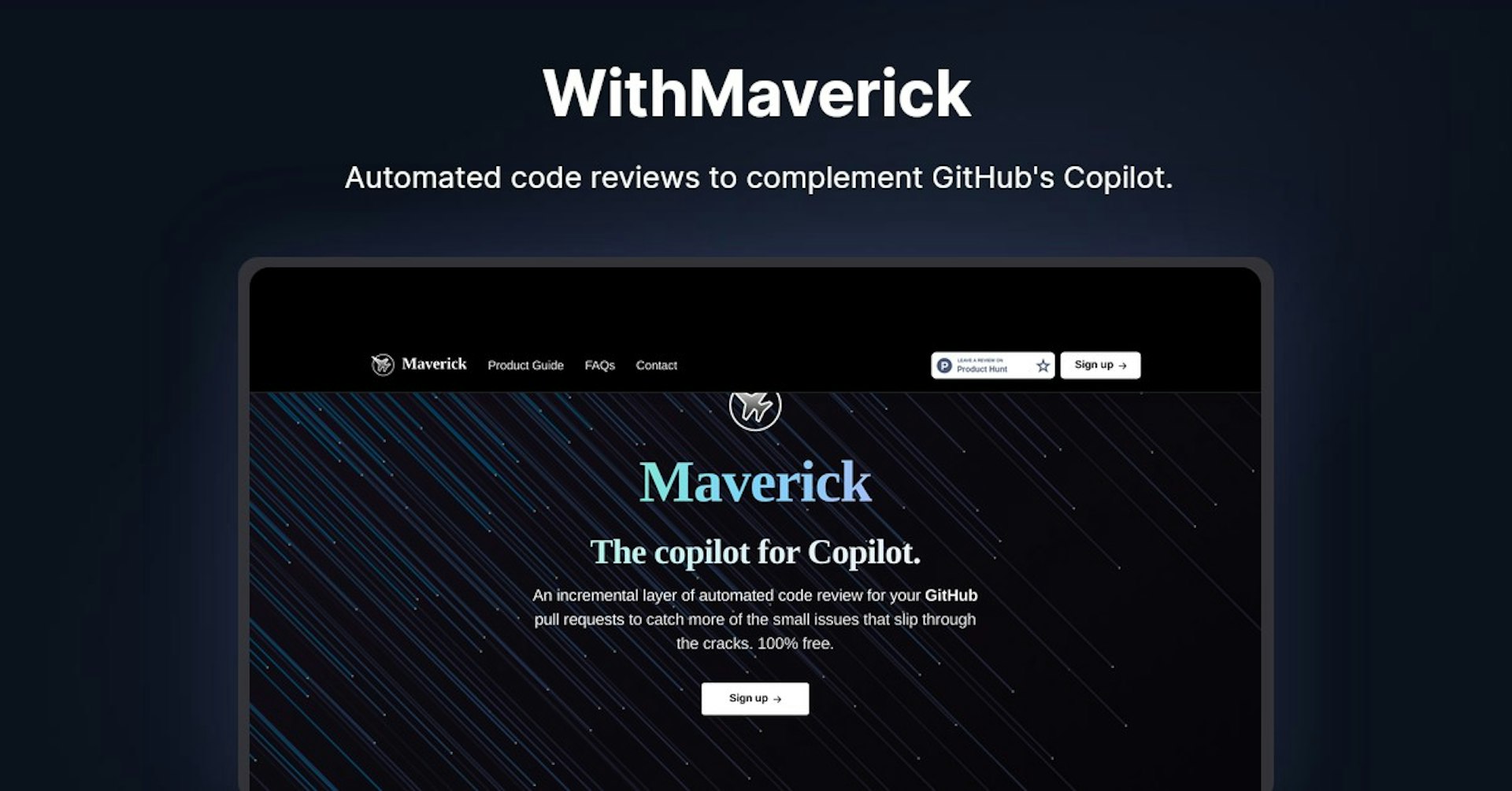
Automated code reviews to complement GitHub's Copilot.
4.5
(42 reviews)
개요
기능
설정
Why Choose Maverick?
AI 기반
최첨단 AI 기술을 활용하여 우수한 결과를 제공합니다
간편한 사용
모든 수준의 사용자를 위해 설계된 직관적인 인터페이스
원활한 통합
기존 도구 및 워크플로우와 완벽하게 작동합니다
About Maverick
Overview of Maverick - The Copilot for Copilot
Maverick is an automated code review tool for GitHub pull requests. It provides incremental feedback to catch small issues that may slip through the cracks with other code review processes. Maverick is 100% free and integrates directly with GitHub.
How Maverick Works
Maverick works by monitoring pull requests on selected GitHub repos. When a new PR is opened, Maverick will automatically review the code changes and leave feedback via GitHub review comments.
Key Steps:
-
Install the Maverick app - Head to the GitHub Marketplace and install the Maverick app. Select which repos you want Maverick to monitor.
-
Open pull requests - Open PRs on your repos per your normal process. Maverick listens for new PRs.
-
Get feedback - Maverick scans the code changes and leaves feedback via review comments on the PR.
Features and Benefits
Key features and benefits of Maverick include:
-
Automated code reviews - Maverick provides an extra layer of automated code review on every PR.
-
Incremental feedback - Small issues that may be missed by other reviews are caught.
-
GitHub integration - Maverick leaves feedback via GitHub review comments for seamless workflow.
-
Free to use - Maverick is 100% free for public and private repos.
-
Easy setup - Takes just minutes to install and configure.
Use Cases
Maverick is useful for:
-
Individual developers - Get automated feedback on your PRs before asking for human reviews.
-
Teams - Additional automated testing helps maintain code quality standards.
-
Open source projects - Free automated reviews improve collaboration.
Who Maverick is For
Maverick can provide value for:
-
Developers - Get rapid feedback on your code changes.
-
Engineering managers - Maintain code quality without added burden.
-
Open source maintainers - More collaboration for free.
Plans and Pricing
The Maverick app is 100% free for both public and private GitHub repos. There are no usage limits.
Support
Maverick offers email support at [email protected].
Integrations
Maverick currently only integrates with GitHub via the GitHub app.
API
Maverick does not currently offer an API for developers.
Reviews
Here are a few Maverick reviews from ProductHunt users:
-
"Maverick is like having another pair of eyes reviewing every PR. I'm amazed this is free."
-
"The feedback has helped me improve my coding style and avoid simple mistakes before asking for human reviews."
-
"Super simple to setup and the integration with GitHub is seamless. Loving Maverick so far!"
Useful Links
Autonoly로 Maverick을 더 강력하게
Maverick을 200개 이상의 앱과 연결하고 전체 워크플로우를 자동화하세요
AI 자동화로 10배 빠른 워크플로우
코딩 불필요 - 비주얼 드래그 앤 드롭
운영 비용 75% 절감
엔터프라이즈급 보안 및 안정성
유사한 AI 도구

PortraitAI
AI generates elegant 18th century-style portraits from your photos for impressive custom art.

Kaedim
Instantly create stunning 3D models from photos with AI, no expertise needed.

Blockadelabs
Craft captivating virtual worlds from text with our magical AI skybox generator

Polycam
Transform everyday photos into stunning 3D models with this popular scanning app.