
Coding help
미정
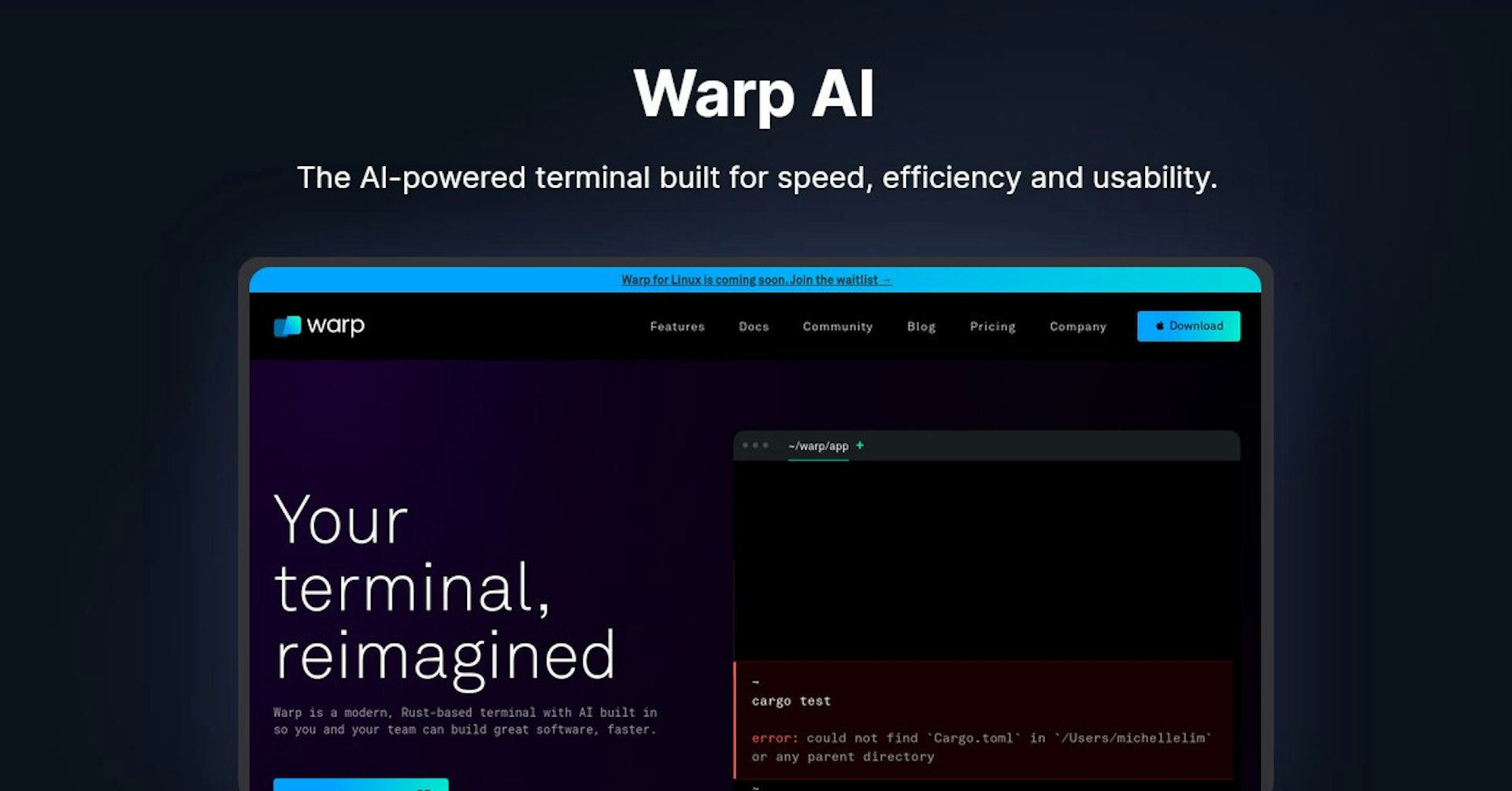
Warp AI
The AI-powered terminal built for speed, efficiency and usability.
4.5
(42 reviews)
개요
기능
설정
Why Choose Warp AI?
AI 기반
최첨단 AI 기술을 활용하여 우수한 결과를 제공합니다
간편한 사용
모든 수준의 사용자를 위해 설계된 직관적인 인터페이스
원활한 통합
기존 도구 및 워크플로우와 완벽하게 작동합니다
About Warp AI
Overview of Warp - A Modern, Developer-Friendly Terminal
Warp is a new terminal application built from the ground up to provide a more modern, user-friendly, and powerful terminal experience. It aims to make the command line more accessible while unlocking its full potential for developers.
How Warp Works
- Built with Rust and rendered using Metal for blazing fast performance without slowdowns from Electron or JavaScript
- Offers an IDE-style text editor within the terminal for easier editing and navigation
- Saves frequently used workflows to execute on-demand and share across teams
- Incorporates AI assistance through OpenAI for smarter autocompletions, explanations, and debugging
Key Features and Benefits
Enhanced Text Editor
- Edit commands more easily with text selections, cursor positioning, and intelligent autocompletion
- Navigate faster through output history command-by-command
Workflow Optimization
- Save and easily rerun commonly used workflows
- Share workflows across teams and update them in real-time
AI Assistance
- Get help completing commands, fixing errors, writing scripts and more through Warp’s AI
Customization
- Customize keybindings, themes, and other preferences
- Select from premade themes or create your own
Use Cases and Applications
Warp is designed for software developers who work extensively with the command line. Its features for smarter autocompletion, visual history navigation, and workflow optimization provide noticeable time savings. Teams can standardize on Warp to share preferences and shortcuts. The terminal's speed and customizability also suit developers working on remote machines or in the cloud.
Pricing and Plans
Warp offers a free version with full functionality. Paid plans start at $10 per month and add priority support, additional cloud storage for command history, and enterprise single sign-on (SSO) compatibility. Volume discounts are available for teams.
Customer Reviews and Reactions
Early user feedback for Warp highlights its speed, intuitive workflows, and AI assistance as major differentiators from traditional terminals. Reviewers have been particularly impressed with innovations in navigation, finding the traditional terminal scroll-heavy and outdated by comparison.
Frequently Asked Questions
Is there a free version? Yes, Warp offers full functionality for free without restrictions.
What OSes are supported? Warp currently runs natively on MacOS. Linux and Windows support are in development.
Can I customize Warp? Yes, Warp offers deep customization options for keybindings, color schemes, fonts, layouts, and more. You can also create or share color themes.
Is my data secure? Warp incorporates encryption technologies to keep user data private and secure. User input/output is never collected or transmitted.
More Resources
Autonoly로 Warp AI을 더 강력하게
Warp AI을 200개 이상의 앱과 연결하고 전체 워크플로우를 자동화하세요
AI 자동화로 10배 빠른 워크플로우
코딩 불필요 - 비주얼 드래그 앤 드롭
운영 비용 75% 절감
엔터프라이즈급 보안 및 안정성
유사한 AI 도구

PortraitAI
AI generates elegant 18th century-style portraits from your photos for impressive custom art.

Kaedim
Instantly create stunning 3D models from photos with AI, no expertise needed.

Blockadelabs
Craft captivating virtual worlds from text with our magical AI skybox generator

Polycam
Transform everyday photos into stunning 3D models with this popular scanning app.