
Copywriting
미정
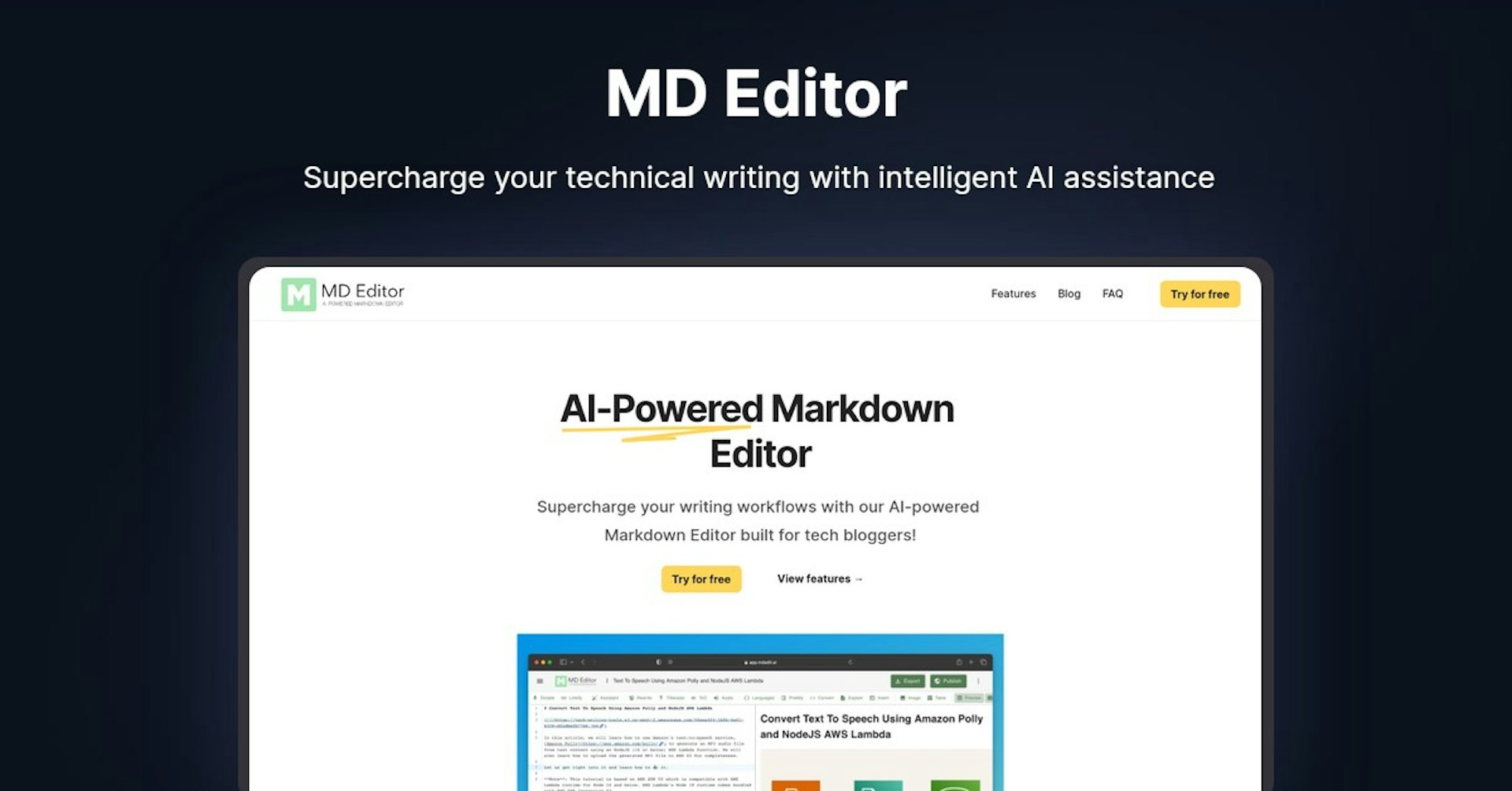
MD Editor
Supercharge your technical writing with intelligent AI assistance
4.5
(42 reviews)
개요
기능
설정
Why Choose MD Editor?
AI 기반
최첨단 AI 기술을 활용하여 우수한 결과를 제공합니다
간편한 사용
모든 수준의 사용자를 위해 설계된 직관적인 인터페이스
원활한 통합
기존 도구 및 워크플로우와 완벽하게 작동합니다
About MD Editor
AI-Powered Markdown Editor - Supercharge Your Tech Writing
Overview
- AI-powered markdown editor built for tech bloggers to improve writing workflows
- Offers intelligent suggestions, formatting help, and code highlighting
- Generates first drafts, explains code, highlights syntax, and more
How Does It Work?
- Uses AI to provide writing assistance and automate tasks
- Analyzes text to make smart recommendations and edits
- Built specifically for technical writing and markdown documents
Key Features and Benefits
- Write First Drafts with AI
- Generates outline and draft with code snippets
- Lets you customize formatting like TOC and signatures
- Brainstorm Ideas
- Helps generate relevant ideas based on your input
- Great for expanding creative thinking
- Explain Code
- Add short explanations for code snippets
- Just select code and click "Explain"
- Format Code
- Auto-detects languages
- Applies syntax highlighting
- Converts code to images or gists
- Media Tools
- Add images from local or Unsplash
- Generate images with AI
- Writing Tools
- Dictate text, run checks, convert case
- Autocomplete and rewrite with AI
- Publishing Tools
- Import various formats like HTML, MD, IPYNB
- Export to MD, HTML, PDF, gists, DocX
- Publish to Medium, GitHub, Dev.to
Use Cases and Applications
Great for:
- Tech bloggers
- Software developers
- Engineers
- Technical writers
- Coders looking to improve explanations
Applications:
- Writing technical tutorials and documentation
- Creating developer blog posts
- Drafting readme files for GitHub
- Authoring software manuals and guides
Who Is It For?
- Engineers and developers
- Technical bloggers
- Software documentation writers
- Coders wanting better code explanations
- Tech marketing professionals
Support Options
- Email support
- Documentation
- FAQ section
Integrations
- Medium
- GitHub
- Dev.to
API
Yes, offers API access and webhook integration.
What Users Are Saying
"The AI writing assistance has been a game changer. I can write higher quality posts faster than ever before."
"I love how easy it is to add code blocks and explanations. My developer blog has really improved."
"The brainstorming feature helps me get unstuck. I just provide a topic and it spits back great ideas."
Useful Links and Resources
Autonoly로 MD Editor을 더 강력하게
MD Editor을 200개 이상의 앱과 연결하고 전체 워크플로우를 자동화하세요
AI 자동화로 10배 빠른 워크플로우
코딩 불필요 - 비주얼 드래그 앤 드롭
운영 비용 75% 절감
엔터프라이즈급 보안 및 안정성
유사한 AI 도구

PortraitAI
AI generates elegant 18th century-style portraits from your photos for impressive custom art.

Kaedim
Instantly create stunning 3D models from photos with AI, no expertise needed.

Blockadelabs
Craft captivating virtual worlds from text with our magical AI skybox generator

Polycam
Transform everyday photos into stunning 3D models with this popular scanning app.