
미정
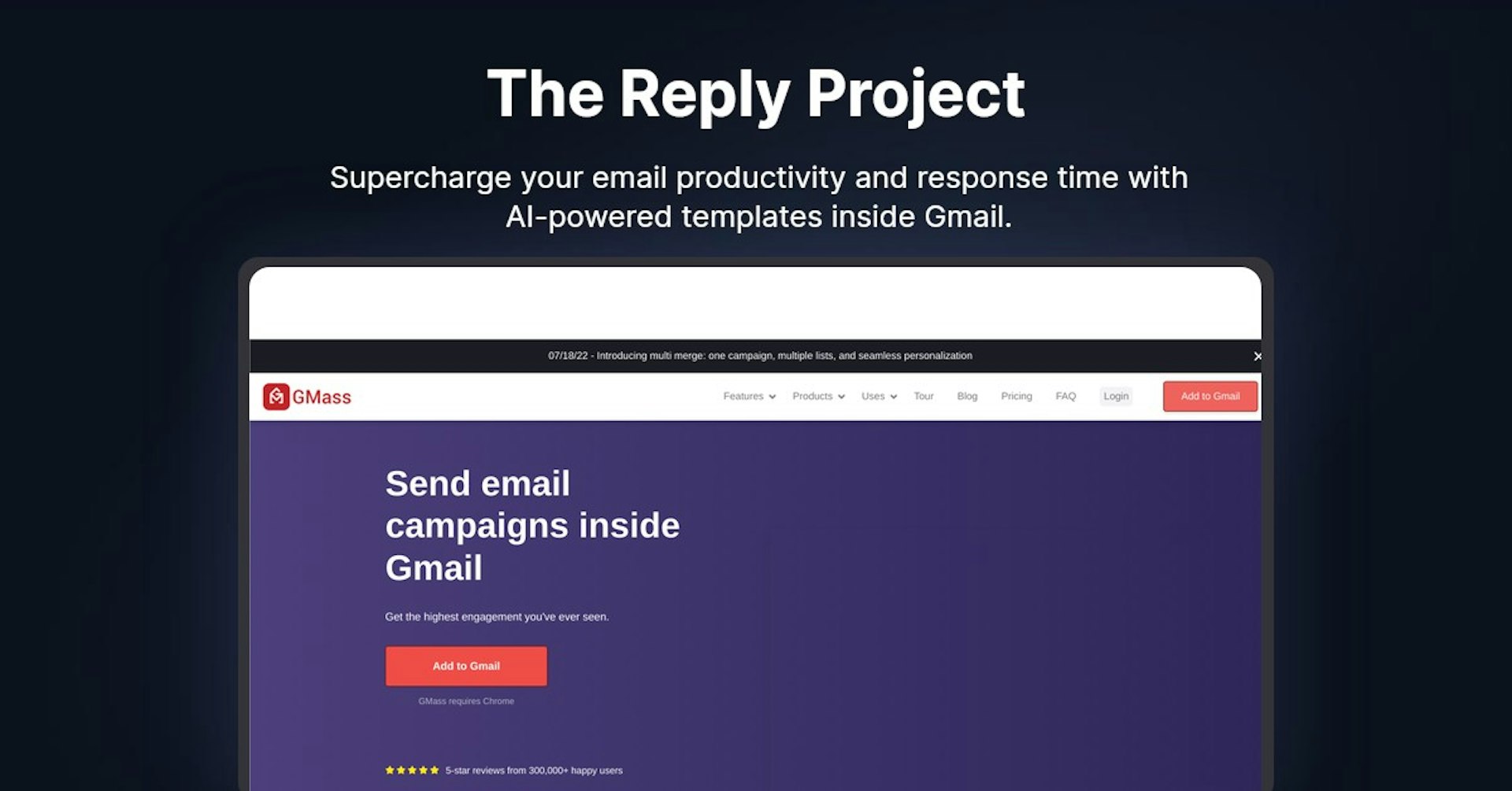
The Reply Project
Supercharge your email productivity and response time with AI-powered templates inside Gmail.
4.5
(42 reviews)
개요
기능
설정
Why Choose The Reply Project?
AI 기반
최첨단 AI 기술을 활용하여 우수한 결과를 제공합니다
간편한 사용
모든 수준의 사용자를 위해 설계된 직관적인 인터페이스
원활한 통합
기존 도구 및 워크플로우와 완벽하게 작동합니다
About The Reply Project
Overview of GMass - Send Email Campaigns Inside Gmail
GMass is a Chrome extension that turns Gmail into an email marketing and cold email platform. It allows users to:
- Send mass personalized emails via mail merge with Google Sheets
- Break Gmail's sending limits with proprietary distribution technology
- Maximize deliverability with tools to ensure emails hit the inbox
- Schedule and automate campaigns with follow-up sequences
- Gain insights with detailed email analytics and reporting
With over 300,000 happy users, GMass aims to provide the highest engagement for email campaigns sent directly within Gmail.
How Does GMass Work?
-
Mail Merge with Google Sheets: Connect GMass to any Google Sheet to pull in data for personalized mass emails. Send merges using any columns from the sheet.
-
Powerful Email Editor: Compose professional emails with GMass's editor that includes email merge fields, templates, scheduling and more.
-
Built-in Deliverability Tools: Verify email addresses, check links, analyze spam triggers, and optimize deliverability before sending campaigns.
-
Detailed Analytics: Track opens, clicks, bounces, unsubscribes, replies and more. View interactive campaign reports and charts.
-
Break Gmail Limits: Send beyond Gmail's daily limits by evenly distributing emails through GMass's proprietary technology.
-
Automatic Follow-Ups: Schedule timed email follow-up sequences to boost engagement and response rates.
-
Segment Campaigns: Send new emails to specific segments, like those who opened but didn't click.
-
Team Collaboration: Share saved templates and allow teammates to manage replies and bounces.
Key Features and Benefits
Mail Merge with Google Sheets
- Pull in data from any Google Sheet to personalize mass emails
- Monitor sheets for new rows and send automatic email updates
- Use all columns like first name, last name, company, custom fields, etc.
Powerful Deliverability Tools
- Email address verification to remove invalid addresses
- Link checker to fix broken links before sending
- Email analytics to catch spam triggers
- Control sending speed to avoid throttling
Campaign Scheduling
- Schedule campaigns to send whenever needed, down to the minute
- Set recurring schedules to automate recurring merges
- Send follow-up sequences days or weeks after initial emails
Segmentation and Personalization
- Send to segments like non-openers or non-clickers
- Dynamic personalization with merge fields and conditional content
- Fallback values for missing data like first name
Built-in Analytics and Reporting
- Track open, click, bounce and reply rates for each campaign
- View interactive charts showing engagement over time
- Export and share reports with clients and stakeholders
Break Gmail's Limits
- Send beyond Gmail's quota with proprietary distribution
- Control sends per hour to avoid throttling
- Support high volume email marketing campaigns
Who is GMass For?
GMass is designed for any individual or business that needs to send mass personalized emails using Gmail, including:
- Agencies - Marketing, PR, digital media, web design
- Startups & SMBs - Small teams doing sales & outreach
- Enterprises - Larger companies that use Gmail
- Political Campaigns - Manage supporter outreach
- Nonprofits - Donor engagement and fundraising
- Teachers & Schools - Class and parent communication
- Real Estate - Promote listings and reach buyers
- Press & Media - Manage press release distribution
- Wedding Planners - Send invitations and announcements
Essentially any industry, role or use case that requires emailing lists from Gmail.
Support Options
- Knowledge Base - Search help articles and documentation
- Email Support - Get answers from the GMass support team
- Live Chat - Chat with support agents in real-time
- User Community - Join the GMass user community for advice
Integrations
GMass offers integrations with:
- Google Sheets for mail merge data
- Other email providers via SMTP to send emails
- Zapier to connect with 1,000+ other apps
- Webhooks to build custom integrations
- REST API to integrate at scale
Important Links
- GMass Website: https://www.gmass.co
- Chrome Web Store: https://chrome.google.com/webstore/detail/gmass-powerful-mail-merge/ehomdgjhgmbidokdgicgmdiedadncbgf
- Pricing: https://www.gmass.co/pricing
Autonoly로 The Reply Project을 더 강력하게
The Reply Project을 200개 이상의 앱과 연결하고 전체 워크플로우를 자동화하세요
AI 자동화로 10배 빠른 워크플로우
코딩 불필요 - 비주얼 드래그 앤 드롭
운영 비용 75% 절감
엔터프라이즈급 보안 및 안정성
유사한 AI 도구

PortraitAI
AI generates elegant 18th century-style portraits from your photos for impressive custom art.

Kaedim
Instantly create stunning 3D models from photos with AI, no expertise needed.

Blockadelabs
Craft captivating virtual worlds from text with our magical AI skybox generator

Polycam
Transform everyday photos into stunning 3D models with this popular scanning app.