
Graphic design
미정
Magic Brush AI
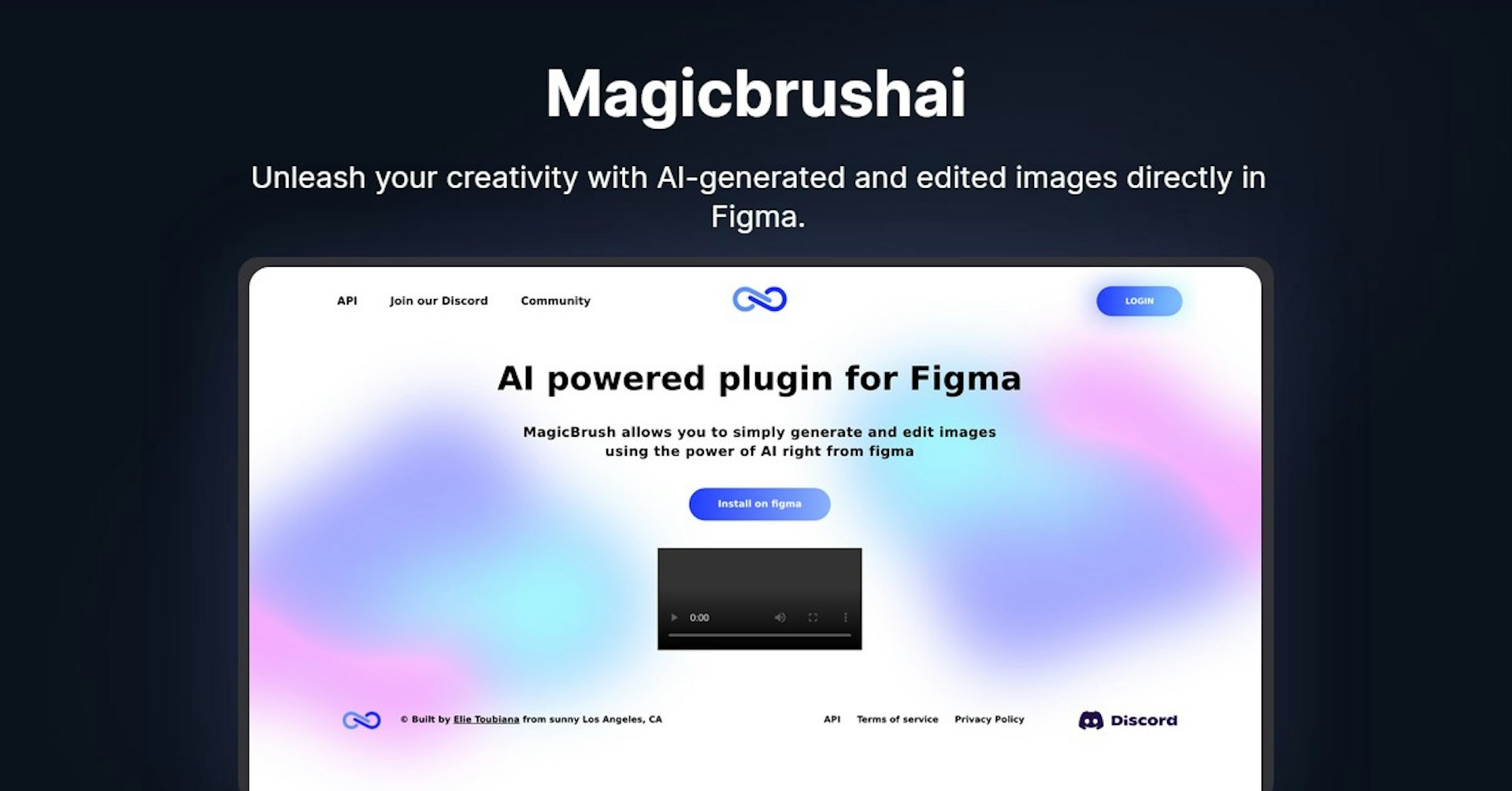
Unleash your creativity with AI-generated and edited images directly in Figma.
4.5
(42 reviews)
개요
기능
설정
Why Choose Magic Brush AI?
AI 기반
최첨단 AI 기술을 활용하여 우수한 결과를 제공합니다
간편한 사용
모든 수준의 사용자를 위해 설계된 직관적인 인터페이스
원활한 통합
기존 도구 및 워크플로우와 완벽하게 작동합니다
About Magic Brush AI
Overview of MagicBrush - AI Powered Figma Plugin for Image Generation and Editing
MagicBrush is an AI-powered plugin for Figma that allows users to easily generate and edit images directly within Figma using the power of artificial intelligence.
How Does It Work?
MagicBrush utilizes advanced AI image generation technology to enable users to create, modify, and enhance images in just a few clicks. Users can generate images from text prompts, apply styles and edits to existing images, increase image resolution, and more.
Key Features and Benefits
- Image Generation - Generate new images from text descriptions powered by AI
- Image Editing - Apply edits and adjustments like increasing image resolution and modifying styles
- Text to Image - Turn text prompts into images through AI
- Fast and Easy - Make powerful image edits and creations in just a few clicks
- Figma Integration - Use directly within the Figma design workflow for seamless image creation
- Creative Freedom - The AI capabilities unlock new creative possibilities for image generation and editing
Use Cases and Applications
MagicBrush can be used for:
- Graphic Design - Quickly create graphics, logos, icons, and more from text prompts
- Marketing - Generate images for social media posts, ads, landing pages, etc.
- Presentations - Create custom images to use in slides and presentations
- Concept Art - Help visualize product concepts through AI image generation
- Photo Editing - Upscale image resolution, modify lighting and colors, apply styles
Who is MagicBrush For?
MagicBrush is designed for:
- Graphic designers - Easily create custom graphics and images for designs
- Marketers - Generate visuals for marketing campaigns and content
- Presenters - Craft custom images to use in presentations and slides
- Photographers - Enhance and edit photos with AI capabilities
- Artists - Experiment with AI to visualize and create new image concepts
Support
Email and in-app support is available. You can also join the Discord community to get help.
Integrations
MagicBrush is integrated directly into Figma for easy access.
API
A Postman API documentation can be found here for developers.
Reviews
Here are some reviews from users:
- "This plugin is a game-changer for creating graphics and images in Figma!"
- "The AI image generation works magically to turn my ideas into full graphics."
- "I'm able to create way more visual content much faster with MagicBrush."
Frequently Asked Questions
What file types does it support?
It supports JPG, PNG, SVG, and more.
Can I use it on mobile?
Yes, it works directly within the Figma mobile apps.
Do I need design experience?
No, the AI does the heavy lifting so anyone can generate graphics.
Autonoly로 Magic Brush AI을 더 강력하게
Magic Brush AI을 200개 이상의 앱과 연결하고 전체 워크플로우를 자동화하세요
AI 자동화로 10배 빠른 워크플로우
코딩 불필요 - 비주얼 드래그 앤 드롭
운영 비용 75% 절감
엔터프라이즈급 보안 및 안정성
유사한 AI 도구

PortraitAI
AI generates elegant 18th century-style portraits from your photos for impressive custom art.

Kaedim
Instantly create stunning 3D models from photos with AI, no expertise needed.

Blockadelabs
Craft captivating virtual worlds from text with our magical AI skybox generator

Polycam
Transform everyday photos into stunning 3D models with this popular scanning app.