
Image editing in Adobe Lightroom
미정
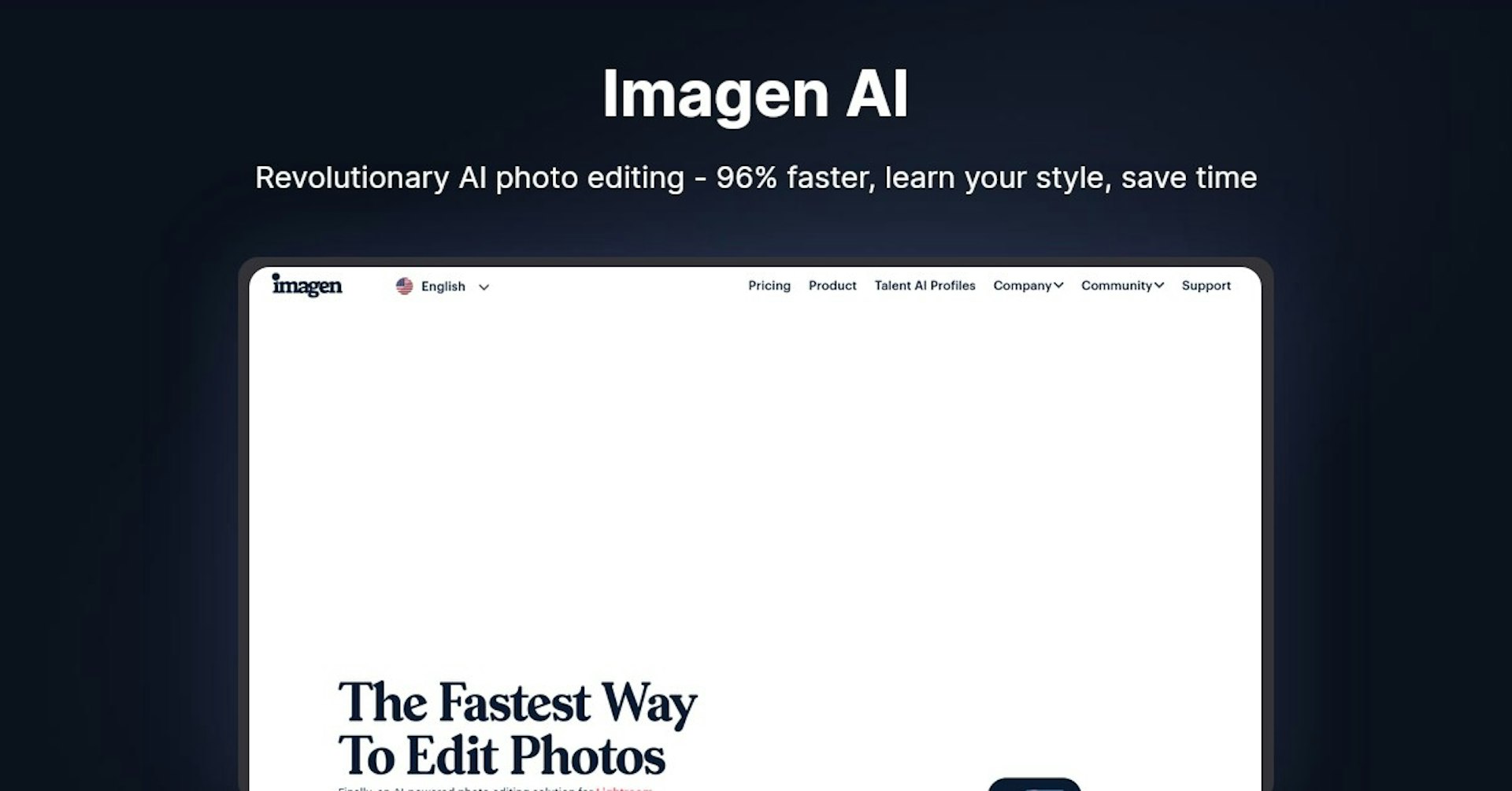
Imagen AI
Revolutionary AI photo editing - 96% faster, learn your style, save time
4.5
(42 reviews)
개요
기능
설정
Why Choose Imagen AI?
AI 기반
최첨단 AI 기술을 활용하여 우수한 결과를 제공합니다
간편한 사용
모든 수준의 사용자를 위해 설계된 직관적인 인터페이스
원활한 통합
기존 도구 및 워크플로우와 완벽하게 작동합니다
About Imagen AI
Overview
In a world where photography is both an art and a business, efficiency is key. Imagen AI has emerged as a game-changing tool for photographers, transforming the editing process with its advanced artificial intelligence technology. Designed to integrate seamlessly with Lightroom Classic, Imagen AI offers a Personalized Photo Editing Assistant that learns your unique editing style and applies it to your photos, saving you precious time and allowing you to focus on your passion. This in-depth article explores how Imagen AI works, its myriad of features, the potential applications for various users, and the impact it's having on the world of photography.
How Does Imagen AI Work?
The magic of Imagen AI lies in its ability to learn from your previous photo edits. Let's delve into the process that makes this AI assistant so intuitive and efficient:
- Creating Your Personal AI Profile : Imagen AI analyzes thousands of your past edits to understand your aesthetic preferences. The more you upload, the better the AI can tailor its editing to match your style.
- Real-Time Analysis : Each photo you want edited is analyzed in real-time. The AI adjusts parameters based on the unique requirements of the photo and your personal style.
- Review and Refine : After the AI makes its initial edits, you're able to review the results in Lightroom and make any necessary tweaks. Imagen AI learns from these adjustments to further refine its editing process.
Features, Functionalities, and Benefits
Imagen AI is packed with features that are transforming the photo editing landscape:
- Speed and Efficiency : With editing speeds of less than half a second per photo, Imagen AI dramatically reduces the time spent on photo editing.
- Cost-Effective : Starting at just $0.05 per photo, it offers an affordable solution for high-quality editing.
- Culling : AI-driven culling removes duplicates and low-quality images, so you only spend time on photos worth editing.
- Cloud Backup : Imagen Cloud provides a secure and optimized photo storage solution, compressing photos by 75% without sacrificing resolution.
- Privacy : Your uploaded photos remain private and secure, used solely to create your Personal AI Profile.
- Talent AI Profiles : Access editing styles from industry-leading photographers to inspire or guide your edits.
Use Cases and Potential Applications
Imagen AI's versatility makes it suitable for a wide range of photography genres and use cases:
- Wedding and Event Photographers : Quickly edit large volumes of photos while maintaining a consistent style.
- Portrait Photographers : Save time on editing to focus more on the photoshoot and client interaction.
- Real Estate and Commercial Photographers : Streamline the editing process for high volumes of property images.
- Sports and Action Photographers : Efficiently process numerous action shots to capture the perfect moment.
Who is Imagen AI For?
Imagen AI serves a diverse clientele, each with their unique needs:
- Professional Photographers : Those who need to deliver high-quality images quickly and consistently.
- Photography Enthusiasts : Hobbyists looking to refine their editing style without the steep learning curve.
- Photography Studios : Businesses seeking to scale their operations by reducing editing bottlenecks.
Plans and Pricing
Imagen AI offers various pricing options to accommodate different volumes of photo editing needs. You can explore their plans in detail by visiting their pricing page.
Free Trial and No-Cost Features
To get a taste of what Imagen AI has to offer, you can start with 1,000 free AI edits without needing to provide a credit card. This allows you to experience firsthand the speed and quality of the service.
Support Options
Imagen AI provides customer support through a dedicated support page, which you can access here. They offer assistance with any issues you may encounter and provide resources to help you make the most of their AI.
Integrations and API
Currently, the main integration is with Adobe Lightroom Classic, which allows for a seamless editing workflow. Further details on API availability and other integrations have not been provided.
User Reviews and Testimonials
Photographers from around the globe rave about how Imagen AI has revolutionized their workflow:
- Increased Productivity : Users report significant time savings, allowing them to focus on shooting more photos or expanding their business.
- High-Quality Edits : Reviews praise the consistent and accurate results, often comparing the impact of Imagen AI to other industry innovations.
Frequently Asked Questions
For specific inquiries about Imagen AI, their Q&A section on the website offers a wealth of information. This section is a valuable resource for both new and existing users.
Important Links and Resources
To learn more about Imagen AI and explore their services further, here are some essential links:
- Pricing Information
- Product Details
- Talent AI Profiles
- Community Forum
- Customer Support
- Privacy Policy
By leveraging the power of AI, Imagen AI is not just another tool in the photographer's kit—it's a transformative solution that redefines the editing process, liberating photographers to do more of what they love.
Autonoly로 Imagen AI을 더 강력하게
Imagen AI을 200개 이상의 앱과 연결하고 전체 워크플로우를 자동화하세요
AI 자동화로 10배 빠른 워크플로우
코딩 불필요 - 비주얼 드래그 앤 드롭
운영 비용 75% 절감
엔터프라이즈급 보안 및 안정성
유사한 AI 도구

PortraitAI
AI generates elegant 18th century-style portraits from your photos for impressive custom art.

Kaedim
Instantly create stunning 3D models from photos with AI, no expertise needed.

Blockadelabs
Craft captivating virtual worlds from text with our magical AI skybox generator

Polycam
Transform everyday photos into stunning 3D models with this popular scanning app.