
Audio editing
Nieznane
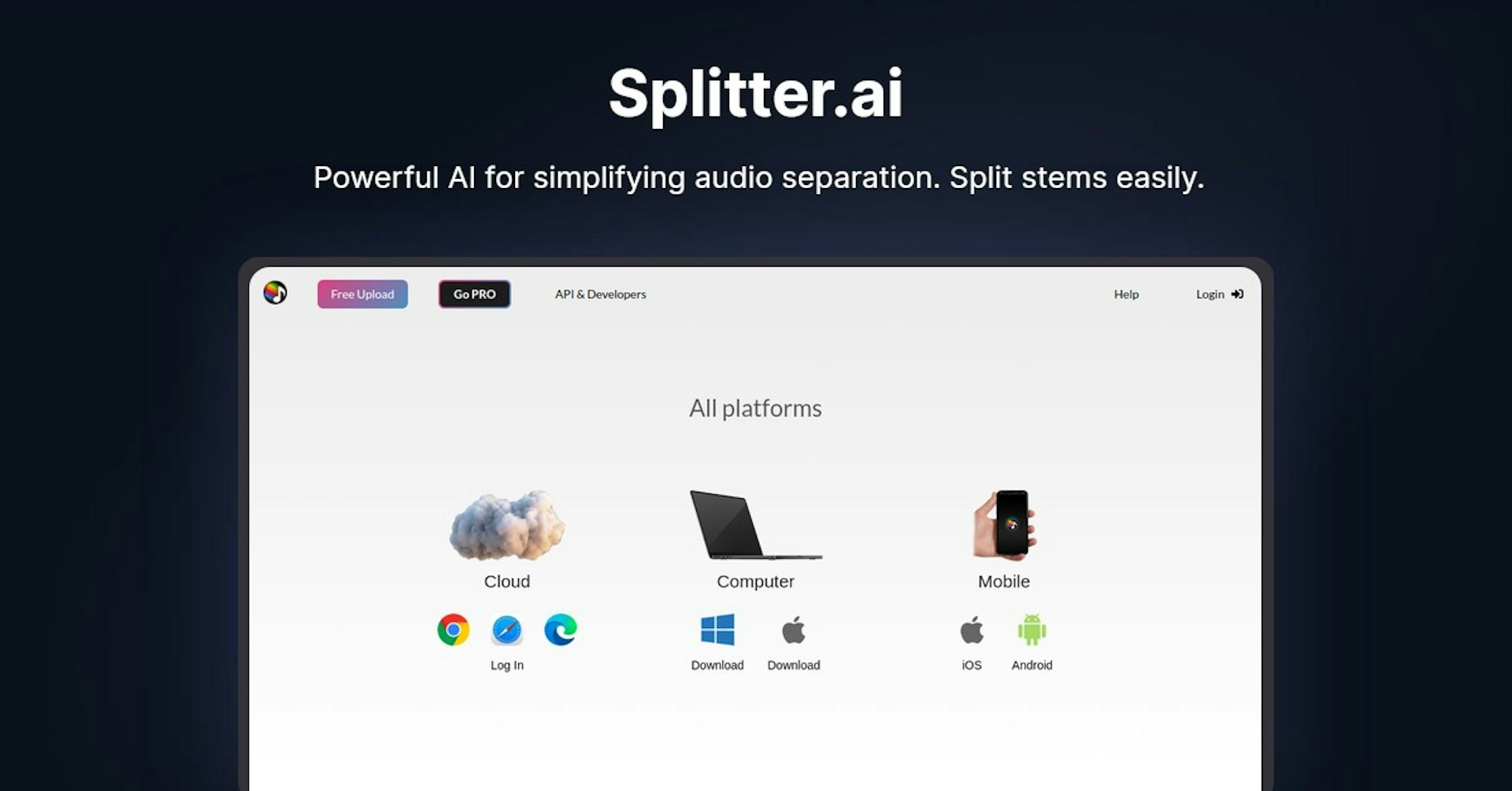
Splitter.ai
Powerful AI for simplifying audio separation. Split stems easily.
4.5
(42 reviews)
Przeglad
Funkcje
Konfiguracja
Why Choose Splitter.ai?
Napedzane AI
Wykorzystuje najnowoczesniejsza technologie AI dla najlepszych wynikow
Latwe w uzyciu
Intuicyjny interfejs zaprojektowany dla uzytkownikow na kazdym poziomie zaawansowania
Bezproblemowa integracja
Dziala doskonale z Twoimi istniejacymi narzedziami i procesami
About Splitter.ai
Revolutionizing Audio Editing with Splitter.ai: A Deep Dive
The world of music and audio engineering is constantly evolving, with new technologies pushing the boundaries of what's possible. In this digital era, artificial intelligence (AI) is at the forefront of innovation, offering tools and solutions that were once deemed futuristic. One such groundbreaking platform is Splitter.ai, a leading AI audio processing company that is changing the game for professionals and enthusiasts alike. In this article, we'll explore everything you need to know about Splitter.ai, from its features and functionalities to its use cases, pricing, support, and much more.
Overview of Splitter.ai
Splitter.ai stands out in the crowded field of audio processing with its advanced AI capabilities and user-friendly approach. It caters to a wide array of users, including professional artists, music producers, DJs, and anyone with a passion for music. Splitter.ai is not just another tool; it's a comprehensive solution for separating stems from music tracks effortlessly. This capability is fueled by their collaboration with Deezer's open-source project, Spleeter, ensuring that users have access to top-notch technology. Whether you're looking to isolate instruments from a track, remove reverb, or split audio directly from YouTube, Splitter.ai offers these functionalities and more, making it a versatile platform for all your audio editing needs.
How Does Splitter.ai Work?
At the heart of Splitter.ai is its AI-driven technology that simplifies the complex process of audio separation. The platform uses the latest machine learning software to isolate various elements of a music track, such as vocals, drums, piano, bass, and other instruments. Users can choose between different models, including a 5-stem model for detailed separation and a 2-stem model for basic vocal and instrumental extraction. This technology not only increases productivity but also opens up new possibilities for creative exploration.
Features, Functionalities, and Benefits
Splitter.ai offers a range of features that cater to the diverse needs of its user base:
- Near-perfect 2-stem and 5-stem separation/extraction
- Reverb removal for cleaner audio outputs
- Direct YouTube splitting for easy access to audio tracks
- An API and developer tools for seamless integration into existing workflows
These functionalities provide significant benefits, such as enhanced creativity, improved workflow efficiency, and the ability to repurpose audio content for various applications.
Use Cases and Potential Applications
Splitter.ai's technology finds application in numerous scenarios, making it a valuable addition to anyone's toolkit. Some of the key use cases include:
- Music producers and DJs can isolate vocals or instruments for remixes and mashups.
- Karaoke enthusiasts can create backing tracks by removing vocals from songs.
- Audio engineers and forensic analysts can clean up audio recordings for clearer analysis.
- Scientists and researchers can separate audio components for detailed study.
Who is Splitter.ai For?
Splitter.ai serves a wide-ranging audience, including:
- Professional musicians and artists seeking high-quality audio separation
- DJs and music producers looking for creative ways to remix tracks
- Audio engineers needing advanced tools for sound editing
- Karaoke lovers and content creators requiring instrumental tracks
- Forensic experts and researchers analyzing audio recordings
Frequently Asked Questions
-
Is Splitter.ai easy to use for beginners? Yes, Splitter.ai is designed with a user-friendly interface that makes it accessible to both beginners and professionals.
-
Can I use Splitter.ai for commercial purposes? Users should be cautious when processing unlicensed music and ensure they have the necessary rights for commercial use.
Przyspiesz Splitter.ai z Autonoly
Polacz Splitter.ai z ponad 200 aplikacjami i zautomatyzuj caly swoj proces
10x szybsze procesy dzieki automatyzacji AI
Bez kodowania - wizualne przeciaganie i upuszczanie
Oszczednosc 75% kosztow operacyjnych
Bezpieczenstwo i niezawodnosc klasy korporacyjnej
Podobne narzedzia AI

PortraitAI
AI generates elegant 18th century-style portraits from your photos for impressive custom art.

Kaedim
Instantly create stunning 3D models from photos with AI, no expertise needed.

Blockadelabs
Craft captivating virtual worlds from text with our magical AI skybox generator

Polycam
Transform everyday photos into stunning 3D models with this popular scanning app.
Szczegoly narzedzia
- Kategoria
Audio editing
- Ocena
4.5/5 (42 recenzji)
- Wsparcie
Dokumentacja i spolecznosc