
ChatGPT extension
Desconhecido
Checkget
Your AI Sidekick for Daily Tasks - Summarize, Write, Translate, Explain and More with One Click
4.5
(42 reviews)
Visao Geral
Recursos
Configuracao
Why Choose Checkget?
Potencializado por IA
Utiliza tecnologia de IA de ponta para resultados superiores
Facil de Usar
Interface intuitiva projetada para usuarios de todos os niveis
Integracao Perfeita
Funciona perfeitamente com suas ferramentas e fluxos de trabalho existentes
About Checkget
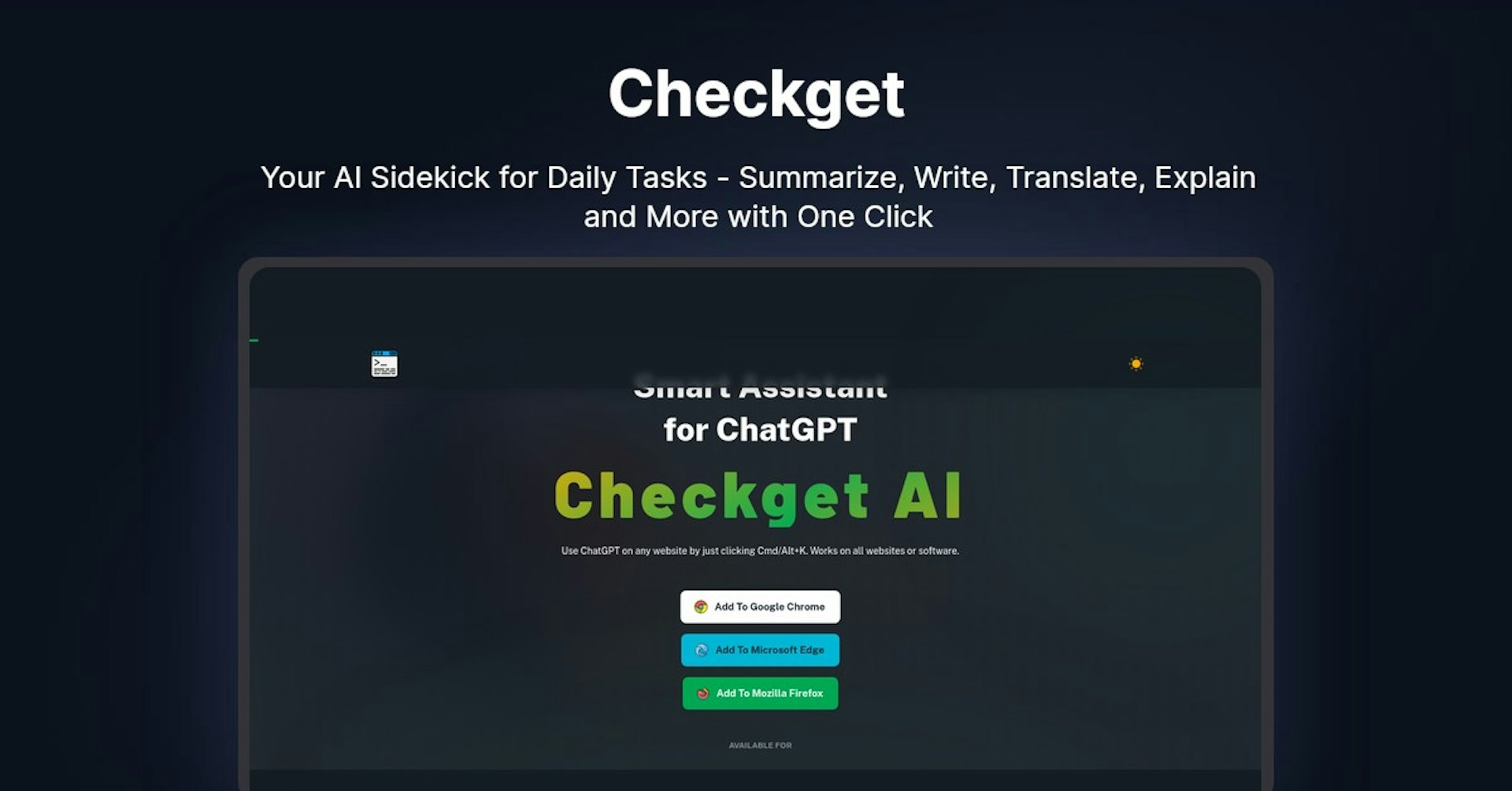
Overview of Checkget AI - Smart Assistant for ChatGPT
Checkget AI is a browser extension that allows you to use ChatGPT on any website with just a quick keyboard shortcut (Cmd/Alt+K). It works on all websites and software to give you access to ChatGPT's AI capabilities for generating content, answering questions, and more.
How Does It Work?
Checkget AI integrates directly into your browser. Once installed, all you need to do is highlight text on any webpage and press Cmd/Alt+K. This will open up a ChatGPT window where you can get AI-generated responses to the selected text.
Some key features and functionality:
- Works on any website or software by just pressing the keyboard shortcut
- Automatically recognizes different scenarios like replying to emails or explaining code
- Lets you easily switch between different styles and tones of voice
- Encrypts everything you send for privacy and security
- Has a local mode that communicates directly with ChatGPT after setting an API key
Key Features and Benefits
- Access anytime, anywhere - No need to copy/paste, open ChatGPT instantly with a keyboard shortcut
- Smart assistance - Automatically recognizes scenarios and contexts like emails or code
- Powerful AI - Can summarize, translate, rephrase, fix grammar, expand text, and more
- Dark mode - Easy on the eyes dark theme
- Privacy - End-to-end encryption for security
- Local mode - Communicate directly with ChatGPT using your own API key
Use Cases and Applications
Checkget AI can be used for a wide variety of applications:
Content Creation
- Get AI-generated drafts, ideas, and outlines for blogs, articles, stories, etc.
- Rephrase or expand on existing text
- Fix spelling/grammar errors
- Summarize long pieces of text
Coding and Programming
- Explain code samples line-by-line
- Generate code examples for specific tasks
- Translate code snippets between programming languages
Research and Learning
- Ask questions on any topic and get detailed, human-like explanations
- Get definitions of terms and concepts
- Have it explain and summarize research papers or long texts
Email and Communication
- Get suggestions for email replies based on selected text
- Rephrase sentences or paragraphs to improve clarity
- Check for spelling/grammar errors
Who is Checkget AI For?
Checkget AI is useful for:
- Bloggers - Generate content ideas, outlines, and drafts
- Students - Ask questions and get explanations on homework or research topics
- Programmers - Get code examples and explanations for learning or debugging
- Writers - Rephrase, expand, or summarize text for stories and articles
- Researchers - Summarize long research papers, generate ideas for projects
- Anyone - Access a powerful AI assistant for any task involving text
Plans and Pricing
Checkget AI offers various pricing plans:
- Free - 20 requests/day, 5 conversation rounds, access to GPT-3.5
- Pro - $9.99/month, 100 requests/day, 10 conversation rounds
- Premium - $19.99/month, 200 requests/day, 15 conversation rounds
- Ultimate - $59.99/month, 1000 requests/day, 30 conversation rounds, access to GPT-4
Support and Integrations
Checkget AI offers community support for free users and priority email support for paying users.
It currently integrates directly into Chrome, Edge, and Firefox as a browser extension. It does not currently offer an API for third-party integrations.
Reviews and Reputation
Checkget AI is a new product but early reviews highlight its ease of use, power, and accessibility compared to other ChatGPT tools. Users mention how seamlessly it integrates ChatGPT into any browser with just a quick keyboard shortcut.
Frequently Asked Questions
Is there a free version?
Yes, the free version provides 20 requests per day and access to GPT-3.5.
Does it work offline?
No, an internet connection is required to use Checkget AI.
What browsers are supported?
Checkget AI has direct extensions for Chrome, Edge, and Firefox.
Is my data secure?
All data is encrypted end-to-end for privacy. You can also use local mode to communicate directly with ChatGPT.
Can I get access to GPT-4?
GPT-4 access is currently only available on the Ultimate pricing plan.
Useful Links
Potencialize Checkget com Autonoly
Conecte Checkget a mais de 200 aplicativos e automatize todo o seu fluxo de trabalho
Fluxos de trabalho 10x mais rapidos com automacao de IA
Sem necessidade de programacao - arrastar e soltar visual
Economize 75% em custos operacionais
Seguranca e confiabilidade de nivel empresarial
Ferramentas de IA Semelhantes

PortraitAI
AI generates elegant 18th century-style portraits from your photos for impressive custom art.

Kaedim
Instantly create stunning 3D models from photos with AI, no expertise needed.

Blockadelabs
Craft captivating virtual worlds from text with our magical AI skybox generator

Polycam
Transform everyday photos into stunning 3D models with this popular scanning app.
Detalhes da Ferramenta
- Categoria
ChatGPT extension
- Avaliacao
4.5/5 (42 avaliacoes)
- Suporte
Documentacao e Comunidade