
Chatting
Desconhecido
LetsView Chat
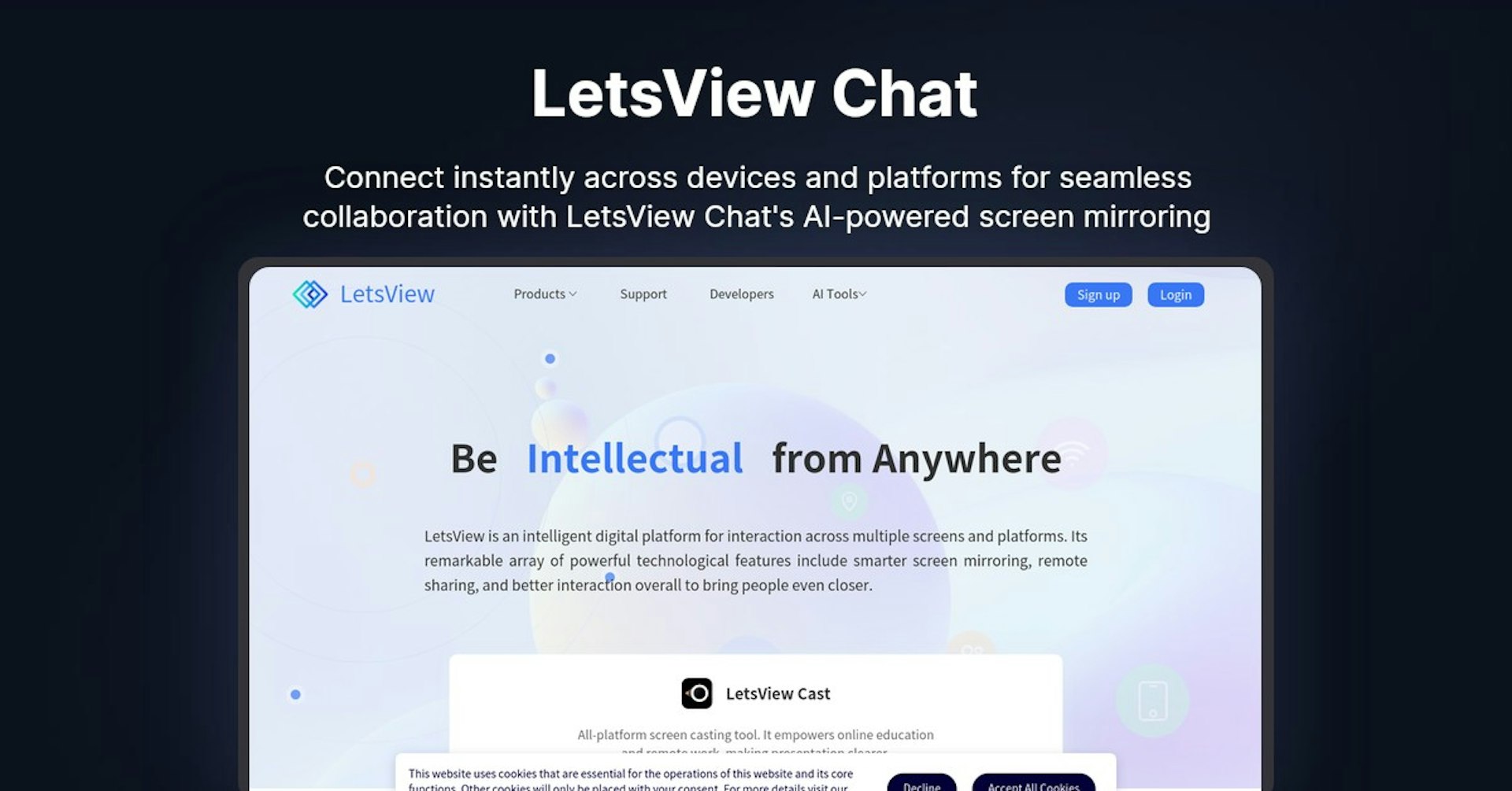
Connect instantly across devices and platforms for seamless collaboration with LetsView Chat's AI-powered screen mirroring
4.5
(42 reviews)
Visao Geral
Recursos
Configuracao
Why Choose LetsView Chat?
Potencializado por IA
Utiliza tecnologia de IA de ponta para resultados superiores
Facil de Usar
Interface intuitiva projetada para usuarios de todos os niveis
Integracao Perfeita
Funciona perfeitamente com suas ferramentas e fluxos de trabalho existentes
About LetsView Chat
Overview of LetsView - All-in-One Screen Mirroring and Remote Access Software
LetsView is an intelligent screen mirroring and remote access platform that connects multiple devices and enables collaboration, presentation, entertainment and more across Windows, Mac, Android, iOS and TVs.
How Does LetsView Work?
LetsView uses advanced screen casting technology to mirror device screens in real-time over a WiFi or mobile connection. It supports bidirectional control so you can also control a connected device remotely.
Key features include:
- Real-time screen mirroring across platforms
- Remote view and control connected devices
- Annotation tools for presentations
- Media streaming from device to device
- Support for iOS, Android, Windows, macOS and TVs
Features and Benefits
Screen Mirroring
- Mirror Android, iOS, Windows and Mac screens
- Low latency mirroring for real-time display
- Annotate on mirrored screens for collaboration
Remote Control
- Remotely control connected devices
- Great for tech support and presentations
- Control from iOS, Android and Windows
Other Key Features
- Media streaming from device to device
- Whiteboard and annotation
- Meeting recording and screen recording
- Support for Airplay, Chromecast and Miracast
- Secured 256-bit AES encryption
Use Cases and Applications
LetsView has many business, education and personal applications:
Business Presentations
- Wirelessly present from any device onto screens, projectors and TVs
- Annotate slides and materials in real-time
- Remotely control the presenting computer
Education and Classrooms
- Teachers can present from their device wirelessly
- Annotate and collaborate on mirrored screens
- Students can share their work for classroom collaboration
Remote Meetings and Events
- Share your screen with remote attendees
- Annotate and collaborate on shared screens
- Record meetings and screen casts for later viewing
Remote Support and Access
- Remotely view and control computers and devices
- Offer remote tech support across platforms
- Access devices and files from anywhere
Personal Entertainment
- Mirror videos, movies and games onto bigger screens
- Shared viewing experiences across devices and TVs
- Stream media from device to device
Who is LetsView For?
LetsView is designed for:
- Businesses - For sales, meetings, tech support, presentations
- Schools and Universities - For classroom display and collaboration
- Personal users - For entertainment, gaming, personal use
- Remote workers - For collaboration, meetings, access
- Technical support teams - For remote device access and control
- And anyone needing wireless screen mirroring and remote access!
Pricing and Plans
LetsView offers free and paid versions:
Free Version
- Completely free to use with no limits
- Contains all the core features
- Limited to 3 minute session lengths
- Supported on Windows and Android only
Premium Plans
Personal Plan
- $9.99 per year
- Unlimited screen mirroring
- Remote control and media streaming
- Support for iOS, Android, Windows, Mac, and TVs
Business Plan
- $29.99 per year
- Unlimited sessions and participants
- Admin dashboard and reporting
- Priority email support
- Branded meeting rooms
Volume discounts available for businesses, contact sales for details.
Support and Integrations
- Email support included for all paid plans
- Priority email support for business plans
- iOS, Android, Windows, Mac, Chrome OS support
- AirPlay, Miracast, Chromecast and DLNA support
- API available for custom integrations
Reviews and Reputation
LetsView is highly rated by industry experts and customers:
"If you are a fan of screen mirroring technologies, of Miracast or any other such protocol, then LetsView will most definitely intrigue you." - Softpedia
"LetsView is an indispensable screen sharing tool in education and business field." - CNET
4.6/5 Stars - Google Play Store from over 5,000 reviews
Useful Links and Resources
Potencialize LetsView Chat com Autonoly
Conecte LetsView Chat a mais de 200 aplicativos e automatize todo o seu fluxo de trabalho
Fluxos de trabalho 10x mais rapidos com automacao de IA
Sem necessidade de programacao - arrastar e soltar visual
Economize 75% em custos operacionais
Seguranca e confiabilidade de nivel empresarial
Ferramentas de IA Semelhantes

PortraitAI
AI generates elegant 18th century-style portraits from your photos for impressive custom art.

Kaedim
Instantly create stunning 3D models from photos with AI, no expertise needed.

Blockadelabs
Craft captivating virtual worlds from text with our magical AI skybox generator

Polycam
Transform everyday photos into stunning 3D models with this popular scanning app.
Detalhes da Ferramenta
- Categoria
Chatting
- Avaliacao
4.5/5 (42 avaliacoes)
- Suporte
Documentacao e Comunidade