
Data charts
Desconhecido
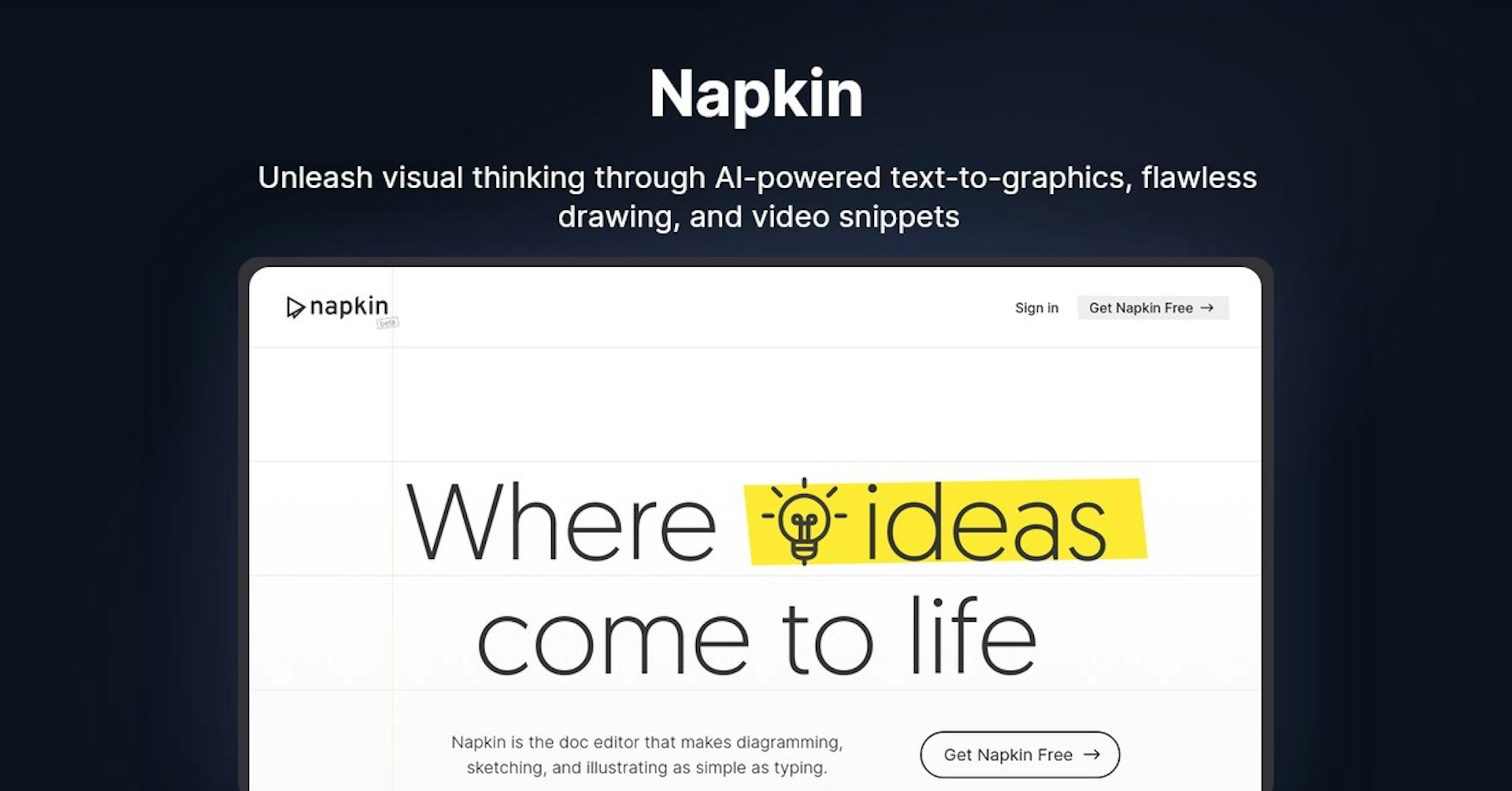
Napkin
Unleash visual thinking through AI-powered text-to-graphics, flawless drawing, and video snippets
4.5
(42 reviews)
Visao Geral
Recursos
Configuracao
Why Choose Napkin?
Potencializado por IA
Utiliza tecnologia de IA de ponta para resultados superiores
Facil de Usar
Interface intuitiva projetada para usuarios de todos os niveis
Integracao Perfeita
Funciona perfeitamente com suas ferramentas e fluxos de trabalho existentes
About Napkin
Overview of Napkin AI: The Doc Editor That Gives You Visual Superpowers
Napkin is an AI-powered doc editor that makes creating diagrams, sketches, and illustrations as easy as typing text. Its text-to-graphics feature transforms your ideas into clear visuals, improving communication.
Key features:
- AI-powered text-to-graphics
- Corrects lines and suggests shapes for clean drawings
- Add and edit video snippets
- Real-time collaboration
- Drag-and-drop, copy/paste, link/PDF sharing
- Context-aware to keep workspace tidy
How Napkin AI Works
Napkin uses artificial intelligence to turn text into graphics and diagrams. Simply type a description of the visual you want to create and Napkin's AI will generate it for you.
The AI also helps clean up drawings by correcting lines and suggesting perfect shapes. This means you don't need drawing skills to create great visuals.
You can add video snippets into your documents and edit them like text. This adds a personal touch for better communication.
Napkin enables easy collaboration. You can edit and comment in real-time with teammates, no matter where they are located.
Key Features and Benefits
AI-Powered Text-to-Graphics
- 60,000x faster brain processing of visuals vs text
- Quickly communicate ideas through automatically generated graphics
- Engaging visuals improve understanding
Flawless, Stress-Free Drawing
- No need for drawing skills
- AI corrects lines and suggests shapes
- Results in clean, clear drawings
Video Snippets
- Record videos and embed into documents
- Edit videos like text
- Adds personal touch for better communication
Real-Time Collaboration
- Live editing and commenting
- Collective clarity between distributed teams
- Native drag-and-drop and file sharing
Clean, Tidy Workspace
- Context-aware menus keep workspace tidy
- Less distraction means greater creativity
- Smooth workflows
Use Cases and Applications
Napkin is useful for:
-
Brainstorming sessions : Quickly sketch out ideas and concepts without artistic skills. The AI generates clean visuals from text descriptions.
-
Explaining concepts : The automatic text-to-graphics can help explain abstract ideas through simple diagrams. Engaging visuals improve understanding.
-
Collaborative documents : Teams can use Napkin to work together on docs with built-in editing, commenting, and file sharing features.
-
Presentations and pitches : Easily create clear diagrams and visuals to include in business presentations. Can also record video snippets to personalize your pitch.
-
Note-taking : Napkin helps you organize thoughts and concepts through AI-generated diagrams. Its tidy workspace keeps your notes clear.
Who is Napkin AI For?
Napkin is designed for:
-
Teams and small businesses : Enables real-time collaboration for distributed teams. Built-in productivity features.
-
Creative professionals : Quickly ideate concepts through AI-generated drawings without artistic skills needed.
-
Presenters : Create clear diagrams and visuals for business presentations. Add personalized video snippets.
-
Students and teachers : Explain complex topics through simple automatically generated diagrams and sketches.
-
Individuals : Great for organizing notes and ideas with AI-powered drawings and tidy workspace.
Plans and Pricing
Napkin currently offers a free beta accessible on desktop web browsers.
Paid pricing plans will be announced soon. Sign up on their website to get updates.
Support
As Napkin is currently in beta, support options are limited. You can engage with the team and provide feedback through their social media channels:
Integrations
No integrations are currently available, but integrations with popular apps are likely coming soon.
API
Napkin has not yet released a public API for developers.
What Customers Are Saying
As Napkin is still in beta, there are currently no customer reviews available. However, Napkin's AI-powered approach shows strong potential for improving visual communication and collaboration.
The free beta offers the opportunity to try Napkin firsthand and provide early feedback to the team.
Frequently Asked Questions
Is there a free version I can try? Yes, Napkin's beta is currently free to use on desktop browsers.
What integrations are available? No integrations yet, but more integrations likely coming soon.
Can I access Napkin on mobile?
The beta is currently desktop browser only. Mobile apps may be added later.
How do I sign up for the beta? You can request an invite on their website to access the free beta version.
Useful Links
Potencialize Napkin com Autonoly
Conecte Napkin a mais de 200 aplicativos e automatize todo o seu fluxo de trabalho
Fluxos de trabalho 10x mais rapidos com automacao de IA
Sem necessidade de programacao - arrastar e soltar visual
Economize 75% em custos operacionais
Seguranca e confiabilidade de nivel empresarial
Ferramentas de IA Semelhantes

PortraitAI
AI generates elegant 18th century-style portraits from your photos for impressive custom art.

Kaedim
Instantly create stunning 3D models from photos with AI, no expertise needed.

Blockadelabs
Craft captivating virtual worlds from text with our magical AI skybox generator

Polycam
Transform everyday photos into stunning 3D models with this popular scanning app.
Detalhes da Ferramenta
- Categoria
Data charts
- Avaliacao
4.5/5 (42 avaliacoes)
- Suporte
Documentacao e Comunidade