
Background removing
未知
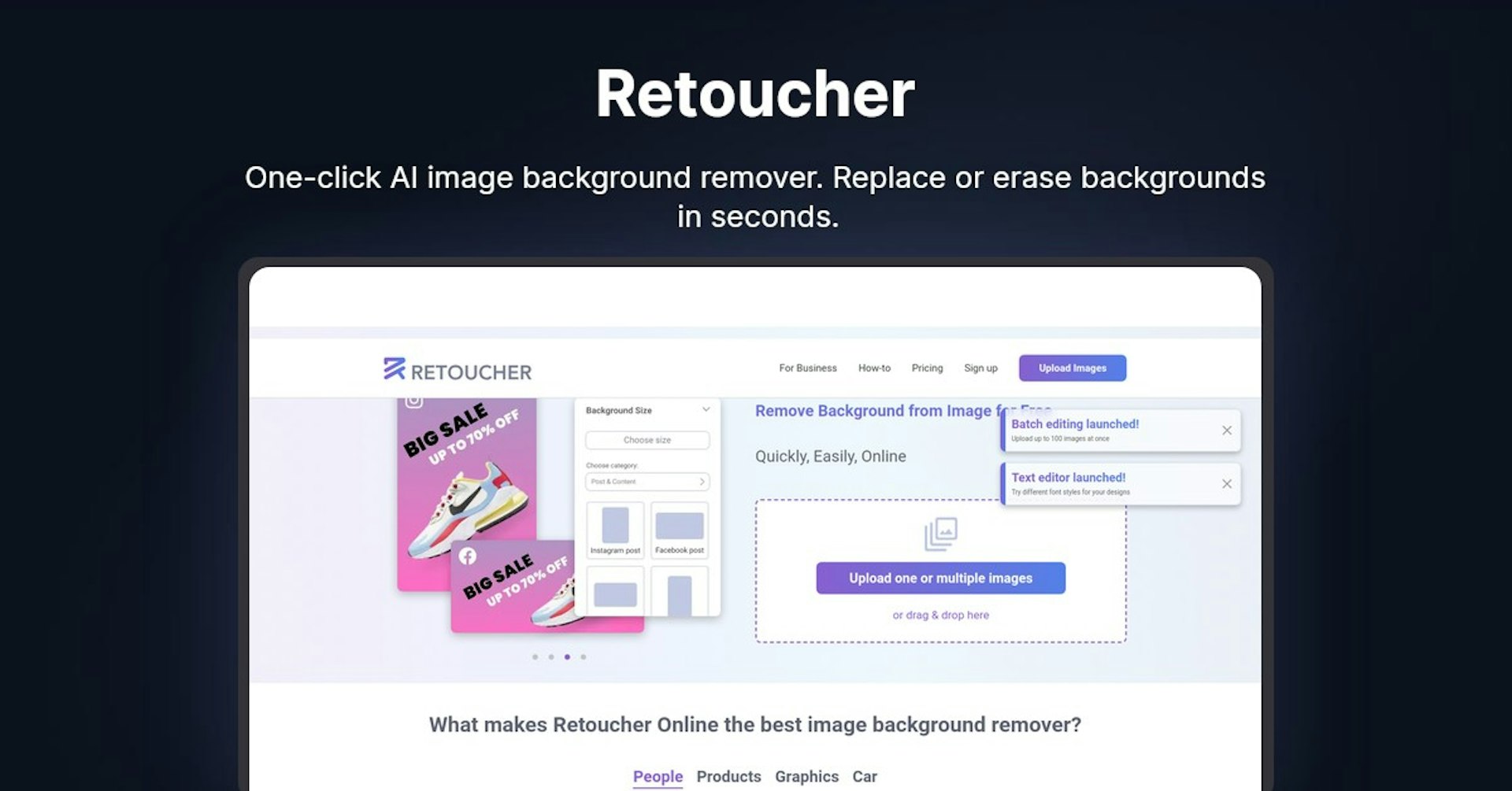
Retoucher
One-click AI image background remover. Replace or erase backgrounds in seconds.
4.5
(42 reviews)
概览
功能
设置
Why Choose Retoucher?
AI 驱动
利用前沿 AI 技术实现卓越效果
简单易用
直观的界面,适合各种技能水平的用户
无缝集成
与您现有的工具和工作流完美配合
About Retoucher
Overview
Retoucher Online is an online image background remover that allows users to remove or replace backgrounds from images quickly and easily.
Key Features and Benefits
Retoucher Online offers several key features and benefits:
-
Automatic background removal - The tool uses AI to automatically remove backgrounds with one click. It works for photos of people, products, graphics, cars, etc.
-
Image editing - After removing backgrounds, users can edit images by adding shadows, changing color, cropping, adjusting image format, etc.
-
Custom backgrounds - In addition to transparent backgrounds, custom image backgrounds can be added.
-
Batch editing - Up to 100 images can be uploaded and edited at once.
-
Free to use - The background remover is free with no signup required. There are no limits.
-
Fast processing - Edited images are ready in seconds.
-
High image quality - The AI tool provides high quality results.
-
Downloadable - Images can be downloaded in any format (PNG, JPG) after editing.
Use Cases and Applications
The background remover has many potential use cases and applications:
-
Personal use - Creating images for social media profiles, passport photos, etc.
-
eCommerce - Preparing product photos to meet marketplace requirements (Amazon, eBay, Etsy etc). Some examples:
-
Uploading product images, removing backgrounds automatically, downloading images ready for your online store
-
Testing product images in bulk and iterating quickly
-
-
Marketing & Advertising - Creating custom graphics and visuals for campaigns by removing backgrounds and adding your own tailored backgrounds
-
Selling Vehicles/Real Estate - Removing backgrounds from photos of cars, houses, etc. to showcase them better online
Instructions for Best Results
Follow these tips:
-
Take photos against high-contrast backgrounds under good lighting
-
Upload images to the tool and choose editing options
-
Use the manual eraser for tricky areas like hair if needed
-
Download final edited images
使用 Autonoly 为 Retoucher 赋能
将 Retoucher 连接到 200 多个应用,自动化您的整个工作流
通过 AI 自动化将工作流速度提升 10 倍
无需编码 - 可视化拖放操作
节省 75% 运营成本
企业级安全与可靠性
类似 AI 工具

PortraitAI
AI generates elegant 18th century-style portraits from your photos for impressive custom art.

Kaedim
Instantly create stunning 3D models from photos with AI, no expertise needed.

Blockadelabs
Craft captivating virtual worlds from text with our magical AI skybox generator

Polycam
Transform everyday photos into stunning 3D models with this popular scanning app.