

Why Automate Substitute Teacher Requests?
When a teacher wakes up sick at 5 AM, the clock starts ticking. Someone needs to find a substitute before students arrive, and the margin for error is razor-thin — instructional time lost to uncovered absences being a staffing challenge the U.S. Department of Education tracks across districts. In many schools, this process depends on phone calls, text messages, and email chains between the absent teacher, the front office, and the substitute coordinator. Important details get lost in the shuffle — which periods need coverage, where the lesson plans are, whether there are any special considerations for the day. Messages go unread, phone calls go to voicemail, and coverage gaps leave classrooms without instruction. For students, an uncovered absence means lost instructional time that cannot be recovered.
The operational impact of a disorganized substitute process extends beyond the day of the absence. When coordinators spend their mornings in reactive scramble mode, they cannot focus on building reliable substitute relationships, maintaining an active substitute pool, or addressing the systemic patterns that drive teacher absences. Schools that lack efficient substitute management often see higher substitute no-show rates because the communication is unreliable — substitutes who do not receive clear, timely information about their assignments are less likely to accept future requests.
Automating the substitute request workflow with Gmail and Slack creates a reliable, fast pipeline from teacher absence notification to substitute coordinator action. Every request is captured, formatted with all necessary details, and delivered to the right person within minutes — even at 5 AM. No more phone tag, no more missed messages, and no more scrambling. The system also creates a complete absence and coverage record that helps administrators identify patterns and plan proactively. Use the AI Agent Chat to configure routing rules and escalation timelines through natural conversation.
This workflow is essential for K-12 schools, school districts, private schools, and any educational institution that manages substitute teacher coverage. Browse our templates library for pre-built substitute request workflows.
How the AI Agent Handles Substitute Requests
The process begins when a teacher sends an absence email to a designated address (e.g., [email protected]). The email contains the teacher's name, absence date or dates, the classes that need coverage, the periods or time blocks affected, and any lesson plan notes or instructions for the substitute.
The agent monitors this email inbox every four hours — or more frequently during early morning hours when most absence notifications arrive. Using Data Extraction, the agent parses the email to identify each key piece of information: who is absent, when, which classes are affected, and what the substitute needs to know.
The Data Processing engine formats this information into a clean, actionable message. The formatted request is then posted to a designated Slack channel — for example, #substitute-requests — where the substitute coordinator and backup coordinators can see it immediately.
The Slack message includes:
Teacher name and the date(s) of absence
Classes needing coverage with period numbers, times, and room numbers
Lesson plan summary or a note that lesson plans will be on the teacher's desk
Special notes — any student accommodations, field trips, or tests that require specific handling
Urgency indicator — same-day requests are marked as urgent
Simultaneously, the request is logged in a Google Sheets tracker with columns for teacher, date, classes, status (pending, covered, unresolved), assigned substitute, and any notes. This tracker gives administrators a complete view of all absence and coverage activity.
Routing and Escalation
The Logic & Flow engine adds intelligence to the routing process. Standard requests go to the #substitute-requests channel. Same-day urgent requests — where the absence is for today and no coverage has been arranged — trigger a direct message to the substitute coordinator in addition to the channel post.
If a request remains in "pending" status for more than two hours, the agent sends an escalation notification to the assistant principal or backup coordinator. This ensures no request falls through the cracks, even during busy mornings.
For districts with centralized substitute pools, the agent can post to a district-wide Slack channel where multiple schools' coordinators can see available substitutes and coordinate coverage across buildings.
Lesson Plan Coordination
One of the biggest challenges with substitute coverage is ensuring the substitute has adequate instructions. The automated workflow encourages teachers to include lesson plan details in their absence email. These details are passed through to the Slack message and logged in the tracker.
If a teacher's email does not include lesson plan information, the agent can send an automatic follow-up email requesting lesson plans or at minimum a note about where to find them. This gentle prompt improves the quality of information available to substitutes and reduces wasted instructional time.
Scheduling and Automation
The workflow runs every four hours throughout the day to catch absence notifications promptly. During the critical 4 AM to 7 AM window, you can increase frequency to every hour so early morning absences are processed before staff arrives. The Visual Workflow Builder lets you set different frequencies for different time windows.
Each run processes only new absence emails that have not been previously routed. The agent marks processed emails with a label in Gmail to prevent duplicate Slack posts.
At the end of each week, the agent generates a coverage summary report from the tracker spreadsheet: total absences, coverage rate (percentage of absences that were successfully covered), average time to coverage, and any patterns like frequently absent teachers or hard-to-cover periods. This report is delivered via Gmail to school administrators.
What Data You Get
Your substitute request tracker captures comprehensive absence and coverage data:
Teacher Name — Who reported the absence
Absence Date(s) — Single day or date range
Classes Affected — Period numbers, course names, and room numbers
Lesson Plan Status — Provided, pending, or on desk
Request Priority — Standard or urgent (same-day)
Coverage Status — Pending, covered, or unresolved
Assigned Substitute — Who accepted the assignment
Routed Timestamp — When the Slack message was posted
Resolution Time — How long from request to coverage confirmation
Customizing Your Workflow
The Visual Workflow Builder lets you adapt the substitute request pipeline to your school's specific needs. Use Logic & Flow conditions to route requests differently based on department — science absences go to the science department substitute coordinator, while elementary requests go to the building-level coordinator. Add automatic lesson plan follow-ups when teachers omit instructional details from their absence email. Configure different escalation timelines for different urgency levels, and maintain a preferred substitute list that the agent references when posting coverage requests.
Integration Options
Route requests to Slack for immediate coordinator visibility and team collaboration. Monitor the absence inbox through Gmail and send follow-up emails to teachers for missing lesson plans. Track all absence and coverage data in Google Sheets for reporting and pattern analysis. Visit the Integrations page for all connection options.
Use Cases
K-12 schools routing teacher absence notifications to substitute coordinators within minutes of submission
School districts managing centralized substitute pools across multiple buildings with cross-school visibility
Private schools maintaining instructional continuity by ensuring fast, reliable substitute placement
Large high schools handling subject-specific substitute requirements where math and science coverage needs differ from general substitutes
Schools with high absence rates using coverage data to identify patterns and plan preventive interventions
Multi-Day Absences
When a teacher reports a multi-day absence (e.g., out Monday through Wednesday), the agent creates a single Slack post covering all days but logs each day separately in the tracker. If the same substitute covers all three days, a single tracker update handles the assignment. If different substitutes cover different days, each day can be updated independently.
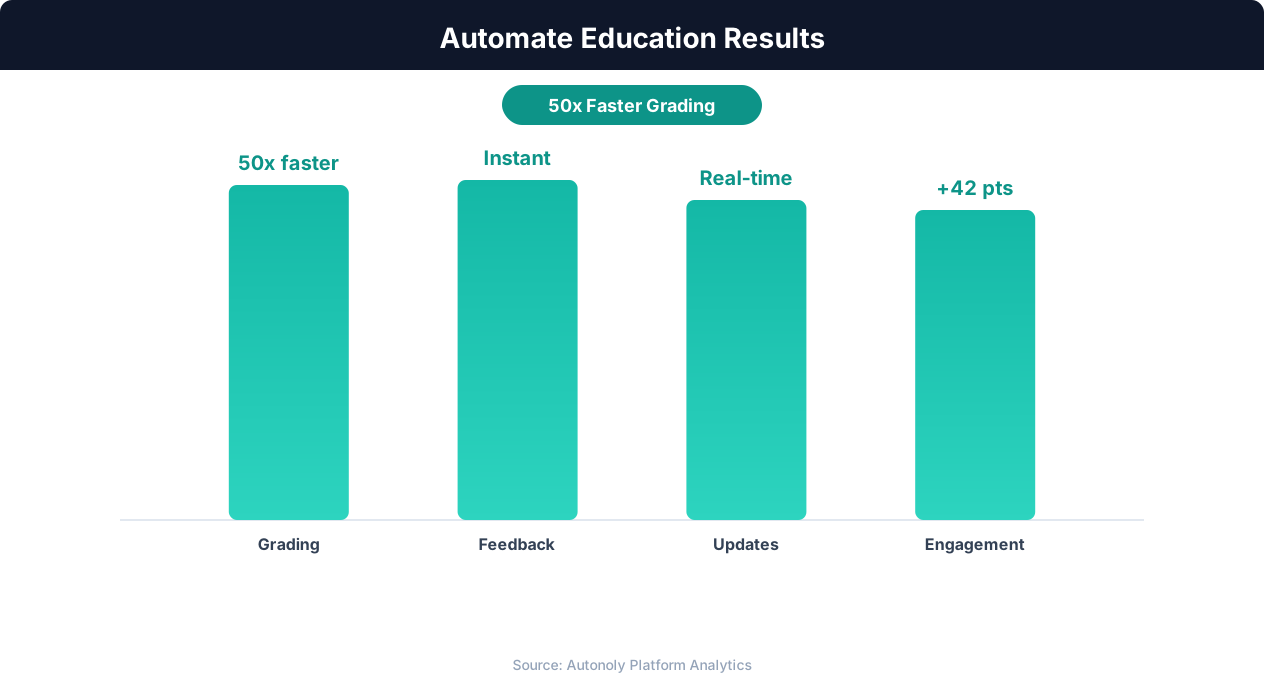
Student engagement improvements from automation
Key Insight: Automated grading and feedback systems improve student performance by 18% by providing instant, consistent feedback on assignments (EdTech Magazine).
How the AI Agent Does It
The agent monitors your absence email inbox using Gmail integration and parses each request with Data Extraction. The Data Processing engine formats the request into a structured Slack message and posts it to your substitute coordinator's Slack channel. Requests are simultaneously logged in Google Sheets for tracking and reporting. The agent compares the absence date to the current date — same-day requests receive an urgent flag in the Slack post and trigger a direct message to the coordinator, ensuring immediate attention for time-sensitive coverage needs.
Key Insight: Institutions using enrollment automation see 34% higher conversion rates from inquiry to enrollment due to faster, more personalized responses (NACAC).
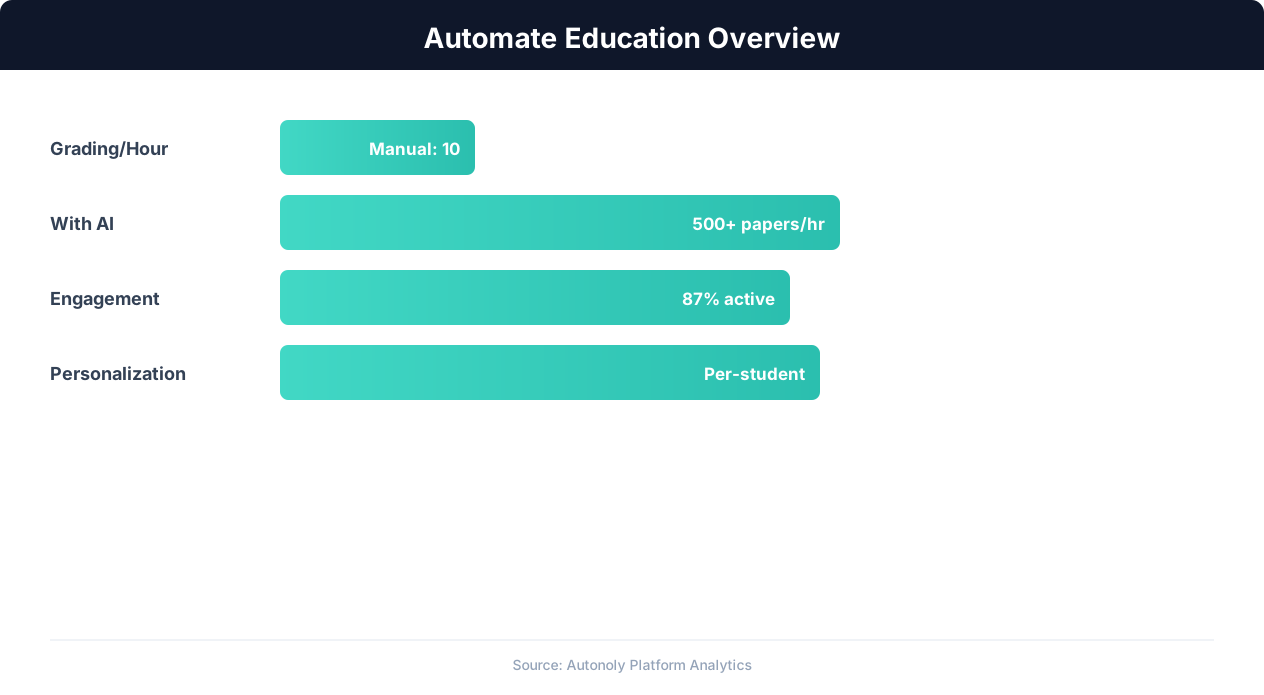
Education automation adoption rates across institution types
Key Insight: Teachers spend 50% of their working hours on non-teaching tasks like grading and admin. Automation can reclaim up to 13 hours per week (McKinsey Education Report).
Scheduling and Automation
The workflow runs every four hours throughout the day to catch absence notifications promptly. During the critical 4 AM to 7 AM window, you can increase frequency to every hour so early morning absences are processed before staff arrives. The Visual Workflow Builder lets you set different frequencies for different time windows. Each run processes only new absence emails that have not been previously routed, and the agent marks processed emails with a label in Gmail to prevent duplicate Slack posts.
Add Logic & Flow escalation rules so that requests remaining in pending status for more than two hours trigger alerts to backup coordinators. Generate weekly coverage reports showing total absences, coverage rates, and resolution times for administrators. Check pricing to see how many automated runs are included in your plan.
Further Reading
Explore more about the tools and techniques used in this workflow: No Code Automation Guide, Ai Workflow Automation, Email Campaigns, Form Automation.