


Why Automate News Article Scraping?
Media monitoring is a critical function for PR teams, market researchers, competitive intelligence analysts, and content marketers. Tracking news coverage across dozens of publications manually is not only time-consuming but virtually impossible to do comprehensively. Stories break across hundreds of news outlets simultaneously, and missing a key article can mean missing a market-moving event, a competitor announcement, or a reputational issue.
Autonoly's Browser Automation automates the collection of news articles from any online publication, news aggregator, or industry trade journal. Instead of checking twenty websites each morning, you get a consolidated spreadsheet delivered to your inbox or synced to your team's workspace.
How the AI Agent Scrapes News Articles
News websites vary enormously in their technology and layout — from traditional media sites with paywalls and complex navigation to modern publications built on React or Next.js. Autonoly's AI Agent Chat handles this diversity because it uses a real browser and adapts to each site's structure intelligently.
Describe your monitoring needs in plain English — "collect all articles about electric vehicles from TechCrunch, Reuters, and Bloomberg published in the last 7 days" — and the agent builds the appropriate navigation plan. It visits each source, runs searches or browses category pages, and uses Data Extraction to pull article metadata and content.
The agent handles common news site challenges: cookie consent banners, soft paywalls (metered access), infinite scroll article feeds, and dynamically loaded content. It can navigate from article listing pages into individual articles to extract full text, author bios, publication dates, and tags.
What Data You Get
A standard news article export includes:
Headline — Article title
Author — Byline or contributing author
Publication Date — When the article was published
Source — Publication name and section
Summary — Article excerpt or lead paragraph
Full Text — Complete article body (optional, depending on access)
URL — Direct link to the article
Tags/Categories — Topic tags assigned by the publication
Image URL — Featured image link
Additional fields like social share counts, comment counts, or related article links can be extracted upon request.
Customizing Your News Monitoring
The Visual Workflow Builder enables sophisticated media monitoring workflows:
Multi-source aggregation: Scrape articles from 10+ publications in a single workflow
Keyword filtering: Only collect articles matching specific terms or phrases
Deduplication: Remove duplicate stories that appear across multiple syndicated sources using Data Processing steps
Sentiment tagging: Chain a processing step to classify articles as positive, negative, or neutral
Use SSH & Terminal to run NLP scripts for topic extraction, entity recognition, or custom sentiment models on the collected articles. Build media intelligence dashboards powered by automated data collection.
Scheduling and Monitoring
News monitoring is inherently a recurring task. Schedule your workflow to run daily (morning briefing), multiple times per day (breaking news tracking), or weekly (industry roundup). Each run collects new articles since the last execution, building a comprehensive media archive over time.
Combine news scraping with alert capabilities to receive Slack notifications when articles mention your brand, competitors, or key industry terms.
Exporting and Integrating
News article data flows to multiple destinations:
Excel (.xlsx) — Standard format for media monitoring reports
[Google Sheets integration](/integrations/google-sheets) — Live collaborative monitoring dashboard
[Notion](/integrations/notion) — Build a searchable media intelligence database
[Slack](/integrations/slack) — Push daily news summaries to team channels
Explore our templates library for pre-built media monitoring workflows. Visit pricing for execution details. For underlying concepts, see our workflow automation glossary. The full Integrations catalog covers all available output destinations.
Use Cases
PR teams monitor brand mentions and industry coverage to measure campaign effectiveness and catch crises early. Competitive intelligence teams track competitor announcements, partnerships, and executive changes. Investors monitor news for market-moving events across their portfolio companies. Content marketers identify trending topics to inform their editorial calendar. Legal teams track regulatory news and compliance-relevant developments.
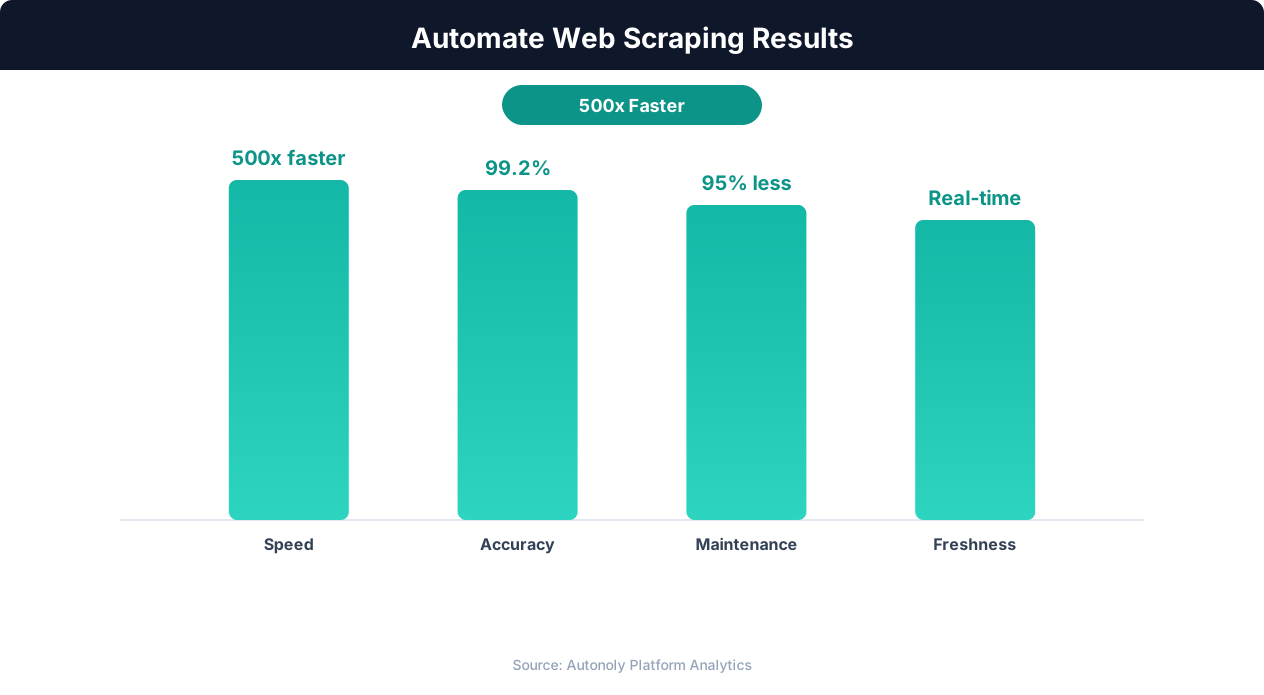
Data quality metrics for automated web scraping pipelines
Key Insight: AI-powered web extraction achieves 94% accuracy vs 72% for regex-based scrapers, while handling dynamic JavaScript-rendered content automatically (Diffbot Research).
How the AI Agent Does It
Autonoly's AI agent uses Browser Automation to launch a real Chromium browser and navigate news websites exactly as a human reader would. You describe your monitoring needs in plain English — specifying publications, topics, date ranges, or keywords — and the agent builds the navigation plan automatically. It visits each source, runs searches or browses category pages, and uses the Data Extraction engine to identify article listing patterns and pull consistent metadata from each entry. The agent handles common obstacles including cookie consent banners, soft paywalls with metered access, infinite scroll feeds, and dynamically loaded content. For full article collection, it clicks into individual articles to extract complete body text, author information, and publication tags.
Adapting to Any News Source
Because the agent understands page structure semantically rather than relying on hardcoded selectors, it works across any news website — from major publications like Reuters and Bloomberg to niche industry trade journals and regional outlets. Your workflow keeps running even when publications redesign their sites.
Key Insight: Automated web scraping collects data from 1,000+ pages per hour — a task that would take a human researcher over 200 hours to complete manually (Bright Data Report).
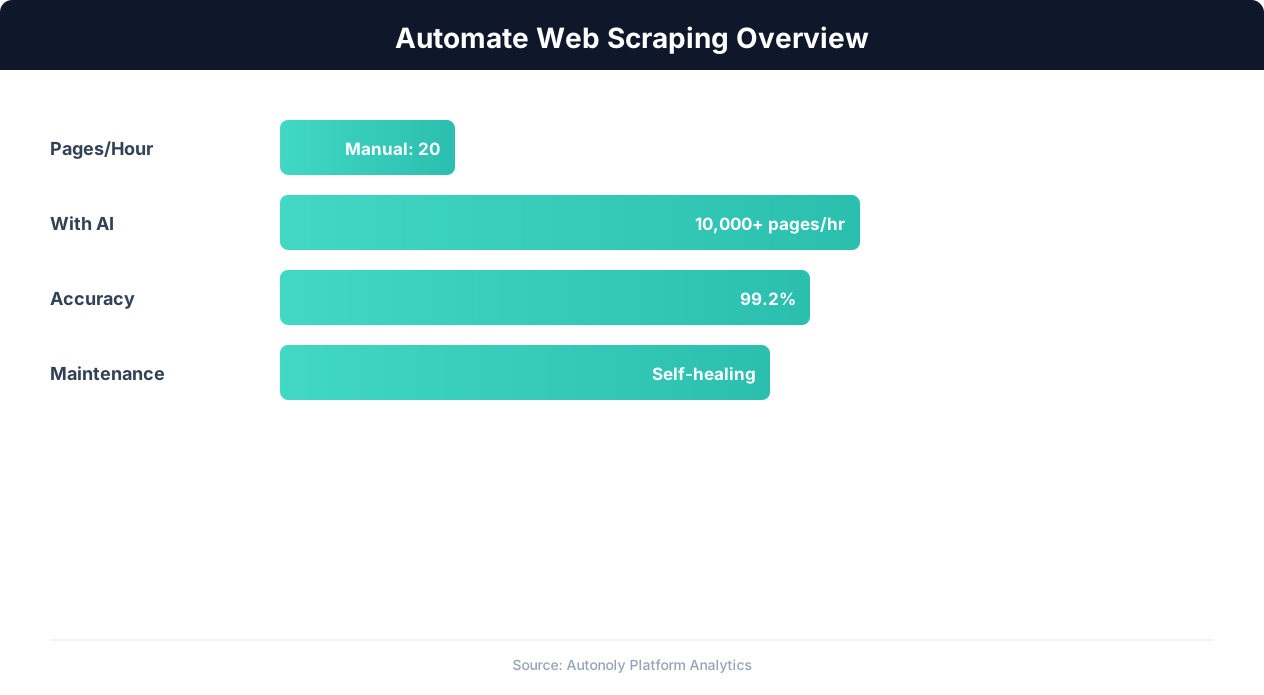
Web scraping automation accuracy across data types
Key Insight: Companies using automated data collection make strategic decisions 4x faster by having real-time competitive and market data instead of quarterly manual reports (Gartner).
Customize Your Output
The Visual Workflow Builder gives you complete control over your news monitoring pipeline. Add Data Processing steps to deduplicate articles syndicated across multiple outlets, classify stories by sentiment or topic category, or extract named entities like company names and executive mentions. Use Logic & Flow conditions to route articles based on keyword matches — sending brand mentions to your PR team's Slack channel while routing competitor news to a separate competitive intelligence dashboard. Schedule workflows to run multiple times daily for breaking news monitoring or weekly for industry roundups. Results can flow simultaneously to Excel for archiving, Google Sheets for collaborative analysis, and Notion for building a searchable media intelligence database. For advanced text analysis, pipe articles through Python NLP scripts using SSH & Terminal to perform topic modeling, entity extraction, or custom sentiment classification.
Further Reading
Explore more about the tools and techniques used in this workflow: Web Scraping Best Practices, Scrape Dynamic Websites, Ai Content.